Managing a busy household often feels like trying to control a storm. The new Skylight Calendar 2 arrives as a digital solution to calm that daily chaos.
This updated smart display promises to replace your messy paper calendar with a sleek, automated command center. It offers faster performance and clever AI tools, but does the high price tag match the value it brings to your kitchen wall?
A Brighter Look With One Strange Flaw
The first thing you notice about the Skylight Calendar 2 is the display quality. The company upgraded the screen to be significantly brighter and more responsive than the previous model. This matters when you are trying to read a dinner menu from across the kitchen.
The touch response is much faster now, making it feel like a modern tablet rather than a sluggish budget device.
Skylight also introduced interchangeable magnetic frames. You can swap the standard black border for other colors to match your room decor. This is a nice touch for those who care about interior design.
However, the hardware took one confusing step backward. The new stand is lighter and sturdy, but it only supports landscape orientation.
Many users preferred the portrait mode on the old model to fit into tight spaces on shelves or counters. You can still wall mount it vertically, but desk usage is now limited to wide mode only.
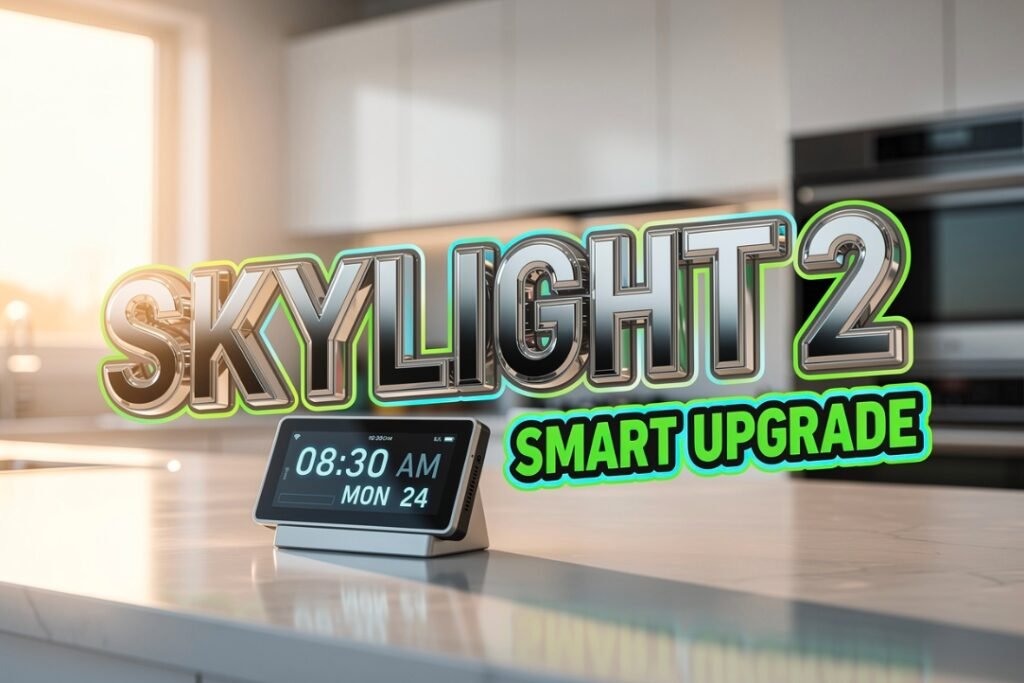
Skylight Calendar 2 digital display on kitchen counter with meal plan
Organizing Your Life Gets Easier With Tech
The core function of this device is syncing your existing digital life into one view. It does not try to reinvent the wheel. It simply displays what you already have.
The calendar integrates smoothly with major platforms:
- Google Calendar
- Outlook
- Apple Calendar
- Yahoo
- Cozi
Once you link your accounts, every soccer practice and work meeting appears instantly on the screen. You can tap the plus button to add new events directly on the device.
The virtual keyboard is sharp and easy to type on. This makes adding a last minute reminder to buy milk very quick.
Having a dedicated screen prevents you from getting distracted by social media apps on your phone when checking your schedule.
The Real Cost of Organization
The Skylight Calendar 2 is a premium device with a premium price. It costs $299 upfront. This is a steep investment for a screen that mostly shows a calendar.
There is also a hidden cost to unlock the best features. Skylight locks its “Magic Import” and meal planning tools behind a Plus Plan subscription. This costs $79 per year.
Here is a quick breakdown of the good and the bad:
| Pros | Cons |
|---|---|
| Bright and responsive HD touchscreen | High upfront cost of $299 |
| Syncs with all major calendar apps | Best features require a paid subscription |
| Helpful AI meal planning tools | Stand only works in landscape mode |
The “Sidekick” AI feature is part of that paid plan. It is surprisingly useful. You can tell the AI that your family needs low sugar meals with chicken. It will then generate a full weekly meal plan and a shopping list.
Why This Gadget Changes How Families Work
Despite the high cost, the Skylight Calendar 2 solves a very real problem. It reduces the mental load of remembering everything.
When the calendar is on the wall, the whole family can see it. Kids stop asking what is for dinner. Partners stop asking when the plumber is coming. The information is just there.
The ability to glance at the wall and see your entire day creates a genuine sense of peace in a busy home.
It acts as a single source of truth for the household. While the subscription model is annoying, the daily utility creates enough value for most busy parents to justify the expense.
The Skylight Calendar 2 is not perfect. The stand limitation is odd and the price is high. But if you want to sync your family life without the headache, this device is the best tool for the job.
It turns a frantic morning into a managed routine. For many families, that peace of mind is worth every penny.
Do you think a digital wall calendar is worth the money, or will you stick to paper? Let us know in the comments below. If you are sharing your setup on social media, use the hashtag #FamilyTech to show us how you stay organized.
