
NEWS
New Android Malware Survives Reset But You Are Safe

Imagine wiping your phone completely clean only to find a stubborn virus waiting for you. A new threat named NoVoice has infected over two million Android devices through fake daily utility apps. This vicious software steals bank passwords and survives a full system wipe. The good news is your phone is likely already fighting it off.
The Hidden Danger Inside Everyday Apps
Security researchers at McAfee recently uncovered a massive digital trap hiding in plain sight. They found the NoVoice malware lurking inside more than fifty seemingly harmless applications on the official app store.
Users downloaded these bad applications over two million times before anyone noticed the problem. Most victims thought they were installing simple tools to make their devices run faster or look better. People simply wanted a clean digital workspace and ended up compromising their privacy.
The most prominent offender identified so far is an application called SwiftClean. People downloaded this application hoping to free up storage space on their sluggish phones. Instead, they unknowingly handed over the keys to their private digital lives.
| App Category | Why Users Download Them | The Hidden Threat Level |
|---|---|---|
| System Cleaners | To boost phone speed | Extremely High |
| Battery Savers | To extend daily battery life | Very High |
| Custom Keyboards | To get cool typing themes | High |
| Photo Galleries | To organize family pictures | Moderate |
Attackers constantly disguise their nasty code as helpful daily utilities. They know people are always looking for quick ways to improve battery life or organize their photos. The hackers exploit this natural human desire for a better digital experience.
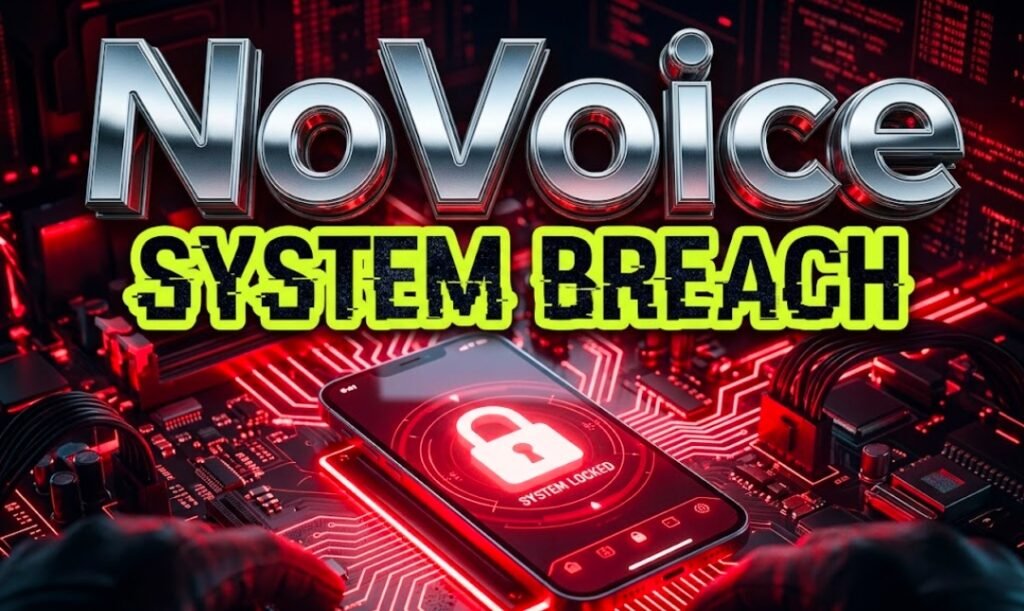
dangerous android smartphone virus warning screen
How NoVoice Gains Total Control Over Devices
Once a user opens an infected application, the malware silently goes to work in the background. It aggressively hunts for old security flaws in the operating system. The software moves quickly to avoid detection by the user.
If the virus finds a weak spot, it executes a process known as gaining root access. This means the software grants itself the highest level of permission possible on the device. It essentially becomes the boss of your smartphone.
With root privileges active, hackers can see and control almost everything you do. They can silently read your text messages or monitor your screen without you ever knowing.
- Steals usernames and passwords for personal banking applications.
- Installs new malicious applications without asking your permission.
- Deletes critical system files to hide its tracks from antivirus scanners.
- Copies personal photos and uploads them to remote servers.
This level of control turns your personal communication tool into a spy in your pocket. The attackers can literally watch your digital life unfold in real time. They gather enough information to steal your identity entirely.
Spotting Fake Cleaners Before You Download
The success of this massive attack relied entirely on tricking innocent people. Hackers know that everyone eventually runs out of storage space or experiences a sluggish device. They prey on this common frustration.
You must learn to spot the warning signs of a dangerous utility application before hitting the download button. The biggest red flag is a developer name you do not recognize. Unknown names often signal a newly created fake account.
Legitimate cleaning tools usually come directly from the device manufacturer or highly trusted global software brands. If a random company promises to make your battery last for five days, they are definitely lying.
[PULL QUOTE]
“When an application asks for permission to view your text messages just to clean up your photo gallery, you should delete it immediately.”
Always take a few moments to read the written user reviews thoroughly. Fake applications often feature hundreds of five star ratings with only one or two generic words attached. Real reviews contain specific details about how the software performs.
Why A System Wipe Fails To Stop The Threat
The most terrifying aspect of NoVoice is its sheer stubbornness. Most viruses disappear when you perform a full system wipe and return the device to its original factory settings. A fresh start usually solves all software problems.
NoVoice digs itself deep into the core system files where regular reset commands cannot reach. It permanently alters the foundation of the operating system itself.
You could erase all your photos, delete every contact, and start fresh today. The virus would simply wake up again the moment the phone turns back on.
INFOGRAPHIC STYLE LIST: How The Trap Snaps Shut
- The Bait: A user downloads a fake cleaner app from the store.
- The Breach: Malware silently unpacks itself and scans for old system flaws.
- The Anchor: The virus rewrites core device files to make itself permanent.
- The Theft: Attackers begin extracting financial data and personal details.
Security Updates And Play Protect Save The Day
Before you panic and throw your device in the river, you should know about the massive safety net protecting you. Google confirmed this specific threat only impacts severely outdated operating systems.
If your phone has received any software update since May 2021, you are completely immune to the NoVoice exploit. The specific flaws this virus targets were fixed years ago by brilliant security engineers.
This situation perfectly highlights exactly why constant software updates are vital for your digital safety. Holding onto an ancient device without updates is like leaving your front door wide open at night.
[CALL OUT BOX]
CHECK YOUR SAFETY STATUS
Go to your device settings menu right now. Scroll down to the security section and verify your last update date. If the screen says anything after May 2021, you are safe from NoVoice.
Google Play Protect is also actively hunting down these specific threats right now. The built in security system automatically uninstalls the known bad applications from affected devices. It acts as a silent digital bodyguard.
Furthermore, the company blocked any new installations of the fifty identified applications. They are working around the clock to ensure the application store remains a safe environment for everyone.
Your smartphone holds your most precious memories, private conversations, and financial secrets. The discovery of the NoVoice virus serves as a stark reminder that digital threats are constantly evolving to steal that private data. Thankfully, the combined power of regular security patches and active monitoring keeps the vast majority of us safe from harm. Do you regularly check your phone for the latest security updates, or do you tend to ignore those annoying notifications? Please drop your thoughts in the comments below and share this important alert with your family on social media using the hashtag #AndroidSafety to help protect them.


Conor Oberst’s Trump Writer’s Block Exposes a Bigger Crisis

Siemens Wires Its Chip Software Into NVIDIA’s Quantum Agents

Pixel 11 Price Hikes Reveal Memory Chipmakers’ Record Profits

Charles Schwab Backs the CLARITY Act as Odds Collapse

Nodes Upgrading to XRP Ledger’s xrpld 3.2.0 Fall Out of Sync

Trump Halts Iran Strikes as Bitcoin Stays Stuck Near $64K

ChatGPT’s Health Push Repeats a Bet That Killed Two Rivals

Crypto Rallies on Iran Truce While Fed Hike Odds Triple

Samsung’s New Lockout Rule Targets Thieves and Police Forensic Tools

Gemini Daily Brief Tests Custom Prompts, a Year Behind Samsung

CLARITY Act Final Text Expected This Weekend as 60-Vote Hurdle Looms

Kalshi Loses Major NY Prediction Markets Ruling to Judge Torres

Fed Minutes Cite AI Demand as Inflation Risk, Put a 2026 Hike Back on the Map

Marker AI Writing Startup Lands $13M Seed Led by Index Ventures

Dota 2 Esports World Cup 2026: Spirit Defends $2M Title In Paris

Meta’s Muse Spark 1.1 Beats Rivals on Price, Trails on Coding

CS2 Premier Season 5 Lands With Cache and a C4 Damage Rework

Trump Calls Iran ‘Islamic Republic of Japan’ as Ceasefire Ends

ARC Intelligence Closes €4M Seed Round in Roughly a Week

Finto Picks Munich Over Silicon Valley After YC, Raises $3.4M
-
 FINANCE2 months ago
Zcash Patched a Double-Spend Bug as ZEC Climbed 5%
-
 ENTERTAINMENT2 months ago
Steam Summer Sale 2026 Locks In June 25 to July 9 Dates
-
 NEWS3 months ago
Meta Adds AI Replies to Threads, But Users Can’t Block It
-
 FINANCE3 weeks ago
CLARITY Act Final Text Expected This Weekend as 60-Vote Hurdle Looms
-
 ENTERTAINMENT2 months ago
‘Widow’s Bay’ Review: Apple TV’s Sleeper Horror-Comedy Earns Its Fog
-
 NEWS7 months ago
FolderFresh Review: This Free Tool Automates Windows File Organizing
-
 NEWS4 months ago
U.S. Navy Deploys Solar-Powered Lightfish Drone to Patrol Oceans
-
 FINANCE3 weeks ago
Kalshi Loses Major NY Prediction Markets Ruling to Judge Torres