
NEWS
Perplexity’s Comet on iPhone Splits Search From the Engine
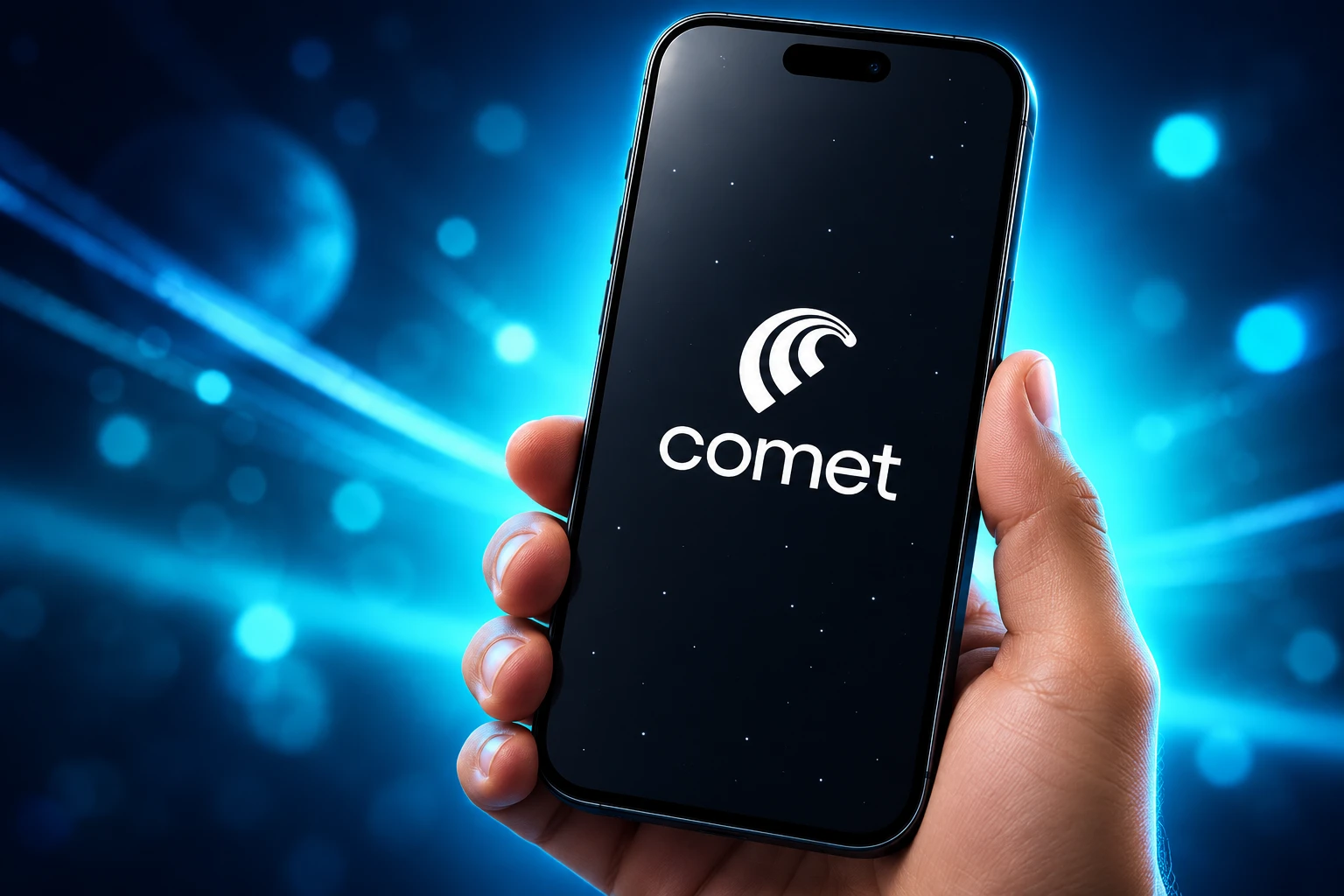
Comet for iPhone launched in March 2026 as a WebKit browser that, at launch, put Google in the search box and parked Perplexity in the assistant.

March 18, 2026 put Perplexity’s Comet browser on the iPhone as a free App Store download with a built-in assistant. The date had already slipped a week from March 11, and the iPhone build joined Mac, Windows, and Android rather than inventing a new category on the spot.
What arrived is a split product. Apple still draws every page, Google sat in the typed-search box at launch, and Perplexity took the assistant button, voice mode, and a cloud browser for jobs the phone will not run locally.
A Three-Layer Browser on iPhone
Perplexity’s own launch post told iPhone owners they would get the same quick answers and in-browser assistance they already had on desktop, plus voice across open tabs, hybrid search, Deep Research, and a thread that follows a page from computer to phone. The company also said millions of people already used Comet every day on desktop and Android.
That pitch hides the seams. Comet on iPhone is one App Store app doing three jobs that desktop Comet can keep in one Chromium window.
THE IPHONE STACK
- The renderer: Pages load in Safari’s WebKit, the engine Apple still requires for iPhone browsers outside a narrow EU program.
- The search box: At launch, typed queries went to Google, which Perplexity’s CEO said handles local and shopping lookups better than Perplexity does.
- The assistant: Perplexity sits on the page, on a Google results list, and in a separate cloud browser when the agent needs to click around as you.
Shannon Potter, a contract iOS design engineer who built the onboarding, said that first-run flow was written almost entirely in SwiftUI. The chrome is native. The web under it is still Apple’s.
Perplexity’s March iPhone launch already framed Comet as a free assistant-browser. The six months after that date were spent wiring the middle layer into iOS, not replacing the engine underneath it.
Google Sits in the Search Box
Hours after the iPhone app went live, Aravind Srinivas, Perplexity’s cofounder and CEO, posted the part of the spec that launch copy left quiet. Google is the default search engine on Comet iOS, unlike Comet on desktop.
Google is the default search engine on Comet iOS (unlike on Comet desktop): Most mobile browser searches are around navigating to restaurant or local shops, checking scores, shopping, hotels. Google does a much better job here than anyone else in the world, including Perplexity.
— Aravind Srinivas (@AravSrinivas) March 18, 2026
“Most mobile browser searches are around navigating to restaurant or local shops, checking scores, shopping, hotels,” Srinivas wrote. “Google does a much better job here than anyone else in the world, including Perplexity.”
He said the Comet Assistant still sits on a Google results page or any other site, and that the mix is Google’s speed on vertical lookups plus Perplexity’s answers and voice. That is a product split, not a merger teaser, even if a few replies jumped to an acquisition joke.
It also redraws what “AI browser” means in a pocket. The typed omnibox, the habit Google already owns on mobile, stayed with Google. Perplexity billed the launch around answers, summaries, and chores the assistant can run on top of that box.
Why Comet Still Renders With WebKit
Federico Viticci, an iOS reviewer who spent three weeks on the iPhone app before launch, wrote that Comet for iOS is based on Safari’s WebKit engine. Third-party extensions are out because of iOS sandboxing. You can set Comet as the default browser, but links opened inside other apps still load in Safari View Controller, so those sessions never enter Comet.
Srinivas described the same app as “still built on top of Chromium” with native UI. Those two statements can both stand. Chromium here is the browser project and the desktop codebase. WebKit is what actually paints the page on an iPhone. Chrome, Edge, Brave, and Firefox live with the same split.
Apple does let a dedicated browser use a non-WebKit engine, but only through alternative browser engines in the EU, on iOS 17.4 or later, after a Web Browser Engine Entitlement. The app must be distributed solely in the European Union, already qualify as a default browser, pass 90% of Web Platform Tests and 80% of Test262, and take on a long security and privacy list. Two years after that door opened, no major vendor has shipped such a build to a European iPhone.
Kyle Pflug, group product manager for the Microsoft Edge Web Platform, later posted Speedometer 3.1 figures under iOS 26.5.1: a Blink build using Apple’s BrowserEngineKit at 49.27 against Safari’s 38.3, which he put at 28.6% better. Google and Mozilla have prototyped their own engines. That is not in anyone’s App Store listing. Comet’s September notes mention an “Upgraded Chromium engine” in the same breath as iPad and Shortcut fixes; that reads as the shared app shell, not a Blink renderer on iPhone.
Viticci’s other launch complaint was more ordinary. The new-tab page was thin, bookmarks were harder to reach than in Safari, and there was no way to customize that start screen. He still said he was making Comet his default iPhone browser for a while, because chatting with tabs beat going back to a browser with no assistant.
Six Months of iPhone Plumbing
The ship log after March is a list of iOS features, not engine work. Reader mode, AutoFill, Shortcuts, and a louder ad blocker are the moves you make when WebKit is the ceiling and Safari is still the system default.
THE COMET IPHONE SHIP CALENDAR
- March 18, 2026: Comet opens on iPhone, with an App Store listing that also covers iPad in a basic form.
- April 28, 2026: A native iPad build adds multiple windows and Split View, so Comet can sit beside Notes, Mail, or a PDF.
- May 21, 2026: Perplexity ships eight upgrades it called major, from one-tap phone numbers to a calmer iPad sidebar.
- June 11, 2026: Site settings move onto the page, with quick toggles for ad blocking, camera, and microphone, plus a reorderable action menu.
- July 6, 2026: Version 26.26.0 adds Reader mode, tab muting, and ad-block levels of Standard, Aggressive, and Disabled.
- August 24, 2026: Version 26.32.0 adds password AutoFill and 11 native Shortcuts, including a private tab, cleared data, voice mode, and a search, plus a cleaner Spotlight row.
- September 2026: Version 26.34.0 adds Ad Shield, a blocker that hides leftover ad slots, pushes through “disable your ad blocker” walls, and suppresses cookie banners; 26.34.1 follows with crash and tab-carry fixes.
The May 21 batch is the one Perplexity labelled as eight major improvements, and it is almost all phone and iPad housekeeping.
THE MAY 21 IPHONE AND IPAD UPGRADES
- Phone number actions: Call, FaceTime, Message, or save a number to Contacts from any page in one tap.
- iPad sidebar: Calmer slide animation, tidier layout, sized to the window.
- Finance Deep Dive: Long-form analysis opens as a real browser tab instead of a pop-up.
- Search position: Results remember their place when you leave a thread and come back.
- Image drag: A picture from any tab drops into the assistant as an image.
- Omni-box: The address field stops flickering when you move between light and dark sites.
- Recently Closed: Clearing that list now survives an app restart.
- Deleted threads: Removed chats stay gone when an old link is opened.
Crash fixes around clearing data and closing tabs, sharper favicons, and cleaner bottom controls on iPhone rode along in that same build. Later notes also claim Comet can trigger Computer tasks from an open page; that handoff is the phone acting as a remote, not as the machine that does the work.
You can grab Comet for iOS on the App Store as a free app with in-app purchases, listed for iPhone and iPad. The newest notes still read like a mobile browser team fighting ads, consent walls, and iPad window bugs.
Atlas Never Made It to iOS
OpenAI put ChatGPT Atlas on macOS on October 21, 2025, with Windows, iOS, and Android described as coming soon. Those phone builds never shipped. On July 9, 2026, James Sun of OpenAI said Atlas would be sunset, with a targeted date of August 9, and that a new ChatGPT desktop app with a built-in browser would take the lessons Atlas users had already paid for.
Atlas shut down on August 9, 2026. It remained a Mac browser until the end. Dia, from The Browser Company after the Arc years, was still a Mac-first product in mid-2026 comparison tables, with iPhone listed as in development rather than in the store. Comet had already been on Android since November 20, 2025, and free worldwide since October 2, 2025.
AI BROWSERS AND THE IPHONE
| Product | iPhone status | What it uses on the phone |
|---|---|---|
| Perplexity Comet | App Store since March 18, 2026 | WebKit renderer; Google as default search at launch; Perplexity assistant on the page |
| ChatGPT Atlas | Never shipped on iPhone; shut down August 9, 2026 | macOS only while it lived |
| Safari | Built in, still the system default | WebKit; in-app links keep using Safari View Controller even if Comet is default |
Comet did not beat Atlas on iPhone. Atlas never arrived, then went away. The remaining fight is with Safari, on Apple’s engine, with Google still answering a large share of the queries people type with one thumb.
Where the iPhone Agent Runs
The assistant that chats about a tab can live in the app. The assistant that browses for you does not, at least not the way it does on Mac, Windows, or Android. On those platforms the agent highlights the live page and you can take over. On iPhone it spins up a virtual browser in the cloud, borrows cookies for the session, and throws them away when the job ends.
This request will be handled by a virtual cloud browser. It will navigate the web on its own and report back with updates along the way. Relevant cookies are temporarily transferred to the cloud agent and deleted when the task is done.
Comet for iOS in-app notice, as quoted by Federico Viticci
Viticci watched that cloud copy shop for USB4 cables on Amazon, complete with screenshots pinged back to the phone, and said the experiment worked. He also said he probably should not have handed it Amazon cookies, and he would not test the same flow on a bank site. The in-app copy is honest about the transfer. The privacy cost is the point of the design: iPhone Comet cannot drive the local WebKit view the way desktop Comet drives Chromium, so the agent leaves the device.
That pattern matches Perplexity Computer. Personal Computer, announced March 11, 2026 and opened to all Mac users on May 7, runs on a Mac or Mac mini, talks to local files and native Mac apps, and can keep working overnight. Perplexity’s later Mac post says you can start a Mac Computer task from iPhone and approve a human-in-the-loop prompt from any of your devices. The phone is the remote. The computer is still a computer.
Viticci also flagged a mess that is still the iPhone tax: some Notion-style connectors that work in Comet on Mac or on the Perplexity website do not show up in Comet or Perplexity for iOS, and some connectors are exclusive to Computer. The company shipped the browser to every major platform. The agent stack did not arrive as one piece.
Version 26.34 is still that compromise in software form. Ad Shield will make some sites easier to read. Shortcuts and AutoFill make Comet feel like an iPhone app. WebKit still paints the page, Google still got the launch-day omnibox, and the agent that acts like you still does that work somewhere else.
Frequently Asked Questions
When did Perplexity Comet launch on iPhone?
Comet reached the App Store on March 18, 2026, after Perplexity listed it for pre-order and then slipped the original March 11 date by a week. The listing lives under Apple ID 6748622471, and current store copy requires iOS 18.0 or later.
Can you set Comet as the default browser on iPhone?
Yes. Once it is default, system links can open in Comet instead of Safari, but web pages opened inside other apps still use Apple’s Safari View Controller, so those visits never join Comet’s tabs, history, or assistant.
Does Comet for iPhone use the same engine as Safari?
Yes. It renders with WebKit. Apple’s EU program allows a different engine after an entitlement, test-suite scores, and extra privacy rules, and no major browser maker has shipped that build. Password AutoFill, if you want Comet to fill logins in other apps, is enabled in Settings, Passwords, AutoFill Passwords, by turning on Comet.
Is there a Comet app for iPad?
The same App Store binary covered iPad in March 2026. The native iPadOS work, including multiple windows and Split View, shipped on April 28, 2026, after the iPhone-first TestFlight that reviewers had used.
What is the difference between the Perplexity app and Comet?
They are two free downloads. The Perplexity app is a search and research client. Comet is a full web browser whose assistant can see the current page, compare tabs, and hand longer jobs to a cloud browser or to Computer on a Mac. Several desktop connectors still do not appear in the iPhone apps.

UPI MDR Delay Hands Traders the Calendar After Paytm Falls

Google Messages Builds Nine In-Chat Games After Samsung’s Exit

Anthropic’s $100 Million Academy Trains the Firms That Bill Both Sides

Toyota’s Electric C-HR Leaves the Cheap Twin to Subaru

Markets Bet the Fed Skips October After Hawkish Minutes

The Orchard Bug Forced Zcash to Open an Empty Pool

The $5.99 Game That Won Steam’s 2026 Summer Sale

Don Lee Joins Hemsworth as Extraction 3 Starts Shooting

YouTube Shorts Retires Dislikes and Swaps Likes for Hearts

NEURA Robotics Is Spending Its $1.4B on a Machine Stack
-
 NEWS5 months ago
The Orchard Bug Forced Zcash to Open an Empty Pool
-
 GAMING5 months ago
The $5.99 Game That Won Steam’s 2026 Summer Sale
-
 ENTERTAINMENT7 months ago
Don Lee Joins Hemsworth as Extraction 3 Starts Shooting
-
 NEWS4 months ago
YouTube Shorts Retires Dislikes and Swaps Likes for Hearts
-
 NEWS4 months ago
NEURA Robotics Is Spending Its $1.4B on a Machine Stack
-

 NEWS5 months ago
Atlantic City Turned WWE’s Return Into a Civic Night
-

 AUTO6 months ago
Kawasaki Bets the New Z1100 Against Its Own Supercharger
-

 BUSINESS5 months ago
Norway’s Export Bank Backs Nscale’s $790 Million Narvik Loan