
NEWS
Windows 11 Brings Built-In Feature Flags, Ends ViveTool Need

Microsoft just gave Windows Insiders the toggle switch they have been begging for. The company has rolled out a brand new Feature Flags page inside the Windows 11 Insider Program that lets testers turn experimental features on or off straight from Settings. No command lines. No third party tools. No more typing ViveTool commands at midnight just to see a new Start menu design.
Microsoft Kills The ViveTool Workaround For Insiders
For years, Windows enthusiasts relied on a tiny open source utility called ViveTool to unlock features Microsoft had quietly tucked inside preview builds. It worked, but it was clunky and risky for everyday users.
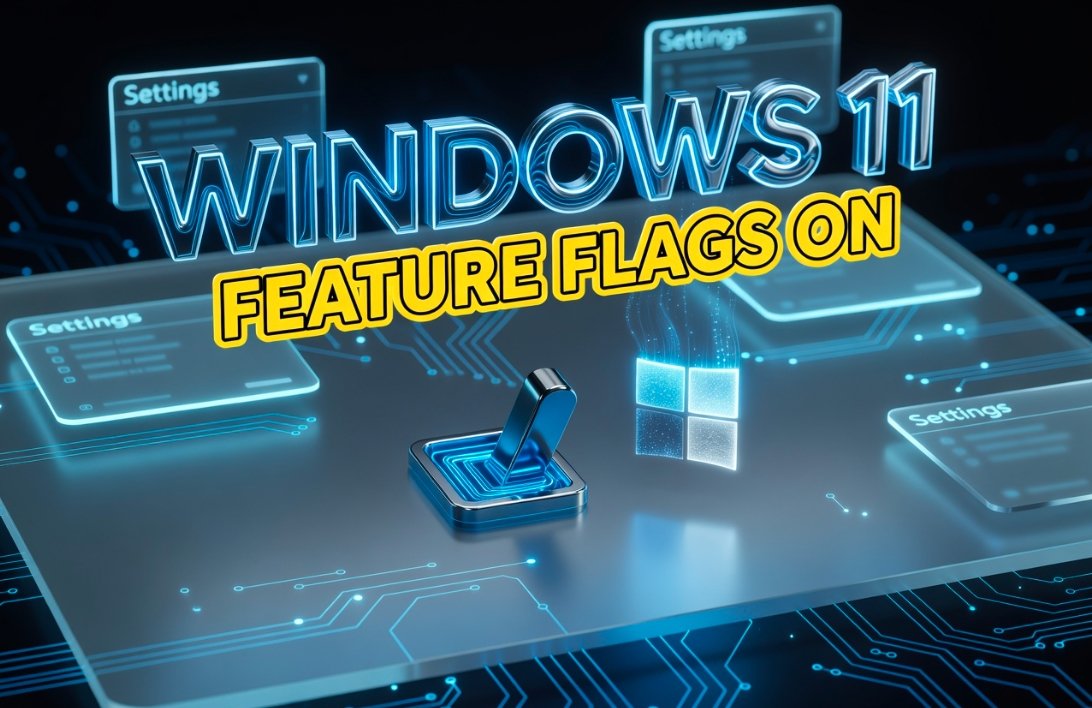
That era is now officially closing. The new Feature Flags page, spotted in Windows 11 build 26300.8376 under version 25H2, brings the same power into a friendly graphical interface. Insiders can now click a toggle, restart, and test the feature instantly.
The shift marks the biggest change to the Insider testing pipeline in nearly a decade. It directly answers a complaint Microsoft has heard for years: that announced features often never appear on testers’ machines due to silent throttling.
Windows 11 Feature Flags page Insider settings toggle
How To Find And Use The New Feature Flags Page
Getting to the page is simple if you are already enrolled in the program. The control panel sits inside the Experimental experience section of the Windows Insider Program.
- Open Settings and head to Windows Update.
- Click Windows Insider Program.
- Under “Select your experience,” choose Experimental.
- Open Advanced Options and confirm the build version, such as 25H2.
- Tap the Feature flags entry to see the full list.
Each feature offers three choices. You can flip it on, leave it as “no override” so Windows decides, or shut it off entirely. Once you pick your settings, hit Apply Changes and then Restart now.
“When we announce a feature in a Beta update and you take that update, you will have that feature.” That single line from the Windows Insider team explains why this change matters so much.
What The Page Can Control And What Still Needs ViveTool
Here is the catch. The Feature Flags page only shows features Microsoft has officially announced through its Insider blog posts or release notes. Hidden flags that engineers are still cooking in secret will not appear here.
That means power users hunting for the very earliest leaks will still keep ViveTool on a USB stick. But for the average tester, this covers almost everything that matters.
Quick Comparison
| Action | Feature Flags Page | ViveTool |
|---|---|---|
| Turn on announced features | Yes | Yes |
| Turn on hidden, unannounced features | No | Yes |
| Requires command line | No | Yes |
| Risk of breaking the build | Low | Higher |
| Available in Settings | Yes | No |
The big win is safety. Toggling through Settings keeps changes inside a sandbox Microsoft can track, which also helps engineers see which experiments people actually use.
Controlled Feature Rollout Quietly Retires For Announced Features
Tied to this update is the death of a long running system called Controlled Feature Rollout, or CFR. Microsoft used it to slowly drip new features to a small slice of testers for A/B style data collection.
The problem was simple. Insiders would install a preview build, read the blog post about a shiny new feature, and then never see it on their PC. CFR has now been switched off for announced features in the Beta channel.
If you are on the new Beta experience, every announced feature lands on your machine the moment you install the update. No waiting. No lottery.
This is part of a wider reshape Microsoft kicked off in April 2026. The four old channels, Canary, Dev, Beta, and Release Preview, have been consolidated into two main lanes: Experimental and Beta. Dev users have been moved into Experimental, and Canary has been folded in too.
Why This Matters For Everyday Windows Users
You might think this only affects hardcore testers. The truth is bigger. Feature flags give Microsoft cleaner signals about what people love and what they ignore.
When a flag gets enabled by thousands of users, engineers know there is real demand. When nobody touches it, the team rethinks the design before it ships to a billion devices worldwide.
- Faster feedback loops between Microsoft and its testers.
- Fewer broken installs because users no longer run unverified command line scripts.
- Better quality features in the final stable Windows 11 release.
- More transparency about what is actually being tested.
For now, the Feature Flags page is locked to the Experimental experience on version 25H2. Microsoft has not confirmed if it will reach the Beta channel or stable Windows 11. Most testers expect it to expand soon, given how warmly the community has welcomed it on X, Reddit, and the official Windows Insider forums.
There is something quietly emotional about this moment for long time Windows fans. After years of fiddling with terminal commands, scrolling through GitHub release pages, and praying a ViveTool ID would not brick the laptop, Microsoft has finally handed the keys back to the people who tested its software for free for over a decade. It feels like the company is listening again, and that alone is worth celebrating. What do you think about the new Feature Flags page? Have you tried it yet on your PC? Drop your thoughts in the comments and share this story with a friend who still has ViveTool pinned to their taskbar.

Copilot Capital Buys the Autopilot Already Running 90 GW

Walmart Puts Dunkin on the App to Sell More Groceries

Molten Bets £100m of Plc Cash on Late-Stage Tech

Ascentiz Recruits Developers Around Its Modular Exoskeleton at IFA

BIS Puts a Public Timestamp Under Official Statistics on XRPL

The Orchard Bug Forced Zcash to Open an Empty Pool

The $5.99 Game That Won Steam’s 2026 Summer Sale

Don Lee Joins Hemsworth as Extraction 3 Starts Shooting

YouTube Shorts Retires Dislikes and Swaps Likes for Hearts

NEURA Robotics Is Spending Its $1.4B on a Machine Stack
-
 NEWS4 months ago
The Orchard Bug Forced Zcash to Open an Empty Pool
-
 GAMING4 months ago
The $5.99 Game That Won Steam’s 2026 Summer Sale
-
 ENTERTAINMENT5 months ago
Don Lee Joins Hemsworth as Extraction 3 Starts Shooting
-
 NEWS3 months ago
YouTube Shorts Retires Dislikes and Swaps Likes for Hearts
-
 NEWS3 months ago
NEURA Robotics Is Spending Its $1.4B on a Machine Stack
-
 AUTO5 months ago
Kawasaki Bets the New Z1100 Against Its Own Supercharger
-

 BUSINESS4 months ago
Norway’s Export Bank Backs Nscale’s $790 Million Narvik Loan
-

 AUTO5 months ago
The Kawasaki Z1100 Awakens Sugomi With Less Peak Power