
NEWS
Windows 11 Finally Reverses the Taskbar Cut It Made in 2021
Microsoft’s Windows 11 version 26H2 undoes a five-year-old taskbar restriction, reversing a 2021 design call through Insider builds already shipping this year.

Microsoft will let Windows 11 users move the taskbar to any edge of the screen again, undoing a restriction it built into the operating system’s original 2021 design. Version 26H2, due this fall, also frees up the Start menu’s size and sections and strips clutter out of Windows Search, according to Windows Central.
The update skips a full desktop redesign. It targets three specific complaints instead: taskbar placement, Start menu rigidity, and search clutter. The fixes are already shipping in pieces through Windows Insider builds, and the timeline behind them stretches back to the week Windows 11 first shipped in 2021.
The Taskbar Moves Again
Windows 11 launched in 2021 with the taskbar locked to the bottom of the screen, breaking with every prior version of Windows going back to Windows 95. Version 26H2 reverses that. Users will be able to dock the taskbar at the top, bottom, left, or right edge of the display.
The interface adjusts itself around the new position. Placing the taskbar at the top sends the Start menu and Search flyout opening downward instead of upward, and every taskbar element repositions to match. Microsoft’s Windows Insider team explained the reasoning in a blog post, writing that moving the taskbar has been one of the most requested features since Windows 11 shipped.
The update also adds icon alignment choices for each position: top aligned or centered when the bar sits on the left or right, left aligned or centered when it sits on the top or bottom. Both left and right layouts keep support for app ungrouping and labels through the Never combine setting, so taskbar behavior does not get simpler just because the bar moved.
Version 26H2 also adds a smaller taskbar option under Taskbar position settings, found in Settings, then Personalization, then Taskbar, then Taskbar behaviors. It shrinks icon size and disables the separate icon size control while active, with a live preview for every layout before it applies. Microsoft’s own release notes for Experimental Preview Build 26300.8493 confirm the same four placement options: bottom, top, left, or right.
| Area | Windows 11 at Launch (2021) | Version 26H2 (2026) |
|---|---|---|
| Taskbar position | Fixed to the bottom edge | Movable to top, bottom, left, or right |
| Taskbar icon size | One fixed size | Adds a smaller taskbar toggle |
| Start menu size | Scales only with display resolution | User selectable preset sizes |
| Start menu sections | Pinned, Recommended, and All shown together | Pinned, Recent, and All toggle independently |
| Search home screen | Trending topics and promoted content by default | Recent searches, decluttered, local results first |
Each row reflects a specific complaint Microsoft is now walking back rather than a cosmetic tweak.
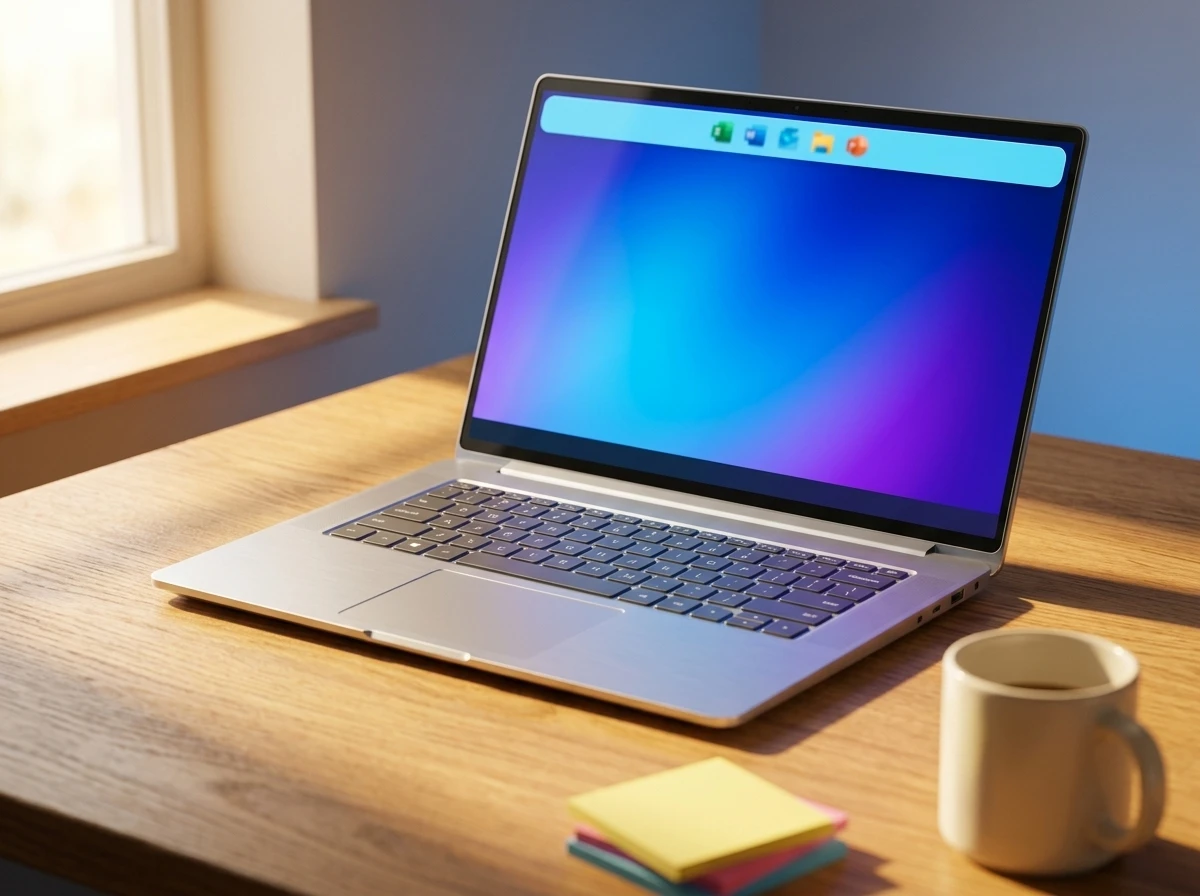
The Start Menu Stops Forcing One Layout
The Start menu changes go further than the taskbar’s. Windows 11 removed most Start menu customization at launch, replacing it with a fixed layout that scaled only to screen size. Version 26H2 brings back preset size options instead.
Users still cannot drag to resize the Start menu or switch it to a full screen layout the way Windows 10 allowed. The presets still give more flexibility than the single fixed size Windows 11 shipped with for five years.
People can also choose whether the Pinned, Recent, and All sections appear at all, hiding whichever one they never use. The Recent section replaces what Windows 11 originally called Recommended.
Microsoft is separating file recommendations from system recommendations, too. Turning off suggested content in the Start menu will no longer wipe out recent files or Jump Lists elsewhere, including in File Explorer and on the taskbar itself.
A new privacy toggle hides the signed in account’s name and profile picture during screen sharing, so a meeting, presentation, or livestream does not accidentally expose personal or work details. It sits in Settings, then Personalization, then Start, alongside the new sizing controls.
Five Years From Feedback Hub Complaint to Fix
The taskbar’s return did not happen quickly. Microsoft’s own Feedback Hub has tracked the complaint since the week Windows 11 shipped.
- September 2021: Windows 11 ships with the taskbar locked to the bottom edge; Neowin reports the Feedback Hub request to bring back taskbar movement already has more than 20,000 upvotes.
- 2025: BleepingComputer finds the same request has grown to 24,046 votes and 2,086 comments, still answered only with Microsoft’s standard thank you for the feedback reply.
- March 2026: Microsoft confirms it is bringing taskbar repositioning back and shows an early look, according to Windows Latest and Digital Trends.
- May 15, 2026: Microsoft ships Experimental Preview Build 26300.8493, letting Windows Insiders move the taskbar to any edge for the first time since 2021.
- July 13, 2026: A second Windows Insider Blog post overhauls Windows Search, decluttering the home screen and prioritizing local results.
- Fall 2026: Version 26H2 is expected to ship broadly, though Microsoft has not confirmed a release date.
By the time Build 26300.8493 shipped, the Feedback Hub request had sat open for nearly five years, almost the entire life of Windows 11 as a product.
What Finally Forced Microsoft’s Hand?
Sustained pressure did it. Five years of top voted Feedback Hub requests, a cottage industry of unofficial patches, and a former Microsoft executive’s own account of internal objections all fed into the reversal, which Windows Central had been tracking since early 2026.
Mikhail Parakhin, who ran Microsoft’s Advertising and Web Services division before leaving the company, told Windows Central he pushed back against the original decision from inside Microsoft.
I fought hard against the decision.
Parakhin was talking about the vertical taskbar cuts specifically, but the sentiment matches years of public criticism aimed at the same call.
Outside Microsoft, the gap got filled by a cottage industry of unofficial patches that let users restore old taskbar behavior years before Microsoft did it natively. One Windows Forum analysis of the shift linked reliance on unsupported mods to added fragmentation and stability risk that a native option would avoid.
Microsoft revived the Copilot sidebar it shut down in 2024 around the same period, letting it dock to the screen edge again. Two reversals in one cycle mark a shift from Microsoft’s usual reluctance to undo its own design calls.
Where the Comeback Falls Short
The restored controls are not a full return to Windows 10. Start menu presets replace the free drag to resize and full screen options Windows 10 offered, so anyone who wants that exact behavior still needs a third party tool.
Third party developers are not going away either. Stardock, the company behind Start11 and other shell customization tools, has built a business on exactly these gaps since 2021, and 26H2 leaves some of them open.
Windows Search Gets Its Deepest Rework Since Launch
Search is the biggest change of the three. Microsoft calls it the largest update to Windows Search since Windows 11 launched, and the redesign touches how results look, how they rank, and how forgiving the box is about typos.
The home screen now centers on recent searches instead of trending topics and promotional tiles. In a post explaining the July update, Microsoft’s Bing Search team wrote that the goal was search that is faster, more relevant, and easier to use.
When a web result is the strongest match, Search now places that answer prominently instead of surfacing sponsored products first, Microsoft said. The interface adds clearer source labels, thumbnail previews, and tighter spacing. The ranking system now favors local content, so apps, settings, and files outrank web and Microsoft Store results when they are the better match.
Settings searches in particular are more accurate and rank higher than before, and misspelled or partial queries fare better across the board. Local file search now works with as few as two characters, and the search box itself grew four pixels taller to fit the new layout.
How to Find the New Controls
All three changes live in familiar places once version 26H2 or the matching 25H2 monthly update installs.
- Taskbar position and size – Settings, then Personalization, then Taskbar, then Taskbar behaviors, with a live preview before applying any change.
- Start menu layout – Settings, then Personalization, then Start, to pick a size and toggle the Pinned, Recent, and All sections.
- Search privacy controls – Settings, then Privacy and security, then Search, to turn off web results and Microsoft Store suggestions for a local only search.
Individual features are rolling out on a staggered schedule rather than all at once, and some options still in testing could change before general availability. Microsoft has not committed to an exact release date for version 26H2 beyond the general fall 2026 window.
Frequently Asked Questions
What is the Windows Insider Experimental channel?
It is Microsoft’s fastest Windows 11 test ring, renamed from the Dev Channel as part of a wider Insider Program overhaul. Builds 26300.8493 and the July Search update both appeared there first, ahead of the 25H2 and 26H2 releases.
Do I need to reinstall Windows or sign up for anything special to try this early?
No reinstall is required. Enrolling in the Windows Insider Program through Settings puts a device on the Experimental channel, though Microsoft rolls features out gradually through Controlled Feature Rollout, so two Insiders on the same build will not always see identical menus right away.
Does the Search redesign remove ads and promoted results completely?
Not completely. Promotional products no longer appear ahead of the strongest web answer, but web results and Microsoft Store suggestions can still show up next to local matches unless a user turns both off in Privacy and security settings.
Why did third party tools like StartAllBack and Windhawk become popular on Windows 11?
They filled the gap Microsoft left in 2021. With no native way to move the taskbar or resize the Start menu, users turned to unsupported modification tools, letting them restore older behavior years before Microsoft brought equivalents back natively.
Will version 25H2 get these changes before 26H2 arrives?
Possibly. Microsoft ships these features through monthly cumulative updates first, so the taskbar, Start, and Search changes could land on version 25H2 ahead of 26H2’s fall debut, with individual features arriving on their own schedules.
Does moving the taskbar change how the clock displays?
Yes, in vertical layouts. Placing the taskbar on the left or right edge switches the clock to a shortened two digit year and removes the option to show seconds, a limitation that does not apply at the top or bottom.


Beelzebub’s €3 Million Raise Rides a Wave of EU Cyber Deadlines

Multiverse Computing’s $570 Million Bet on Smaller AI

GTA 6 Japan Code Expiration Traces to a Six-Month Payment Law

Windows 11 Finally Reverses the Taskbar Cut It Made in 2021

Elon Musk’s X Money Bet Echoes the Fight That Fired Him

Claude Chats That Leaked to Google Still Live On GitHub

DFINITY Bets Its Crashed Crypto Project on Sovereign Cloud

Facebook Verified Brings Back the Facial Recognition Meta Deleted

A Chinese Open Model Just Saved Hugging Face From OpenAI

Samsung’s Galaxy Glasses Run on Meta’s Own Chip Too

CLARITY Act Final Text Expected This Weekend as 60-Vote Hurdle Looms

Kalshi Loses Major NY Prediction Markets Ruling to Judge Torres

Fed Minutes Cite AI Demand as Inflation Risk, Put a 2026 Hike Back on the Map

Marker AI Writing Startup Lands $13M Seed Led by Index Ventures

Dota 2 Esports World Cup 2026: Spirit Defends $2M Title In Paris

Meta’s Muse Spark 1.1 Beats Rivals on Price, Trails on Coding

ARC Intelligence Closes €4M Seed Round in Roughly a Week

CS2 Premier Season 5 Lands With Cache and a C4 Damage Rework

Trump Calls Iran ‘Islamic Republic of Japan’ as Ceasefire Ends

Finto Picks Munich Over Silicon Valley After YC, Raises $3.4M
-
 FINANCE2 months ago
Zcash Patched a Double-Spend Bug as ZEC Climbed 5%
-
 ENTERTAINMENT2 months ago
Steam Summer Sale 2026 Locks In June 25 to July 9 Dates
-
 NEWS3 months ago
Meta Adds AI Replies to Threads, But Users Can’t Block It
-
 FINANCE3 weeks ago
CLARITY Act Final Text Expected This Weekend as 60-Vote Hurdle Looms
-
 ENTERTAINMENT2 months ago
‘Widow’s Bay’ Review: Apple TV’s Sleeper Horror-Comedy Earns Its Fog
-
 NEWS7 months ago
FolderFresh Review: This Free Tool Automates Windows File Organizing
-
 NEWS4 months ago
U.S. Navy Deploys Solar-Powered Lightfish Drone to Patrol Oceans
-
 FINANCE3 weeks ago
Kalshi Loses Major NY Prediction Markets Ruling to Judge Torres