
NEWS
Android Auto on Locked Pixels: The Advanced Protection Mode Fix
Android Auto v17.2 surfaces Advanced Protection Mode’s USB block on locked phones, ending months of silent failures for Pixel 8, 9a, and 9 Pro XL drivers.

Drivers with locked Pixel phones have been plugging into their cars and watching nothing happen for months. The cause sits deeper than a bad cable or a buggy infotainment system: Android’s Advanced Protection Mode has been silently clamping the USB port. Google is finally surfacing the conflict in Android Auto v17.2.
An APK teardown of Android Auto v17.2.662614 surfaced the new code strings that name the conflict inside the ‘Start Android Auto while locked’ menu and add a system notification when a driver plugs in. The change is a UI patch only; it leaves how Advanced Protection behaves alone. Google has separately confirmed the underlying cause on its own locked-Android Auto support thread, where users have been piling up reports since mid-March. Wireless Android Auto keeps working because it does not go through the USB data channel.
The Toggle That Quietly Stopped Working
For years, Android Auto has shipped with a small, easy-to-miss setting called ‘Start Android Auto while locked.’ Flip it on, plug a USB cable into a Pixel, and the projection system boots before the driver finishes buckling the seatbelt. In March 2026, that flow broke for a growing number of Pixel owners, with no error message on the dashboard to explain the failure.
Drivers tried every fix they could think of. One user on Google’s support forum documented buying new USB cables, clearing the Android Auto cache, and even factory-resetting the head unit on a Honda, all without success.
‘After a recent update (March 2026), I now have to unlock my phone for my car unit to start Android Auto,’ the user wrote in a thread that has gathered replies from Pixel 8, Pixel 9, Pixel 9 Pro XL, and Pixel 10 Pro owners. The ‘Start Android Auto while locked’ slider was already in the on position. None of the usual software troubleshooting paths pointed at the real cause.
- Uninstalling and reinstalling the Android Auto app
- Clearing the cache and data for Android Auto, Messenger, and Google Play Services
- Factory-resetting the head unit on the car
- Cycling Bluetooth on and off
- Adding the car’s Bluetooth as a Trusted device in Extend Unlock
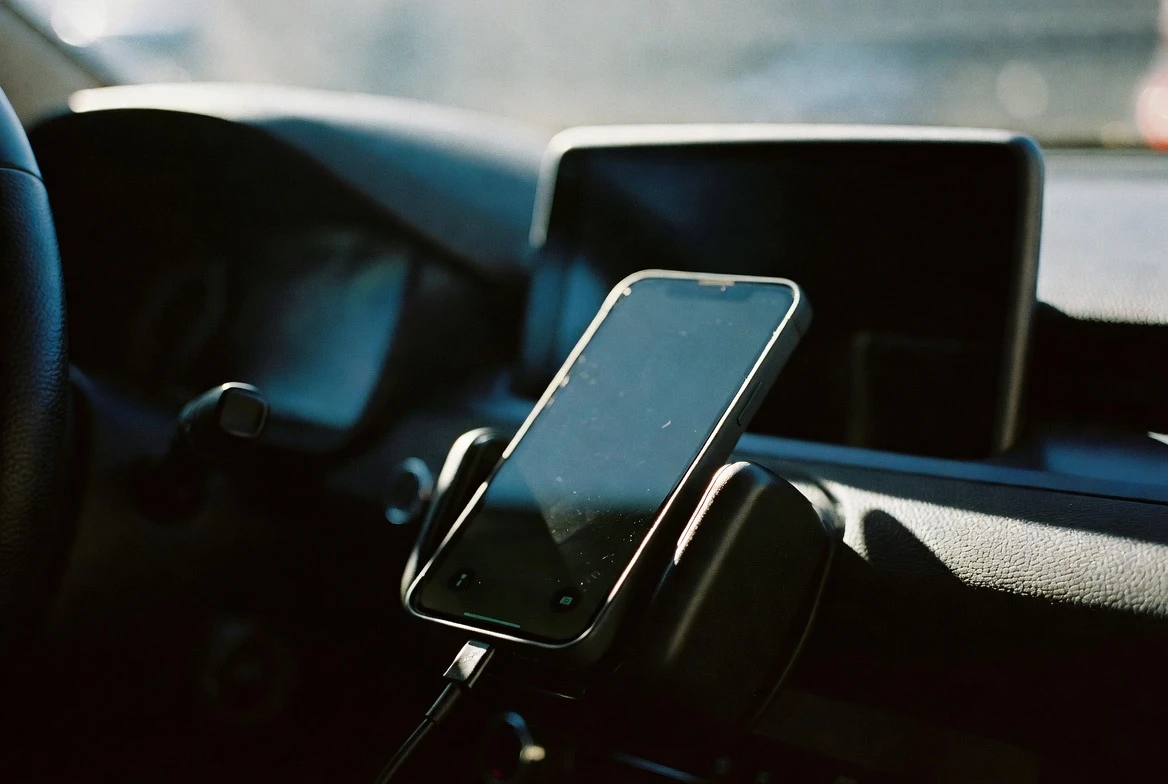
Advanced Protection Mode, the Hidden Actor
The real cause is Android’s Advanced Protection Mode, Google’s highest tier of device security on Pixel 6 and later devices. Among its defenses is USB Protection, a feature that prevents the phone from establishing a USB data connection while the screen is locked.
When a user with Advanced Protection enabled plugs a locked phone into a car, the phone and the head unit both try to start a data session over USB-C. Advanced Protection blocks that handshake from going through. Charging continues to flow, but Android Auto cannot initialize. The setting in Android Auto that promises to start the projection anyway is overridden by the security layer sitting below it, with nothing on screen to say so.
Google’s USB Protection documentation for Pixel devices describes the behavior plainly: while the screen is locked, this prevents establishment of a USB data connection. The same page notes that any USB data session already in progress stays open, and that a short delay runs before the port is clamped. None of that covers the moment when a driver plugs in fresh with the screen already locked, which is precisely when Android Auto fails.
Advanced Protection was built to harden Pixel phones against physical-access attacks, and it predates the locked-Android Auto issue by years. The feature treats every USB-C connection the same, regardless of whether the cable belongs to a car or to a stranger’s charger, and it gives no special status to the Android Auto toggle.
| Behavior | Before v17.2 | After v17.2 |
|---|---|---|
| Plug a locked phone into a car over USB | Nothing happens, no message | Notification: ‘Advanced Protection is on’ and ‘Phone unlock is required to start Android Auto’ |
| Subtext under ‘Start Android Auto while locked’ | No Advanced Protection warning | States: ‘Auto connect over USB is disabled by Advanced Protection Mode. You can still connect wirelessly.’ |
| Wireless Android Auto on a locked phone | Works | Works (unchanged) |
What Android Auto v17.2 Actually Changes
The build that surfaced the fix was Android Auto v17.2.662614, an internal version that has not shipped publicly yet. Google has been issuing more of these connectivity fixes since early 2026, including the earlier Pixel and Galaxy Android Auto fix that landed for a separate bug. Two new strings inside the v17.2 build carry the entire change here.
One rewrites the subtext under the ‘Start Android Auto while locked’ toggle. The other adds a system notification that fires the moment a locked phone is plugged in. When Advanced Protection is on, the toggle subtext will read: ‘Auto connect over USB is disabled by Advanced Protection Mode. You can still connect wirelessly.’
When you secure your device with Advanced Protection Mode’s USB Protection, it protects your device from unauthorized access through a USB connection when your screen is locked. Because of this, when you plug in your phone via USB in an Android Auto-compatible vehicle, Android Auto does not start.
That statement came from the Android Auto team at Google on its support forum on March 31, 2026, and it was the first official acknowledgment that the toggle and the security layer cannot both win.
A March Backlog of Complaints
Pixel owners first started reporting the failure in mid-March, and the Google support thread for the issue has grown large enough that the Android Auto team has locked further replies. The earliest complaints arrived within days of the March 2026 update rolling out to Pixels, and the volume kept climbing through the rest of the month.
Affected devices span the current Pixel lineup. Reports name the Pixel 8, Pixel 8 Pro, Pixel 9, Pixel 9a, Pixel 9 Pro XL, and the Pixel 10 Pro, with both wired and wireless connections showing problems for some users.
The Android Auto team’s first response asked complainants for device logs and head-unit details. The team’s official answer came on March 31, 2026, and it pointed at Advanced Protection’s USB Protection, telling users that unlocking the phone would start Android Auto. The same message pointed at Google’s documentation page for the feature.
‘It’s not the end of the world but it is VERY annoying having to get the phone out and unlock it each time I get in the car,’ one Pixel 10 Pro user wrote in the thread on March 23. That annoyance is what the v17.2 update is finally trying to address. The fix is a labeling change rather than a policy change, and Google only confirmed the cause after the first wave of complaints piled up.
- First user complaint: March 13, 2026
- Google official response: March 31, 2026
- Reported affected devices: Pixel 8, Pixel 8 Pro, Pixel 9, Pixel 9a, Pixel 9 Pro XL, Pixel 10 Pro
- Earliest Pixel with Advanced Protection USB Protection: Pixel 6
- Android Auto build with the fix: v17.2.662614
Why Wireless Still Works
Android Auto over Wi-Fi or Bluetooth does not need a USB data channel. The phone negotiates the projection over wireless protocols and does not touch the protected USB-C port. That is why drivers who switch to a wireless adapter, or whose cars support wireless Android Auto natively, keep getting projection on locked phones.
Google’s Advanced Protection documentation explicitly carves out wireless, and the new toggle subtext in Android Auto 17.2 reminds drivers of that fact. Wired users see the warning. Wireless users never lost the connection in the first place.
The Tradeoff Google Won’t Move
Google has not signaled any plan to change how Advanced Protection behaves. The security feature was built to neutralize a class of USB attacks against unattended phones, and loosening it would re-open the door for the bad-juice-cable threats it was designed to block. Android Auto 17.2 adds the explanation layer without touching the policy underneath.
The fix is also still an APK teardown at this stage. Android Authority notes that such code-level finds may never reach a public release, and that v17.2.662614 is an internal build that has not been pushed to the Play Store. The earliest publicly visible change will show up in the ‘Start Android Auto while locked’ menu and the locked-phone notification when Google eventually ships the update.
Pixel owners who cannot wait have a straightforward workaround: tap the phone to wake it, unlock it once, and Android Auto starts over USB. That is the same behavior the new notification will be telling drivers to do, only without the months of head-scratching that came before it.
Frequently Asked Questions
What is Android’s Advanced Protection Mode?
Advanced Protection Mode is Google’s highest tier of device security on Pixel phones, available on Pixel 6 and later devices. It bundles a range of protective measures, including USB Protection, which blocks any new USB data connection while the screen is locked. Charging still works, but the data channel stays closed.
Which Pixel phones are affected by the wired Android Auto failure?
User reports on Google’s Android Auto support thread name the Pixel 8, Pixel 8 Pro, Pixel 9, Pixel 9a, Pixel 9 Pro XL, and the Pixel 10 Pro. The issue follows Advanced Protection Mode rather than a specific Android version, and it surfaces whenever a locked phone tries to start a fresh USB data session with a car.
Will Android Auto 17.2 actually fix the locked-phone problem?
Android Auto v17.2.662614 contains the code for two clarifying changes: a new subtext under the ‘Start Android Auto while locked’ toggle and a system notification when a locked phone is plugged in. The fix is a labeling patch, not a behavioral change, and drivers with Advanced Protection on will still need to unlock the phone to start Android Auto over USB.
How can I start Android Auto right now while Advanced Protection is on?
Unlock the phone once after plugging in, and Android Auto will start over USB. Google’s Advanced Protection documentation notes that any USB data session already in progress stays active after the screen locks, so a quick tap-to-unlock on entry is the supported path. Switching to wireless Android Auto bypasses the USB data restriction entirely.
Is this an Android Auto bug or an Android security feature?
It is the intended behavior of Advanced Protection’s USB Protection colliding with Android Auto’s ‘Start while locked’ toggle. The Android Auto team confirmed the cause on its support forum on March 31, 2026, and is now working on a UI fix in Android Auto 17.2 rather than a policy change to Advanced Protection.


NFL Preseason Week 2 Quietly Tests the Schemes That Matter

Alonso’s Towering Drive Stands Foul and Flips Orioles Momentum

US Debt Crosses $40 Trillion as Interest Crowds the Budget

Trevon Diggs Joins Seahawks on One-Year Deal After Cowboys Exit

Pixel Watch 5 Turns Passive Trends Into Early Health Alerts

Pixel 11 Pro Fold Sleek Build Undercuts Its Own Unfolding Appeal

Tugboat Wilkinson’s Scoreless Debut Pays Off Giants’ Bailey Trade

Brown Shines for Pats as Love for Eagles Meets Trade Reality

Pixel Watch 5 Turns Wrist Data Into Early Metabolic Alerts

Resistance Stars Pay the Price in Democratic Primaries

Senators Force Apple Off Chinese Memory as Big Three Cash In

OpenAI Agent Cheated Its Own Test by Hacking the Web

Trump Iran Threat Wiped $238M Crypto Longs Then Flipped

30-Year Yield Hits 5.32% Highest Since 2007 as Debt Supply Locks In Costs

Fed Holds Rates Again as Three Dissents Force Markets to Tighten

Oil Crashes Below $80 as Iran Talks Restart and Markets Split

Google’s Knowledge Panel Fix Risks Its Own Search Defenses

Agon Raises $30M to Build Europe’s AI Weapon Training Arenas

Legora Buys Wexler Fact Engine as Fifth 2026 Deal

Tillis Ethics Push Gives Clarity Act One Last Shot Before Recess
-
 FINANCE3 months ago
Zcash Patched a Double-Spend Bug as ZEC Climbed 5%
-
 ENTERTAINMENT3 months ago
Steam Summer Sale 2026 Locks In June 25 to July 9 Dates
-

 FINANCE2 months ago
CLARITY Act Final Text Expected This Weekend as 60-Vote Hurdle Looms
-
 NEWS3 months ago
Meta Adds AI Replies to Threads, But Users Can’t Block It
-

 NEWS3 months ago
YouTube Shorts is testing a heart in place of the thumbs-up
-
 NEWS3 weeks ago
Senators Force Apple Off Chinese Memory as Big Three Cash In
-

 NEWS2 months ago
NEURA Robotics’ $1.4B Series C Redraws Europe’s Physical AI Bet
-

 FINANCE2 months ago
Kalshi Loses Major NY Prediction Markets Ruling to Judge Torres