
NEWS
Google Photos Incremental Exports Lower the Cost of Leaving
Google Photos now schedules incremental Takeout exports that download only new photos since the last run. Here is how it works and why it eases leaving Google.

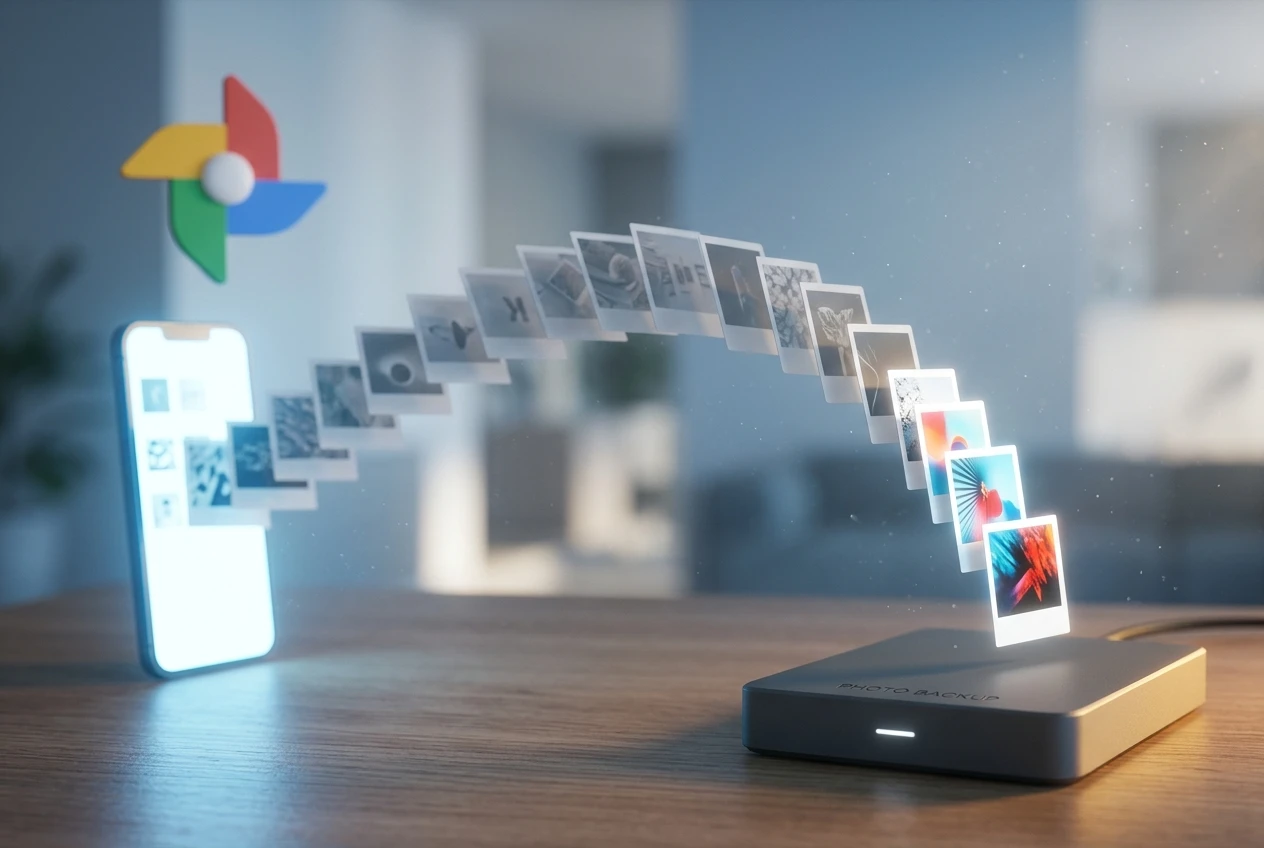
Google Photos now lets you schedule incremental exports through Takeout, so after one full download your library backs up only the photos and videos added or edited since the last run. The change ends the all-or-nothing export that forced users to pull their entire collection every time, even to grab a handful of new shots. It started rolling out in early June.
The convenience is real, and the bandwidth math is obvious. The more useful thing to notice is that Google has made it meaningfully easier to keep a fresh copy of your photos outside Google, which is exactly what someone planning to leave needs.
How Google Photos Schedules an Export Now
The feature lives inside Google Takeout, the company’s data-export tool that pulls your information out of more than 70 Google products. Until now, Takeout treated Google Photos like everything else: one big archive, generated from scratch each time. Want last week’s pictures backed up locally? You re-downloaded years of them too.
The First Run Is Still the Big One
The initial scheduled export contains everything you select, every album, every photo, every video. For anyone with a decade of memories, that first archive stays the heavy lift, capped at 50GB per ZIP file with the option to split larger libraries across multiple archives. You can still route the files to a download link by email, or push them straight to Google Drive, Dropbox, or Box.
What Google Counts as New
Every export after the first one pulls only the photos and videos added or edited since the last successful backup. Google says the approach saves time and storage space by skipping anything already on your machine. The table below lays out what changed.
| Aspect | Old full export | New scheduled export |
|---|---|---|
| What downloads | Entire library, every time | Initial full run, then new and edited items only |
| Trigger | Manual, one-off | Automatic on a set cadence |
| Cadence | None | Every two months, up to a year |
| Max archive size | 50GB per ZIP | 50GB per ZIP |
| Best for | A single snapshot | Keeping a local copy in sync |
The scheduling option only appears when you pick Google Photos as the data source, so you will not see it on a general Takeout run. You can start one from the Google Takeout export page.
The Limits Google Built Into the Schedule
This is a constrained version of a much-requested feature, and the constraints matter if you plan to rely on it. Google set firm boundaries on how often and how long the automation runs.
- Every two months for up to a year is the ceiling, which works out to six exports before the schedule expires.
- Two months is the most frequent cadence allowed; you cannot ask for monthly or weekly runs.
- After a year, the schedule stops and you re-run the Takeout setup to create a new one.
- Google Photos must be the only product selected; bundling it with Gmail or Drive disables the option.
- The 50GB ZIP cap still applies, so very large libraries arrive in several files.
Reporting on the rollout also notes that accounts enrolled in Google’s Advanced Protection Program (APP, the hardened security tier for high-risk users) cannot use scheduled exports. For a true mirror of your library, six exports a year leaves gaps, but it beats a manual full download every time.
Why Does a Backup Tweak Matter Beyond Bandwidth?
Picture the person this feature was built for. Not the casual user who never touches Takeout, but the one keeping a local archive on a network drive, or the one quietly preparing to move off Google entirely. For years, the friction of re-downloading a 200GB library every couple of months was enough to keep that copy stale, or to keep people from bothering at all.
An out-of-date export is a weak insurance policy. A fresh one is a parachute. By automating the refresh, Google turned the local copy from a chore into a background task, which lowers the practical cost of walking away from its cloud. That is an unusual thing for a company to do to its own retention numbers, and it points to pressure from outside the product team.
Photos are the stickiest data Google holds. People will tolerate a worse email client before they risk losing fifteen years of family pictures. Make those pictures easy to copy out on a schedule, and one of the strongest reasons to stay loses some of its grip. The mechanics are mundane; the direction of travel is the story.
Self-Hosted Photo Apps Get the Clearest Win
The most direct beneficiaries are the open-source photo platforms that have spent years building Google Photos alternatives. Chief among them is Immich, a self-hosted server that replicates auto-upload, face recognition, and map views on hardware you own. Its companion importer, the community-built immich-go command-line migration tool, is designed to ingest Google Photos Takeout archives, matching each image to its JSON sidecar file to preserve albums, captions, and location data.
The hard part of that workflow was never the import. It was getting current data out of Google without re-downloading everything on every sync. A six-times-a-year incremental archive feeds an Immich server, a Synology NAS, or any local backup with far less friction than before. The same logic helps anyone moving toward a self-managed setup, a shift covered in recent Google Photos changes from a new backup setting aimed at battery drain to interface overhauls.
None of this turns a casual user into a self-hoster overnight. The audience for migration tools is small and technical. But it is growing, and Google just handed it a steadier supply line. The feature reads as a concession to people the company would rather keep, delivered in the plainest possible wrapper.
Where Takeout Fits the Data-Portability Push
Step back and the timing makes sense. Google has been under steady regulatory and policy pressure to make its data genuinely portable, and Takeout sits at the center of that effort. The company’s own numbers show how heavily the tool already gets used.
- 8.2 million exports a month run through Takeout on average, by Google’s count.
- More than 400 billion files moved out of Google products in 2021 alone.
- Takeout now covers data from over 70 Google services.
- Google pledged $3 million over five years to expand open-source data-transfer libraries.
In the European Union, the Digital Markets Act rules on end-user data portability require designated gatekeepers, Google among them, to give users real-time, effective access to the data they generate. Download tools that force a full re-export every time sit awkwardly against that standard. Incremental scheduling is a cleaner answer.
There is a loftier version of this still being built. Through the Data Transfer Initiative (DTI, the non-profit that grew out of the Google-backed Data Transfer Project), the goal is server-to-server transfers that skip the local download entirely. Google has described the aim plainly.
People can simply authorize a copy of the data to safely move to a new service without having to download it to a personal device first.
That vision, laid out in Google’s public-policy case for data portability, is still mostly aspiration for photos at scale. Incremental Takeout is the practical, download-based version available today. Google has not said whether it will raise the two-month floor or the one-year cap; for now, the schedule resets after six exports.
Frequently Asked Questions
How do I turn on incremental exports in Google Takeout?
Go to Google Takeout, select Google Photos as the only product in your export, and look for the scheduling option that appears during setup. The first run downloads your full selection; later runs on the schedule pull only new or edited items.
How often do scheduled Google Photos exports run?
Every two months, for up to a year, which adds up to six exports before the schedule expires. Two months is the most frequent cadence Google allows, and after the year ends you have to set up a new schedule manually.
Does the incremental export include edited photos?
Yes. Each scheduled run captures items uploaded, backed up, created, or edited since your last successful backup, so a photo you retouch after the previous export is included in the next one.
Can I export Google Photos alongside Gmail and Drive on the same schedule?
No. The incremental scheduling option only appears when Google Photos is the sole product selected. Including other Google services in the same export disables the feature.
Is incremental export useful for moving to Immich or a NAS?
It is well suited to that. A recurring incremental archive feeds importers like immich-go or a network drive without forcing a full re-download each time, which makes keeping a self-hosted copy of your library practical rather than tedious.


Beelzebub’s €3 Million Raise Rides a Wave of EU Cyber Deadlines

Multiverse Computing’s $570 Million Bet on Smaller AI

GTA 6 Japan Code Expiration Traces to a Six-Month Payment Law

Windows 11 Finally Reverses the Taskbar Cut It Made in 2021

Elon Musk’s X Money Bet Echoes the Fight That Fired Him

Claude Chats That Leaked to Google Still Live On GitHub

DFINITY Bets Its Crashed Crypto Project on Sovereign Cloud

Facebook Verified Brings Back the Facial Recognition Meta Deleted

A Chinese Open Model Just Saved Hugging Face From OpenAI

Samsung’s Galaxy Glasses Run on Meta’s Own Chip Too

CLARITY Act Final Text Expected This Weekend as 60-Vote Hurdle Looms

Kalshi Loses Major NY Prediction Markets Ruling to Judge Torres

Fed Minutes Cite AI Demand as Inflation Risk, Put a 2026 Hike Back on the Map

Marker AI Writing Startup Lands $13M Seed Led by Index Ventures

Dota 2 Esports World Cup 2026: Spirit Defends $2M Title In Paris

Meta’s Muse Spark 1.1 Beats Rivals on Price, Trails on Coding

ARC Intelligence Closes €4M Seed Round in Roughly a Week

CS2 Premier Season 5 Lands With Cache and a C4 Damage Rework

Trump Calls Iran ‘Islamic Republic of Japan’ as Ceasefire Ends

Finto Picks Munich Over Silicon Valley After YC, Raises $3.4M
-
 FINANCE2 months ago
Zcash Patched a Double-Spend Bug as ZEC Climbed 5%
-
 ENTERTAINMENT2 months ago
Steam Summer Sale 2026 Locks In June 25 to July 9 Dates
-
 FINANCE3 weeks ago
CLARITY Act Final Text Expected This Weekend as 60-Vote Hurdle Looms
-
 NEWS3 months ago
Meta Adds AI Replies to Threads, But Users Can’t Block It
-
 ENTERTAINMENT2 months ago
‘Widow’s Bay’ Review: Apple TV’s Sleeper Horror-Comedy Earns Its Fog
-
 NEWS7 months ago
FolderFresh Review: This Free Tool Automates Windows File Organizing
-
 NEWS4 months ago
U.S. Navy Deploys Solar-Powered Lightfish Drone to Patrol Oceans
-
 FINANCE3 weeks ago
Kalshi Loses Major NY Prediction Markets Ruling to Judge Torres