
NEWS
WhatsApp’s Log Out Button Is the Last Piece of a Bigger Shift

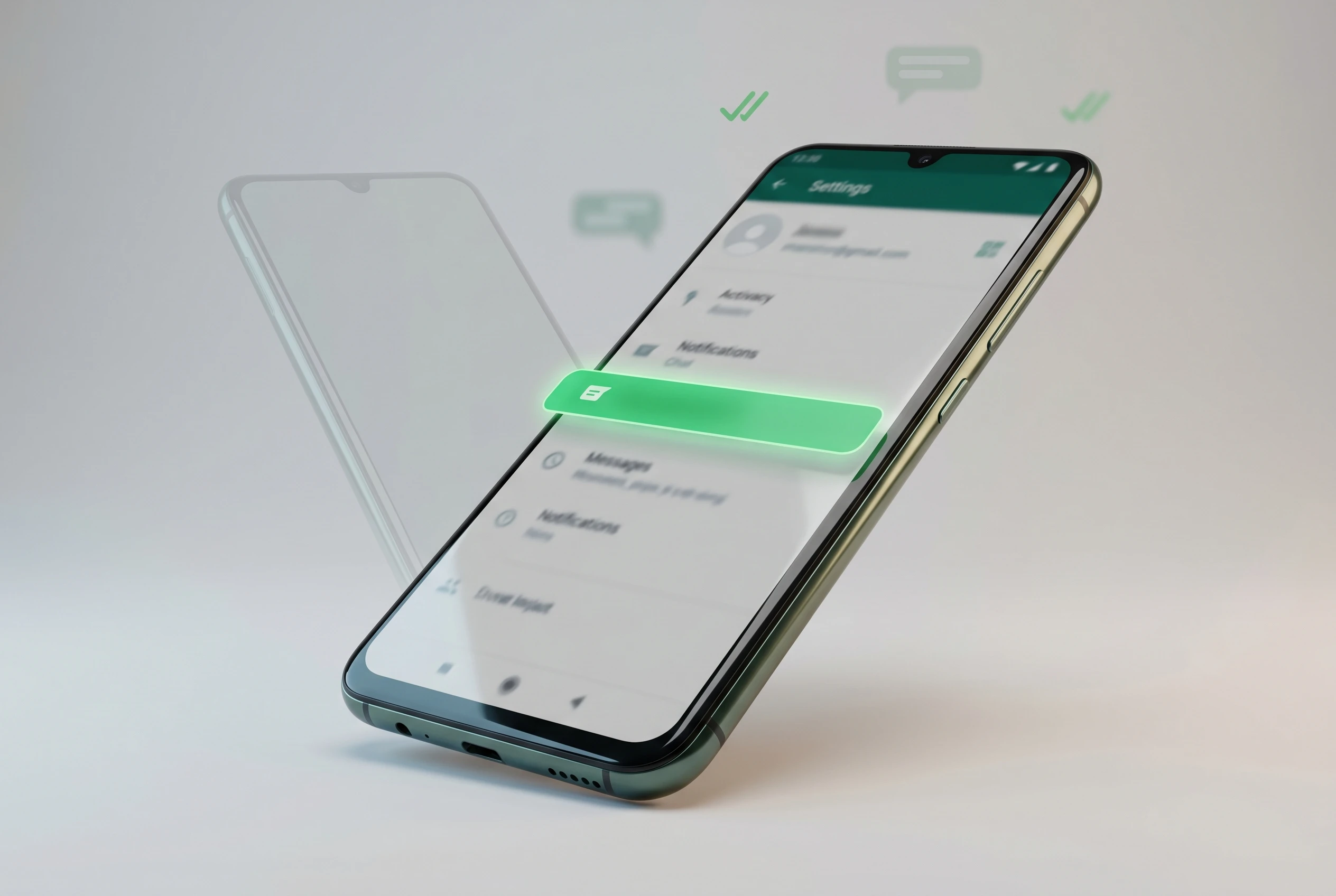
WhatsApp is testing a log out option on Android that signs you out of your account without wiping your messages, a change spotted in beta build 2.26.21.9 by the feature tracker WABetaInfo. The button lives in the Account section of the app settings, and it keeps chat history, notification preferences, and login details stored on the phone so logging back in is near instant.
On its own that reads like a small housekeeping fix for a years-old annoyance. Seen against the run of WhatsApp changes since 2023, it is the last obvious gap in a longer effort to turn a phone-number-bound app into an account you can step in and out of the way you do with email.
What the Android Beta Build Changes
The new option behaves like the sign-out flow on most modern apps. Tap it, confirm at the prompt, and the account disconnects from the device while the local data stays put. When you sign back in, the app restores the previous state straight away instead of forcing a fresh setup.
That is the part beta testers will notice first. Chat history is preserved, notification settings stay exactly as they were, and your login credentials are cached locally rather than erased. Meta is positioning the feature as a more flexible alternative to deleting the app, aimed at people who want to pause data use or take a short break from messages without losing anything.
The control sits under the Account screen inside settings, and the sign-out runs through a confirmation step before it finalizes. None of this is live in the stable app yet; it is reaching a slice of the beta channel and is set to widen over the coming weeks.
- 2.26.21.9 is the WhatsApp beta for Android version where the option surfaced.
- Account screen in settings is where the log out control appears.
- Four data types survive the sign-out: messages, media, notification settings, and stored credentials.
Why Signing Out Used to Cost You Your Messages
For most of WhatsApp’s life there was no real log out. The only way to disconnect an account from a phone was to uninstall the app, and any in-app sign-out that did exist cleared the local message store on the way out. Getting back in meant restoring from a cloud backup and then reconfiguring preferences from scratch.
That design flowed from how WhatsApp tied identity to a single device session. Messages lived locally, the session lived with them, and breaking the session meant breaking the data. The beta change splits those two things apart, letting the credentials and the chat store sit on the device while the account itself is logged off.
The Nudges WhatsApp Shows Before You Tap Confirm
There is a quieter detail buried in the flow. Before you finish signing out, WhatsApp surfaces a short list of reasons you might not need to, each one a softer alternative to leaving the account entirely.
It is a telling bit of design. A company that spent years giving people no easy exit now offers an exit wrapped in suggestions to stay. The prompts steer toward features that solve the underlying reasons someone reaches for a log out button in the first place.
- Run a second profile through multi-account support, which already allows two accounts on one device.
- Lock the app behind biometric authentication instead of signing off.
- Mute or manage notifications for specific chats to cut the noise.
- Use the storage tools to clear space rather than the whole account.
- Back up chats before doing anything that disconnects the device.
For a reader weighing whether to use the new option, those alternatives are worth reading. They also signal how WhatsApp wants the feature framed: as a pause button, not a goodbye. The same retention instinct shows up elsewhere in Meta’s recent product moves, from the stricter account privacy settings rolled out to curb spying to its tighter grip on what runs inside the app.
A Phone Number That No Longer Means One Phone
The reason this small button matters is what it completes. WhatsApp has spent three years loosening the link between an account and a single SIM-locked handset, and a clean log out is the piece that was still missing.
From SIM Lock to Portable Account
The original model was rigid. One phone number meant one phone, one local message store, and no graceful way to move between them. That made sense when the app was a SMS replacement, and it ages badly now that people carry work phones, travel handsets, and shared family tablets.
Treating the account as portable changes the mental model. Sign out here, sign in there, and the data follows the login rather than the hardware. That is how email, banking apps, and most cloud services have worked for a decade.
The Pieces Already Shipped
Several building blocks landed before this one. The companion-device feature that lets one account run across multiple phones arrived in 2023, supporting up to four additional handsets linked to a single number. Multi-account support followed, putting two separate accounts on one device. Passkeys and a number-based linking flow trimmed the friction of getting in, detailed on the help guidance for linking WhatsApp to a second phone.
A native log out slots neatly into that sequence. With it, the account stops behaving like firmware soldered to one device and starts behaving like a sign-in you control.
| Capability | Old model | Current direction |
|---|---|---|
| Devices per number | One active phone | Up to four companion phones |
| Accounts per device | One | Two via multi-account |
| Leaving a device | Uninstall, data wiped | Log out, data preserved |
| Coming back | Restore from backup | Instant state restore |
What WhatsApp Has Not Said Yet
The open questions outnumber the answers. WhatsApp has not given a date for bringing the log out option to the stable app that most people run, and beta features routinely shift or stall before a wide release.
There is also no word on whether iOS gets the same treatment, or whether availability will vary by region once it does land more broadly. Apps under active testing change shape often, and this one could look different by the time it reaches everyone. The broader Meta context keeps moving too, as seen in the policy shift barring third-party chatbots from the platform.
For now the facts are narrow and confirmed only for one place: a log out control, preserving your data, inside an Android beta build that is rolling out gradually. Everything past that is unannounced.
Frequently Asked Questions
Does the new WhatsApp log out option delete my chats?
No. The whole point of the beta feature is that signing out keeps your chat history, media, and notification settings on the device, so logging back in restores your previous state without a backup restore.
Where do I find the log out button?
It appears under the Account screen inside WhatsApp settings for beta testers who have it, and selecting it starts a sign-out flow with a confirmation step before anything finalizes.
Which version of WhatsApp has it?
The option was spotted in WhatsApp beta for Android version 2.26.21.9, distributed through the Google Play Store beta testing channel rather than the stable release.
Is it available on iPhone?
Not confirmed. WhatsApp has not said whether the native log out option will come to iOS, and the current rollout is limited to a portion of Android beta users.
When will it reach the stable app?
There is no announced date. WhatsApp says the feature is reaching more beta testers over the coming weeks, but it has given no timeline for the public stable version or for regional availability.


Capital Clusters and the Dual Tracks of European Tech Finance

Microsoft Shrinks Windows 11 Memory for 8GB PCs

XRP Ledger Brings Back Bugged Features Fixed for Institutions

The Shards Trailer Turns Ellis Nightmare Into Murphy Glamour

WhatsApp Folder Hides Business Messages After Hours

Mova LiDAX Ultra 3000 AWD Cracks the Robot Mower Moat

Urban Arrow FamilyNext Turns Costco Runs Into Bike Trips

Reddit Builds Spoken Video Layer to Reclaim Its Own Viral Stories

Nuggit £5m Fund Treats YouTube Channels as Real Businesses

Galaxy Z Fold 8 Makes Foldables Daily Drivers but Drops Flex Mode

CLARITY Act Final Text Expected This Weekend as 60-Vote Hurdle Looms

Kalshi Loses Major NY Prediction Markets Ruling to Judge Torres

Fed Minutes Cite AI Demand as Inflation Risk, Put a 2026 Hike Back on the Map

Marker AI Writing Startup Lands $13M Seed Led by Index Ventures

Dota 2 Esports World Cup 2026: Spirit Defends $2M Title In Paris

Meta’s Muse Spark 1.1 Beats Rivals on Price, Trails on Coding

CS2 Premier Season 5 Lands With Cache and a C4 Damage Rework

Finto Picks Munich Over Silicon Valley After YC, Raises $3.4M

Backrooms Returns to Theaters as the Everything Must Go Edition

ARC Intelligence Closes €4M Seed Round in Roughly a Week
-
 FINANCE2 months ago
Zcash Patched a Double-Spend Bug as ZEC Climbed 5%
-
 ENTERTAINMENT2 months ago
Steam Summer Sale 2026 Locks In June 25 to July 9 Dates
-
 NEWS3 months ago
Meta Adds AI Replies to Threads, But Users Can’t Block It
-
 FINANCE4 weeks ago
CLARITY Act Final Text Expected This Weekend as 60-Vote Hurdle Looms
-
 ENTERTAINMENT2 months ago
‘Widow’s Bay’ Review: Apple TV’s Sleeper Horror-Comedy Earns Its Fog
-
 NEWS5 months ago
U.S. Navy Deploys Solar-Powered Lightfish Drone to Patrol Oceans
-
 NEWS8 months ago
FolderFresh Review: This Free Tool Automates Windows File Organizing
-
 FINANCE3 weeks ago
Kalshi Loses Major NY Prediction Markets Ruling to Judge Torres