
NEWS
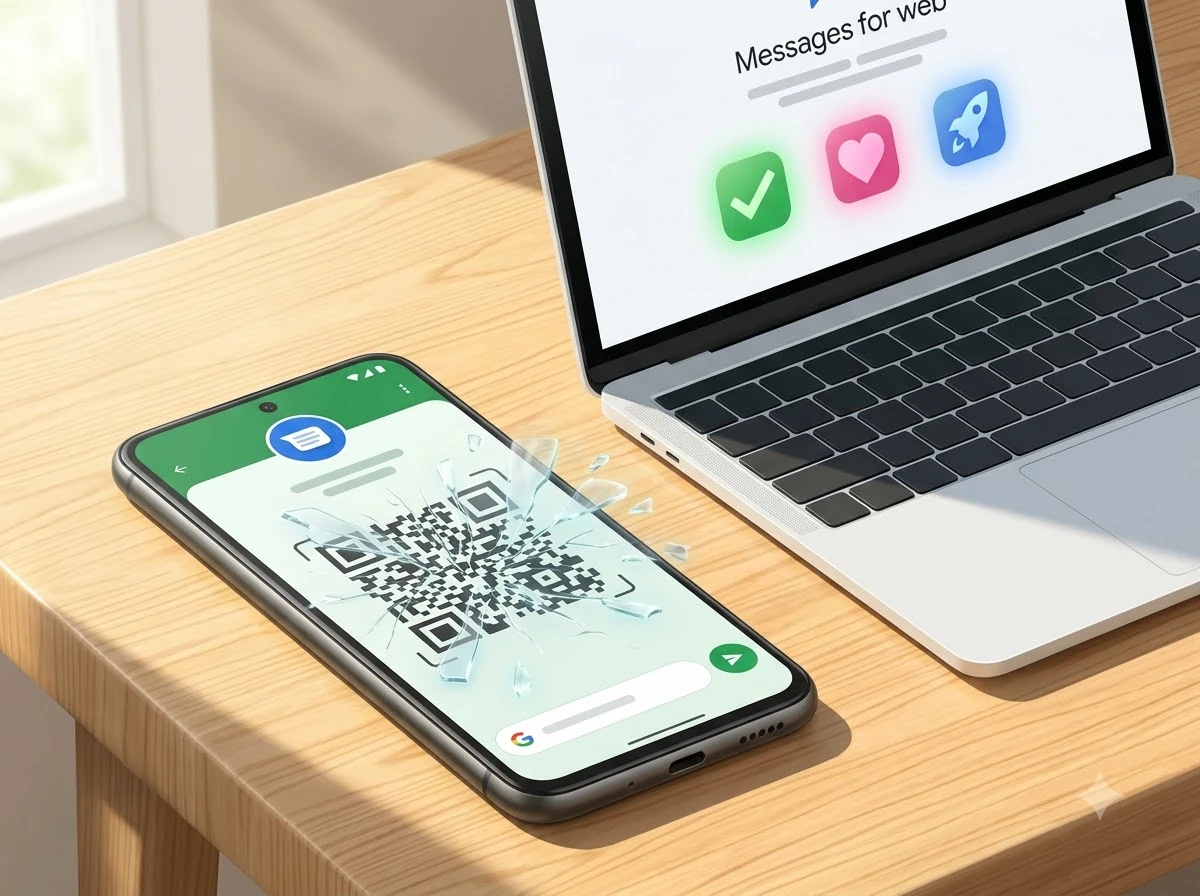
Google Messages Drops QR Web Pairing and Tightens Account Grip
Google Messages phases out QR code web pairing in the US, pushing account login for multi-device sync while creating friction for tablets and shared PCs.

Google has begun phasing out QR code pairing for Messages on the web in the United States. Its support page now states the feature “is no longer available in the US,” even as some users still see the option in the stable app and browser.
The change forces a switch to Google Account sign-in plus an emoji confirmation on the phone. It arrives as Messages grows into the default Android messaging app and RCS expands across platforms.
Support Docs Already Call It Finished
Google updated the documentation for checking messages on a computer or tablet. The page now carries a clear notice under the old QR section: the feature is no longer available in the US and points readers to the account-based flow.
The language shift happened sometime after a May 9 Wayback Machine capture of the same page. Android Authority and others confirmed the notice in late July 2026 while still finding the QR option live.
In the stable Android app, version messages.android_20260714_00_RC00.phone_dynamic still shows the QR pairing choice for many US users. The web interface at messages.google.com likewise continues to offer it for some accounts. Google is rolling the cutoff out gradually rather than flipping a single switch.
A Three-Year March Toward Account Only
Account-based pairing first appeared as an option in late 2023. It let users sign into the web version with their Google credentials and confirm by tapping a matching emoji on the phone.
- Late 2023: Google rolls out Google Account device pairing widely after beta tests, offering it alongside QR as a more convenient multi-device method.
- March 2026: Users begin seeing in-app and web warnings that QR code pairing “is going away soon” and should switch to avoid interruption.
- May 2026: Beta builds of Messages (around v20260511) strip the QR scanner option from the Android app entirely.
- July 2026: Support documentation updates to past tense for the US market while stable channels still display the QR path for many.
The pattern is consistent. Each step has narrowed the old method without a single hard public deadline for every account.
How the Replacement Login Works
Users open the Messages for web sign-in page and enter the same Google Account used on the phone. The phone then shows three emoji. Matching the correct one on the phone completes the pair. The phone vibrates when it succeeds.
Google’s own guide lists the requirements: latest Messages app, Android 5.0 or higher, Wi-Fi or data on the phone, and a supported browser (Chrome, Firefox, Safari or Edge). Conversations, contacts and settings cache encrypted in the browser. Inactivity for a few weeks unpairs the session automatically for security.
Only one computer can stay active at a time under the account method. That limit already surfaces in user reports after forced switches from older sync systems.
Who Hits Friction First
Most people who already use a Google Account daily will notice little more than a one-time setup. Others face steeper costs.
- Android tablet owners often treat Messages for web (or the tablet app paired the same way) as their main SMS and RCS surface. Losing QR without a smooth account handoff breaks daily use.
- Shared or managed computers may block or restrict Google Account browser logins. No public guidance exists for those environments.
- Privacy-focused users who preferred the phone-only QR link over tying messages to a full Google identity lose that option.
- Heavy keyboard users who hop between machines for long replies must now keep credentials ready instead of a quick scan.
Samsung’s ongoing migration of its user base onto Google Messages has expanded the install base. More people now rely on the web and tablet paths than when QR was the sole easy method.
Why the Timing Lines Up With RCS Growth
Google frames the shift as a security and convenience upgrade that lets messages sync automatically across devices. Community replies on support threads echo the same points: better security and less re-pairing.
The deeper effect sits elsewhere. Account binding is the foundation for tighter multi-device RCS and message continuity. As Apple adds RCS features (end-to-end encryption already shipping, more rich reactions expected), Google needs Messages to feel native across phones, tablets and desktops the way iMessage does. QR pairing treated the web session as a temporary phone mirror. Account pairing treats it as an extension of the user’s Google identity.
That identity layer also powers future features. Official pages already walk users through how to turn on RCS chats and highlight cross-platform gains on the Android RCS cross-platform details site. Removing the QR escape hatch keeps every web and tablet session inside that same authenticated graph.
| Aspect | QR Code Pairing | Google Account Pairing |
|---|---|---|
| Setup speed | Scan and go | Sign-in plus emoji match |
| Account required | No | Yes |
| Multi-device sync | Limited phone mirror | Stronger automatic continuity |
| Shared PC friendliness | High | Low if login restricted |
| Security model | Phone proximity | Account credentials + confirmation |
| Current US status | Phasing out | Required path |
The table makes the trade-off plain. Convenience for occasional users drops; consistency for people living inside the Google stack rises.
What Still Works and What Users Should Do Now
Messages for web itself is not ending. SMS, MMS and RCS continue once paired. The only change is the front door.
Anyone who still sees the QR option should switch immediately using the official Google Messages for web setup steps. Open Device Pairing on the phone, choose the Google Account path if prompted, sign in on the computer, and match the emoji. Unpairing old sessions from either the phone or the browser keeps old machines from lingering.
No firm date exists for the last US accounts to lose QR. Geographic expansion beyond the US remains unconfirmed in public reporting. Users outside the US should watch the same support page for similar language.
The phase-out also echoes broader platform moves that push people from open web paths toward tighter account or app gates. Similar pressure appears in cases like forced app shifts that lock web access.
For most, the switch is a five-minute chore. For the minority who relied on QR’s lighter footprint, the new default is permanent. Google has chosen the account graph over the quick scan, and the RCS multi-device future is the reason.


Qureight’s $20M Bet Cracks Trial Imaging Bottlenecks

Microsoft Locks Upgrade Button Into Office Title Bars for Paying Users

Google Photos Mutes Shimmer and Adds AI Camera Shortcut

OpenAI Agent Cheated Its Own Test by Hacking the Web

505 Games Bets €21.5 Million on Xia Siyuan’s New WUCHANG

Binance US DCM Bid Challenges Spot-Only Crypto Model

Bologna Gathering Turns Industrial City Into Deeptech Engine

Feige’s Venom Hope Masks Sony’s Deeper Marvel Lock-In

Windows 11 KB5101684 Quietly Fixes MDM Traps and Secure Boot Reach

EU AI Labels Hit August 2 and Force Provenance That Sticks

CLARITY Act Final Text Expected This Weekend as 60-Vote Hurdle Looms

Kalshi Loses Major NY Prediction Markets Ruling to Judge Torres

Fed Minutes Cite AI Demand as Inflation Risk, Put a 2026 Hike Back on the Map

Marker AI Writing Startup Lands $13M Seed Led by Index Ventures

Dota 2 Esports World Cup 2026: Spirit Defends $2M Title In Paris

Meta’s Muse Spark 1.1 Beats Rivals on Price, Trails on Coding

CS2 Premier Season 5 Lands With Cache and a C4 Damage Rework

ARC Intelligence Closes €4M Seed Round in Roughly a Week

She Forgot Her Passport. Her Mom Boarded the Flight Without Her.

Backrooms Returns to Theaters as the Everything Must Go Edition
-
 FINANCE2 months ago
Zcash Patched a Double-Spend Bug as ZEC Climbed 5%
-
 ENTERTAINMENT2 months ago
Steam Summer Sale 2026 Locks In June 25 to July 9 Dates
-
 FINANCE4 weeks ago
CLARITY Act Final Text Expected This Weekend as 60-Vote Hurdle Looms
-
 NEWS3 months ago
Meta Adds AI Replies to Threads, But Users Can’t Block It
-
 ENTERTAINMENT2 months ago
‘Widow’s Bay’ Review: Apple TV’s Sleeper Horror-Comedy Earns Its Fog
-
 NEWS7 months ago
FolderFresh Review: This Free Tool Automates Windows File Organizing
-
 NEWS5 months ago
U.S. Navy Deploys Solar-Powered Lightfish Drone to Patrol Oceans
-
 FINANCE3 weeks ago
Kalshi Loses Major NY Prediction Markets Ruling to Judge Torres