
NEWS
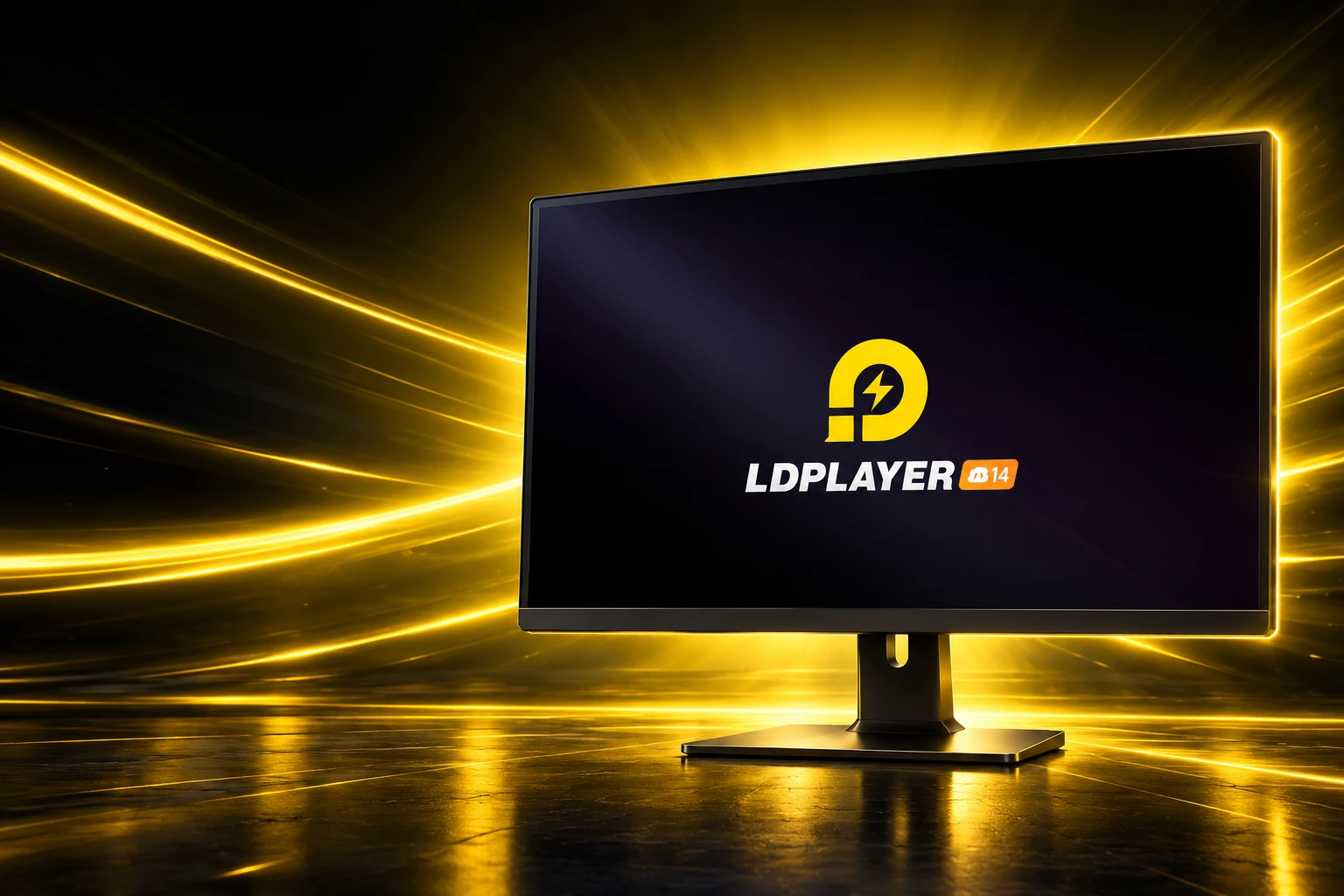
LDPlayer 14 Puts Android 14 on Shared Windows PCs
LDPlayer 14 moves the free Windows emulator to Android 14, but Microsoft’s hypervisor still forces a choice between games, WSL2 and Windows Hello.

LDPlayer 14 is a free Android 14 emulator for Windows that claims up to 30 percent more frames. XUANZHI INTERNATIONAL’s official account posted that figure on July 2, 2026, next to a promise of stable long-session grinding. The harder job is sharing the same PC with Hyper-V, WSL2, and Windows security tools that already own the virtualization hardware.
The company still sells this as a practical game patch. The work that followed, through an August 28 build that only fixes failed starts, is a Windows problem as much as a game problem.
An Android 14 Core After Years on Pie
LDPlayer 14 swaps the old Android 9 kernel for a runtime built on Android 14. Game studios have been raising minimum APIs, and older emulator images were starting to refuse installs. The official blog on June 25, 2026, framed the new core as higher frames, broader game support, and smoother multi-instance use.
That jump was late. The Android 9 product notes on the site are still dated July 20, 2022, which puts LDPlayer 9’s long run on Android 9 at 3 years, 11 months and 5 days by the June 25 post. A global beta opened on April 28, 2026, 58 days before that post. The Japanese account had already flagged an Android 14 beta in late April.
On July 2 the official @ldplayer_pc account put the pitch in one card: powered by Android 14, up to 30 percent more FPS, better support for new Android games, and stable grinding.
🫴Say hello to LDPlayer 14 (Powered by Android 14)!
Enjoy:
📈 Up to 30% FPS boost
🎮 Superior compatibility with the latest Android games
🔋 Stable long-session grindingHead to our official website & download LDPlayer 14 TODAY 😉#ldplayer#ldplayer14#emulator #gaming pic.twitter.com/T0rChsz3sU
— LDPlayer (@ldplayer_pc) July 2, 2026
The same-day Intel Bridge note on the blog is a separate hardware bet. It aims to make ARM Android apps less painful on Intel x86 PCs, which is another way of saying the phone software and the PC chip still do not match.
LDPlayer 9 is still listed beside 14 on the download tree. The new line is a second product, not a quiet in-place swap, and anyone with a farm of Android 9 instances has to decide whether to rebuild them.
Microsoft Says Only One App Can Use VT-x
Android emulators are Type-2 hypervisors. They want Intel VT-x or AMD-V the same way Hyper-V does. Microsoft’s Windows Client note, KB 3204980, last updated March 27, 2026, is blunt about why that fight never really ends.
Only one software component at a time can use this hardware. Virtualization applications can’t share the hardware.
Microsoft, KB 3204980
The same article says third-party virtualization apps cannot run alongside Hyper-V, Memory Integrity, or Credential Guard, and that this is by design. When the hypervisor is running, those apps may fail to start or fall back to a slower emulated mode. That is why only one component can use VT-x is the constraint every Android-on-Windows vendor is writing around.
LDPlayer’s own VT guide admits the other occupant. If BIOS virtualization is on and the emulator still nags, the cause may be Hyper-V occupying the computer VT, or an antivirus such as Avast doing the same. The guide also claims enabling VT makes the emulator run 10 times faster. That figure is the company’s, not a lab result.
WSL2, Windows Sandbox, Docker Desktop, and Core Isolation’s Memory Integrity all pull the same hypervisor in. A work PC that needs Linux containers and a night of mobile raids is now one machine with two owners for one CPU flag. LDPlayer 14 is sold as the build that reduces those collisions so you change Windows settings less often. That is the claim. The help centre still keeps a back door.
What the Hyper-V Kill Switch Takes With It
LDPlayer 9’s notes already said earlier builds crashed if Hyper-V was on, and that 9 was “compatible with Hyper-V.” Fourteen years of Windows security features later, that sentence is doing a lot of work. The Japanese disable guide still ships a script, DisableHyperVRelatedFeatures.exe, and it warns that the following Windows features go with it.
WINDOWS FEATURES THE OFFICIAL SCRIPT TURNS OFF
- Windows Hello: Face unlock and fingerprint unlock go dark, and a PIN can fail on some PCs.
- Windows Sandbox: The disposable desktop used for sketchy files is turned off.
- WSL2: The Linux kernel Windows developers actually use stops with the hypervisor.
- Hypervisor Platform: Other tools that sit on Windows’s hypervisor lose their base as well.
The 785 launch error guide is more specific about the leftover. If Virtualization-Based Security is still “Running” in System Information, LDPlayer can throw nRes == 0 from fastpipeapi.cpp even after Hyper-V looks off. Memory Integrity is the quiet switch that keeps the hypervisor alive.
Google Play Games sits on the other side of the same gate. LDPlayer’s load-failure article tells people who just opened that client, then found the emulator stuck at 50 percent, to reboot and confirm Hyper-V is disabled again. The official Android-on-Windows path wants the hypervisor on. The free gaming emulator still tells you to pull it down. That is the shared-PC tax the 14 launch copy never prices.
For MMOs, Uptime Beats a Burst of Frames
The other half of the brief is boring in a way that money cares about. MMORPGs, strategy maps, turn-based titles, and idle games run for hours, often in the background, often across several accounts. A crash at minute 90 costs more than a missing 10 frames in a 20-minute session. LDPlayer is aiming 14 at that crowd: reliable startup, fewer setting flips, and the old tool belt left in place.
Those tools are why people leave the phone on a charger and sit at a desk. A large monitor, a mouse, and a second account are the product. Phone heat, battery drain, and lock-screen ads are the thing they are paying to avoid, even when the download is free.
TOOLS LDPLAYER 14 STILL CARRIES
- Input: Keyboard and mouse mapping, plus gamepad support, so mobile layouts become PC layouts.
- Farms: Multi-instance management, macros, and synced operations for several accounts at once.
- Picture: Custom resolution and high-frame-rate options on titles that allow them.
- Renderers: OpenGL ES and Vulkan, so the GPU path can be switched when a game stutters.
Founded in 2016, the firm is 10 years into this niche. The legal footer on the site names JUST OKAY LIMITED in Kowloon Bay and XUANZHI INTERNATIONAL CO., LIMITED in Causeway Bay, Hong Kong. The Windows build is the whole desktop story. There is no macOS client in the current pitch.
BlueStacks, Play Games and the Same CPU Gate
Every major Android gaming emulator is now a Hyper-V product whether it wants to be or not. BlueStacks has shipped a hypervisor-friendly engine so WSL2 and Docker can stay on. Google Play Games for Windows is built to run with that stack enabled. LDPlayer 14 is trying to sit in the same room without asking you to rebuild Windows first. The LDPlayer 14 version history and release notes still spend as many lines on failed starts and Play Store filters as they do on peak frames.
TWO LDPLAYER LINES, TWO ANDROID KERNELS
| Line | Android kernel | Hyper-V claim | Standout figure |
|---|---|---|---|
| LDPlayer 14 | Android 14 | Cut conflicts with Windows virtualization features | Up to 30 percent FPS, company figure |
| LDPlayer 9 | Android 9 Pie | Compatible with Hyper-V, per 2022 notes | 3s fastest load; 120 FPS in Punishing: Gray Raven |
LDPlayer’s July 21, 2026 blog teases a controlled comparison with BlueStacks 5 on FPS, multi-instance use, Android versions, and Hyper-V support. Treat that as marketing until the methods are public. The useful split is simpler. If you can leave Hyper-V on, you keep WSL2 and a Google client that expects it. If you cannot, you are back in the script that also kills Windows Hello.
People who actually play on 14 are not arguing about kernels. They are using it for long, click-heavy sessions on a desk, including titles the 14.x notes have been chasing such as Pokémon Champions and Brawl Stars. The objection that keeps coming back is not frame rate. It is whether you still have to dismantle Windows to get there, and whether a free Chinese-market emulator is what you want doing it.
Patch Notes Still Chase Failed Starts
The launch copy called 14 a practical update, not a redesign. The builds after July 2 read like a support queue. AMD and Intel smoothness, a Play Store “not compatible” miss, LDMultiPlayer bugs, and an emulator that sometimes will not start at all.
THE LDPLAYER 14 CALENDAR
- April 28, 2026: Opens the global Android 14 beta.
- June 25, 2026: Posts the Android 14 product note and the Intel Bridge write-up.
- July 2, 2026: Ships 14.0.14.0 with AMD and Intel smoothness work, a Pokémon Champions crash fix on machines with AES off, and Standoff 2 smart keymapping, the same day as the 30 percent FPS post.
- July 24, 2026: Fixes games and apps missing or marked not compatible in Google Play; a new instance is the fallback if the patch is not enough.
- August 28, 2026: Issues 14.0.25.1, which fixes occasional failed starts and cleans up the in-app updater.
Between those dates, 14.0.16.0 on July 15 tightened Brawl Stars aiming and macro looping. Version 14.0.21.0 on August 3 cut CPU and memory use and patched LDMultiPlayer. Version 14.0.22.0 on August 7 added Minecraft Vibrant Visuals. That is not a new control scheme. It is the Android 14 image being talked into behaving on the PCs people already own.
Failed starts on August 28, 2026 are a small line in a changelog, and they are also the whole story. The runtime is current. The hypervisor on the host still decides whether the window opens. Until that truce holds without a script that turns off WSL2 and Hello, LDPlayer 14 is an Android 14 emulator that happens to run on Windows, not a Windows app that happens to run Android.
Frequently Asked Questions
How Do You Check That Hyper-V Is Running on Windows?
Open System Information with msinfo32.exe and look on the details pane for the line “A hypervisor has been detected. Features required for Hyper-V will not be displayed.” Microsoft documents that string as the sign the hypervisor is active, which is the state that pushes Type-2 emulators into launch failures or slow fallback.
What Does the 785 Fastpipe Error Mean on LDPlayer?
The message nRes == 0 fastpipeapi.cpp:785/640 appears when Virtualization-Based Security is still running, even if Hyper-V looks disabled in Windows Features. LDPlayer’s own 785 guide says to open msinfo32, find Virtualization-Based Security, and treat a value of Running as the reason the emulator will not start.
What System Specs Did LDPlayer Publish for LDPlayer 9?
The Android 9 notes list a minimum of 2GB of RAM, 36GB of free disk, DirectX 11 or an OpenGL 2.0 GPU driver, and VT-x or AMD-V on in BIOS, on x86 or x86_64 Windows. The recommended box is an Intel i5-10500 or better, 16GB of RAM, 100GB of disk, and an NVIDIA GeForce GTX 1660 Ti or better. LDPlayer has not posted a separate 14-only sheet next to those figures.
Which Other Windows Tools Use the Same Hardware Lock?
Microsoft names Memory Integrity, first shipped under Device Guard, and Credential Guard as security features that depend on Hyper-V. Disabling the hypervisor to please an emulator also means disabling those two, which is a security change, not a graphics tweak. The company’s workaround is written for VMware and VirtualBox as well as any other Type-2 virtualization app that wants exclusive VT-x.

UPI MDR Delay Hands Traders the Calendar After Paytm Falls

Google Messages Builds Nine In-Chat Games After Samsung’s Exit

Anthropic’s $100 Million Academy Trains the Firms That Bill Both Sides

Toyota’s Electric C-HR Leaves the Cheap Twin to Subaru

Markets Bet the Fed Skips October After Hawkish Minutes

The Orchard Bug Forced Zcash to Open an Empty Pool

The $5.99 Game That Won Steam’s 2026 Summer Sale

Don Lee Joins Hemsworth as Extraction 3 Starts Shooting

YouTube Shorts Retires Dislikes and Swaps Likes for Hearts

NEURA Robotics Is Spending Its $1.4B on a Machine Stack
-
 NEWS5 months ago
The Orchard Bug Forced Zcash to Open an Empty Pool
-
 GAMING5 months ago
The $5.99 Game That Won Steam’s 2026 Summer Sale
-
 ENTERTAINMENT6 months ago
Don Lee Joins Hemsworth as Extraction 3 Starts Shooting
-
 NEWS4 months ago
YouTube Shorts Retires Dislikes and Swaps Likes for Hearts
-
 NEWS4 months ago
NEURA Robotics Is Spending Its $1.4B on a Machine Stack
-
 NEWS5 months ago
Atlantic City Turned WWE’s Return Into a Civic Night
-
 AUTO6 months ago
Kawasaki Bets the New Z1100 Against Its Own Supercharger
-
 BUSINESS5 months ago
Norway’s Export Bank Backs Nscale’s $790 Million Narvik Loan