
NEWS
Chrome Wins Netflix 4K on Windows 11 but Edge Keeps More
Netflix quietly unlocked 4K in Chrome on Windows 11 for Premium users meeting strict GPU HDCP and HEVC rules, yet Edge retains HDR and Atmos while Mac stays capped.

Netflix has quietly enabled 4K Ultra HD streaming inside Google Chrome on Windows 11 for Premium subscribers whose hardware clears a strict DRM and security checklist. The change removes the long-standing need to open Microsoft Edge solely for resolution, a shift first noticed in a user screenshot and later reflected in Netflix’s own help pages.
Chrome 117 or newer can now reach 2160p on qualifying machines. Edge and the Windows app still hold advantages on HDR and Dolby Atmos, and macOS Chrome remains stuck at 1080p.
The Quiet Switch Reached Official Status
Netflix never issued a press release. Support simply appeared in the help center after users began reporting successful 4K sessions. A July user post that first flagged the change included a screenshot of Chrome delivering Ultra HD, and coverage followed within days.
The company’s browser matrix now lists Chrome alongside Edge for Windows Ultra HD. Firefox and Opera stay capped at Full HD. On Mac the picture is unchanged: only Safari reaches 4K.
- July: A user screenshot showed Chrome already serving Ultra HD on Windows 11.
- Days later: Coverage and community posts confirmed the same result on other qualifying machines.
- Afterward: Netflix’s help center browser matrix added Chrome 117 or later for Windows Ultra HD.
That sequence left the feature live before most subscribers noticed. No marketing push accompanied the matrix update, so the practical change reached people through screenshots and support pages rather than announcements.
| Browser (Windows) | Minimum version | Max resolution |
|---|---|---|
| Microsoft Edge | 118 or later | Ultra HD (2160p)* |
| Google Chrome | 117 or later | Ultra HD (2160p)* |
| Mozilla Firefox | 111 or later | Full HD (1080p) |
| Opera | 92 or later | Full HD (1080p) |
*Only on systems that also meet the separate Ultra HD hardware rules. The same page shows Chrome on macOS limited to 1080p while Safari can hit Ultra HD.
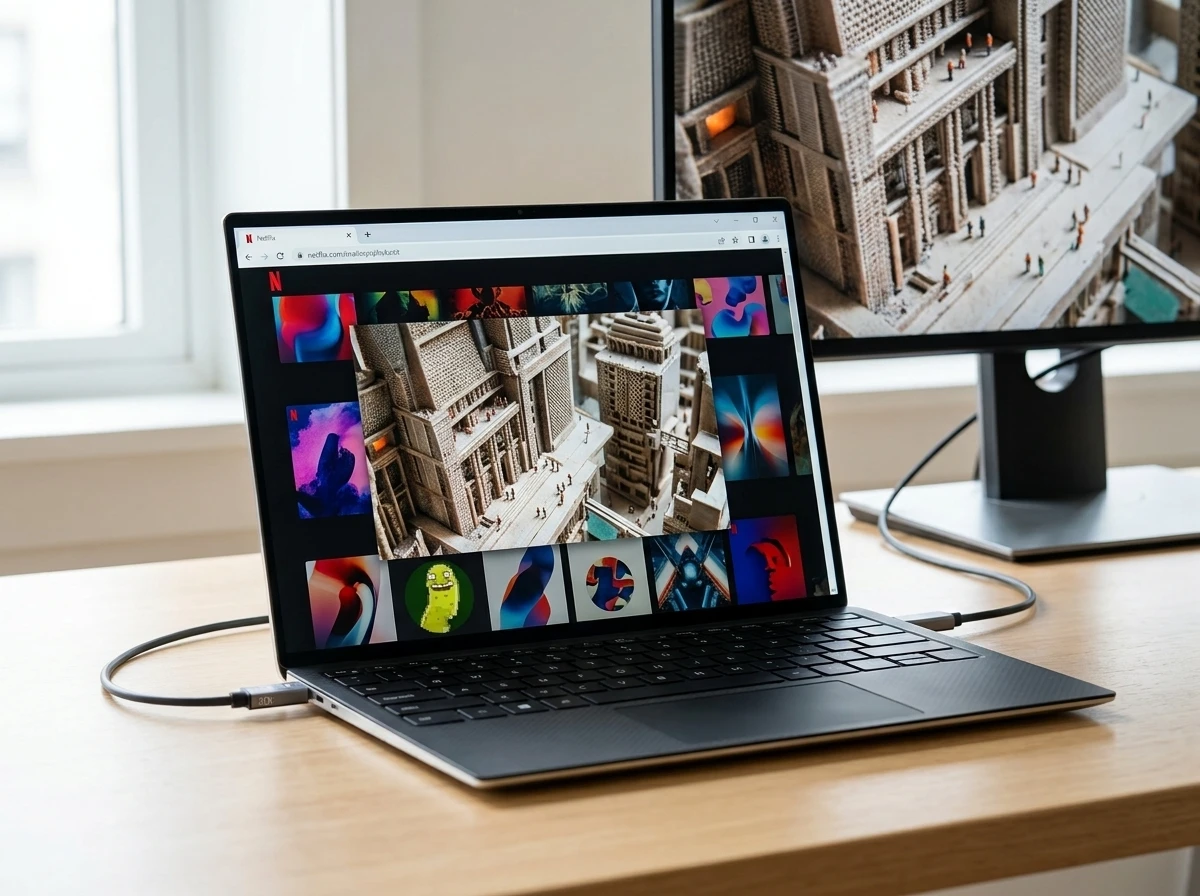
Hardware Gauntlet That Still Decides Premium Value
Updating Chrome alone changes nothing. Netflix requires a protected hardware path before it will serve the higher bitrate stream. Fail any single item and playback drops to 1080p without warning.
The official Windows Ultra HD checklist is exacting. You need Windows 11 with the latest updates, a Netflix Premium plan with playback quality set to Auto or High, and a steady 15 Mbps or faster connection. Graphics must include an NVIDIA GeForce GTX 1050 or newer, an AMD Radeon RX 400-series or later, or an Intel 7th-generation Core / AMD Ryzen CPU with current drivers. Some machines also require the paid HEVC Video Extensions from the Microsoft Store.
The display side is equally strict. The panel must be 4K at 60 Hz. Any external monitor or TV needs HDCP 2.2 over HDMI or DisplayPort. If multiple displays are active, every one of them must satisfy the rules or 4K is denied.
Each rule protects a link in the decryption chain. The GPU and CPU entries ensure a modern protected media path. The HEVC requirement supplies the codec the higher-tier encode needs. HDCP 2.2 keeps the final output from being captured in the clear. Miss any one and Netflix silently falls back rather than risk an insecure stream.
| Requirement | Detail |
|---|---|
| Operating system | Windows 11, fully updated |
| Browser | Chrome 117+ |
| Plan & settings | Premium, Auto or High quality |
| GPU / CPU | GTX 1050+ / RX 400+ / Intel 7th-gen+ or Ryzen |
| Codec | HEVC extensions (may need purchase) |
| Display | 4K 60 Hz, HDCP 2.2 on all active outputs |
| Bandwidth | 15 Mbps minimum |
These rules appear on Netflix’s full Windows Ultra HD hardware list. They explain why many Premium subscribers still see 1080p even after the Chrome change.
Edge Keeps the Complete Premium Experience
Resolution is only half the story. Netflix’s Windows chart grants Chrome Ultra HD but does not list HDR support for it. Edge and the native Windows app continue to deliver 4K with HDR on compatible systems. Dolby Atmos audio likewise stays limited to Edge or the app for supported titles.
That leaves Chrome users with sharper pixels but without the expanded brightness, contrast and immersive audio that define the full Premium tier on many modern displays and sound systems. For anyone who already owns an HDR-capable monitor or Atmos setup, the browser switch remains incomplete.
- Chrome now: up to 4K SDR on qualifying Windows 11 hardware
- Edge and Windows app: 4K plus HDR (and Atmos where available)
- Mac Safari: 4K available; Mac Chrome: still 1080p
- Firefox / Opera on Windows: 1080p ceiling unchanged
Crowd reaction on X quickly noted the gap. Several posts pointed out that Premium subscribers chasing the complete picture still open Edge or the app for the best titles, treating Chrome 4K as a convenience win rather than full parity.
The practical split is simple to remember. Everyday viewing of SDR titles can stay inside Chrome once the hardware checklist passes. Showcase titles that ship with HDR grades or Atmos mixes still reward a deliberate switch to Edge or the Windows app if the display and speakers can use those extras.
Mac Users and Other Platforms Stay Behind
The update is Windows-centric. On macOS, Chrome remains locked at Full HD no matter the hardware. Safari is still the only browser route to Netflix 4K on Mac, and even that path carries its own OS and Ultra HD rules. Linux browsers top out even lower, usually 720p or 1080p depending on the engine.
Chromebooks already had a separate ChromeOS 4K path for qualifying hardware. The Windows change simply brings the desktop Chrome experience closer to that level for one operating system. Everyone else keeps the old browser hierarchy.
The result is a clear split. Windows 11 owners who live inside Chrome gain a genuine quality upgrade if their rigs pass every check. Mac owners, Firefox loyalists and anyone on older GPUs or multi-monitor desks without full HDCP 2.2 gain nothing new.
Platform differences therefore outlast the Chrome update. A subscriber who moves between a Windows desktop and a Mac laptop still faces two different browser ceilings. The same Premium plan yields 2160p in one place and 1080p in the other solely because of which browser Netflix has certified on each OS.
How to Confirm 4K Works on Your Machine
Verification is straightforward but thorough. Start by confirming the basics, then test playback.
- Update Windows 11 fully and check chrome://settings/help for version 117 or newer.
- Confirm your Netflix plan is Premium and set playback quality to Auto or High under account settings.
- Install or update graphics drivers; add the HEVC extension if the Store offers it for your device.
- Connect only HDCP 2.2-capable 4K 60 Hz displays and disable any non-compliant secondary screens.
- Start a known 4K title, open the player stats overlay (Ctrl+Alt+Shift+D on many setups) and look for 3840×2160.
If the stream stays at 1080p, walk the checklist again. Netflix will not surface a detailed error; it simply serves the lower tier. Official documentation for supported browsers and max resolutions remains the authoritative reference.
A failed check often traces to one overlooked item: an older secondary monitor still active, a missing HEVC package, or quality left on a lower preset. Clearing those three points resolves most silent fallbacks without any further troubleshooting.
What Changes for Daily Viewing Habits
For the large cohort of Windows users who already keep Chrome open all day, the friction of launching Edge solely for movies disappears. Laptops docked to 4K monitors, portable gaming rigs and living-room PCs become more practical Netflix clients without leaving the preferred browser.
At the same time the unlock publicizes how little control the browser alone ever had. Content studios still demand a hardware-secured decryption path, HDCP-protected display chain and specific codecs. Meeting those rules often means newer silicon, paid extensions and careful cable choices. Older but still capable machines stay on 1080p even with Premium billing.
Stats snapshot of the new reality
- Chrome 117+ now listed for Windows Ultra HD
- GTX 1050 / RX 400 class as the practical GPU floor
- 15 Mbps minimum steady bandwidth
- HDR and Atmos still Edge/app exclusive on Windows
The winners are Chrome-centric Windows 11 owners whose hardware already cleared the bar. Edge loses its unique browser selling point for resolution but retains the richer visual and audio stack. Mac users and anyone short of the full DRM pipeline remain on the outside looking in. Netflix gained a broader browser footprint without loosening the security model that protects its highest-tier streams.
For now the practical advice is simple: if you live in Chrome on a modern Windows 11 PC with a proper 4K display chain, try a Premium title and check the stats. If the numbers read 2160p you have the new convenience. If they do not, the older paths still exist and Edge continues to deliver the complete Premium package.
Studios Still Demand a Secured Playback Path
The Chrome unlock did not relax the underlying security model. Higher-bitrate 4K encodes still travel only through a hardware-backed path that studios accept. The browser is merely the front end; the GPU, OS, codec pack and HDCP chain do the protected work.
That design explains the silent 1080p fallback. Netflix never negotiates a partial upgrade. Either every link in the chain reports ready, or the service serves the lower tier and moves on. No dialog, no badge, no retry prompt appears when a secondary display or missing extension breaks the path.
- Hardware-secured decryption remains mandatory for Ultra HD
- HDCP 2.2 must cover every active output
- HEVC support must be present on the system
- Browser version alone never overrides a failed hardware check
Subscribers who treat the Chrome change as a pure software update therefore hit the same wall they always did. The new matrix entry only helps machines that already satisfied the full Windows Ultra HD list. Everyone else continues to pay for Premium while receiving Full HD, exactly as before.
Chrome Offers Convenience Without Full Feature Parity
Resolution parity on Windows is real for qualifying hardware, yet the feature gap around HDR and Atmos keeps Edge and the native app in a stronger position for many living-room setups. Chrome now removes the need to switch browsers for sharper SDR titles. It does not yet deliver the complete Premium picture on systems built around wide color and object-based audio.
Daily habits will sort themselves around that line. Casual episodes and older catalog titles fit cleanly inside an always-open Chrome window. New releases graded for HDR or mixed in Atmos still justify opening Edge or the Windows app when the display and speakers can use those layers.
| Capability | Chrome on Windows 11 | Edge or Windows app |
|---|---|---|
| Ultra HD resolution | Yes, on qualifying hardware | Yes, on qualifying hardware |
| HDR | Not listed | Available on compatible systems |
| Dolby Atmos | Not listed | Available for supported titles |
Until Netflix extends the richer formats to Chrome, the browser win stays partial. Convenience improved. Completeness did not. Viewers who already own the full Premium stack of display and audio gear keep both browsers in the dock for that reason.
Frequently Asked Questions
Does Netflix 4K work in Chrome on Windows 10?
No. Netflix’s current Ultra HD requirements explicitly call for Windows 11 with the latest updates. Windows 10 systems can still play Netflix but are limited to lower resolutions under the published rules.
Can Chrome play Netflix in HDR on Windows 11?
Not according to Netflix’s support charts. Chrome is listed for Ultra HD resolution only. HDR (and Dolby Atmos) remain available through Microsoft Edge or the Netflix Windows app on compatible hardware.
Why does Netflix still limit Chrome on Mac to 1080p?
The company has not published a technical explanation or timeline for parity. Safari continues to be the sole browser path to 4K on macOS that meets Netflix’s published Ultra HD criteria for Apple hardware.
Do I always need to buy the HEVC Video Extensions?
Not always. Some Windows 11 devices already include the necessary codec. Others prompt a Microsoft Store purchase. If 4K fails after every other requirement is met, installing the extensions is the next step Netflix itself lists.
What happens if I have a second non-4K monitor connected?
Netflix requires every active display to meet the Ultra HD rules, including HDCP 2.2. An older secondary screen will force the entire session down to 1080p even when the primary panel is fully capable. Disconnect or disable non-compliant outputs to restore 4K.


OpenAI Bets $300 Donut Speaker Can Seed Its Device Future

OpenAI Bets $300 Donut Speaker Can Seed Its Device Future

Dell Parks Flagship XPS 13 Chassis on Googlebook Platform

OpenAI Bets $300 Donut Speaker Can Seed Its Device Future

CLARITY Act Delay Leaves Crypto Bill Racing a Midterm Clock

Ethics Deal on CLARITY Act Could Force Trump Crypto Sale With Tax Deferral

Chrome Wins Netflix 4K on Windows 11 but Edge Keeps More

Tight Jobless Claims Cap Bitcoin Under $65,000 on Hike Odds

Maher Gasps at DSA Communists While Hollywood Stays Silent

Netflix Gets GTA 6 Extended Look Six Hours Before YouTube

Fed Minutes Cite AI Demand as Inflation Risk, Put a 2026 Hike Back on the Map

Marker AI Writing Startup Lands $13M Seed Led by Index Ventures

Meta’s Muse Spark 1.1 Beats Rivals on Price, Trails on Coding

Finto Picks Munich Over Silicon Valley After YC, Raises $3.4M

CS2 Premier Season 5 Lands With Cache and a C4 Damage Rework

Backrooms Returns to Theaters as the Everything Must Go Edition

Trump Calls Iran ‘Islamic Republic of Japan’ as Ceasefire Ends

IO Interactive Regains Project Fantasy, Closes Istanbul Studio

Kord’s £6.4M Series A Bets Identity and Payments Run on One Stack

Taiwan Margin Debt Climbs 160% as Locals Borrow Into the TSMC Rally
-
 FINANCE2 months ago
Zcash Patched a Double-Spend Bug as ZEC Climbed 5%
-
 ENTERTAINMENT2 months ago
Steam Summer Sale 2026 Locks In June 25 to July 9 Dates
-

 FINANCE1 month ago
CLARITY Act Final Text Expected This Weekend as 60-Vote Hurdle Looms
-
 NEWS3 months ago
Meta Adds AI Replies to Threads, But Users Can’t Block It
-
 ENTERTAINMENT3 months ago
‘Widow’s Bay’ Review: Apple TV’s Sleeper Horror-Comedy Earns Its Fog
-
 NEWS5 months ago
U.S. Navy Deploys Solar-Powered Lightfish Drone to Patrol Oceans
-
 FINANCE2 months ago
CLARITY Act Floor Vote Likely Shifts to August, Lummis Says
-

 FINANCE1 month ago
Kalshi Loses Major NY Prediction Markets Ruling to Judge Torres