
NEWS
Samsung’s New Lockout Rule Targets Thieves and Police Forensic Tools
One UI 9’s thirteen-attempt lockout stops thieves, but the same ceiling also blocks the forensic tools police use to crack seized Galaxy phones.

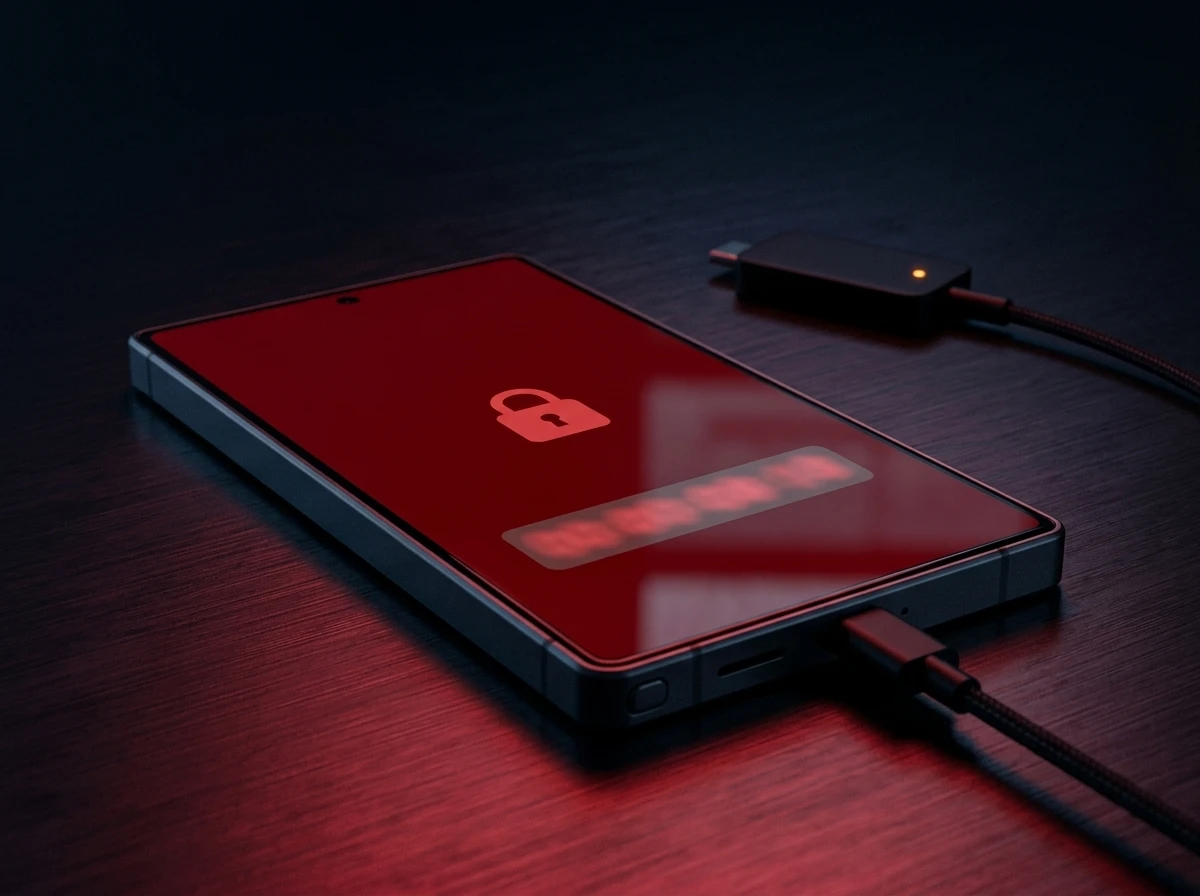
Samsung Galaxy phones now lock themselves for good after thirteen wrong passcode guesses in a row, with a full factory reset the only way back in. The change arrives in One UI 9.0, Samsung’s Android 17-based update, and swaps a forgiving old retry system for an escalating punishment schedule.
Samsung frames the policy as protection against thieves guessing their way into a stolen phone. But the same mechanism happens to disable the core technique that mobile forensics firms sell to police departments for cracking seized Android devices.
A Thirteenth Wrong Guess Wipes the Phone
Older versions of One UI gave forgetful or clumsy users a long runway before anything serious happened. That runway is mostly gone. One UI 9.0 introduces an escalation schedule that turns a handful of typos into hours, then days, then a device with no working code left.
The first few mistakes still draw only a short pause. Past that point, the wait climbs sharply with almost every additional miss, stretching from minutes to a full day before the thirteenth failure ends the countdown for good.
| Failed Attempt | Lockout That Follows |
|---|---|
| 1st through 5th | Warning only, then a 1-minute timeout |
| 6th | 5 minutes |
| 7th | 15 minutes |
| 8th | 30 minutes |
| 9th | 90 minutes |
| 10th | 4 hours |
| 11th | 12 hours |
| 12th | 24 hours |
| 13th | Permanent lock; factory reset required |
Samsung’s own support documentation lays out the escalation schedule attempt by attempt and confirms it cannot remotely restore access once a device locks. A factory reset run from recovery mode is the only door left, and it erases every local photo, file and setting that was not already backed up. The phone then requires the registered Samsung and Google accounts to clear Factory Reset Protection (FRP), the anti-theft lock tied to those accounts, before it works again.
Built-In Cushions Against Everyday Typos
The lockscreen overhaul shipped inside the same release that reshuffled the Galaxy dock with five-finger gestures and fixed a bug hiding Galaxy Buds from settings. Samsung clearly worried about legitimate owners getting caught in their own trap, and built in cushions meant to separate genuine mistakes from an actual attack.
- Countdown timer – the lockscreen shows a live timer and the exact number of attempts left once a user nears the danger zone.
- Smart attempt counting – entering the identical wrong PIN twice in a row counts as a single failure, not two.
- 72-hour PIN rule – biometrics cover daily unlocking, but Android still forces a PIN, pattern or password at least once every 72 hours.
The ceiling itself does not move, though. Thirteen distinct wrong entries still ends the same way, cushions or not.
Europe’s Phone-Snatching Wave Sets the Backdrop
The timing lines up with a real crime wave. Phone snatching, thieves grabbing handsets straight out of a victim’s hand, has surged across Britain in the past two years.
A House of Commons Library briefing on the trend found roughly 200 street snatch thefts a day nationwide in the year to March 2024, a 153 percent jump on the year before. London absorbed the worst of it, with close to £50 million worth of handsets reported stolen in the capital in 2024 alone.
The Office for National Statistics has since logged 83,900 phone theft offences in the twelve months to July 2025, nearly double the 45,800 recorded five years earlier. Seventy seven percent of Britons now call phone snatching a serious problem, a figure that climbs to 88 percent in big cities.
Who Else Gets Shut Out When Samsung Locks Down?
Everyday owners are not the only ones affected. Mobile forensics companies that sell brute-force unlocking hardware to police departments, and the investigators who depend on that hardware to open seized phones, lose their main technique the moment a device’s attempt counter hits thirteen.
Cellebrite, the Israeli digital forensics firm, and Grayshift, the company behind the GrayKey hardware tool, both sell equipment that police labs use to open phones seized in criminal investigations. GrayKey works by plugging into a locked device and cycling through passcode guesses in rapid sequence, a technique that only holds up against short numeric PINs.
That technique is exactly what Samsung’s new ceiling shuts down. A tool that needs hundreds or thousands of guesses to land on a four or six digit PIN never gets close before the thirteenth attempt locks the device for good.
Apple’s own hardening of iOS has already forced a version of this fight into the open. Researchers and outlets covering the mobile forensics industry have reported that recent iPhone software updates have, at times, kept GrayKey from cracking the newest models at all, pushing Grayshift and Cellebrite into a constant race to patch their own tools against each new release.
- What we know: Samsung says the policy targets automated brute-force attacks and that it cannot remotely recover local credentials once a device locks.
- What we know: Forensic tools such as GrayKey try passcodes in rapid sequence against numeric PINs, the exact method a hard attempt ceiling shuts down.
- What is unconfirmed: Whether blocking forensic extraction tools was a design goal of the new policy or a side effect of the anti-theft push.
- What is unconfirmed: How quickly Cellebrite or Grayshift can adapt their hardware around a hard ceiling of thirteen attempts.
Repair shops and secondhand resellers carry a smaller version of the same risk. A technician testing a trade-in phone, or a kiosk scanning a device nobody remembers the code for, can burn through thirteen attempts almost as fast as a thief can.
Apple Already Ran This Experiment
Samsung is not the first company to turn a phone into a one-way door. Apple has offered a version of this for years, with one critical difference: the harsh option is optional.
Apple’s security documentation describes an Erase Data setting that wipes an iPhone automatically after ten consecutive wrong passcodes, counted separately from the shorter lockout delays that start after five failures and climb from one minute to one hour. That setting, however, stays switched off by default unless a user finds it in Face ID and Passcode settings and turns it on.
Samsung skips the toggle entirely. Every Galaxy phone on One UI 9.0 gets the thirteen-attempt ceiling whether the owner wants it or not, with no setting to soften it.
Biometrics Still Cannot Skip the Backup PIN
Face unlock and fingerprint scanning handle most day to day access on a Galaxy phone, but neither replaces the passcode entirely. Android’s underlying authentication policy still forces a PIN, pattern or password entry at least once every 72 hours, biometrics enabled or not.
That rule carries more weight now that a wrong guess costs real time. A phone left untouched over a long weekend will demand the backup code the moment someone picks it up, and whoever enters it has to get it right inside the same tightened attempt budget.
A factory reset is not a perfect safety net either. Researchers have documented Android malware built to survive a full factory reset, a sign that wiping a device solves an access problem without necessarily clearing every threat underneath it.
Frequently Asked Questions
How Many Failed Attempts Lock a Samsung Galaxy Phone for Good?
Thirteen consecutive wrong entries trigger a permanent lock on One UI 9.0, with the twelfth failure already imposing a 24-hour freeze beforehand. Past that point, a factory reset is the only way to use the phone again.
Does One UI 9.0 Erase a Galaxy Phone Automatically After Too Many Wrong PINs?
Not automatically in the way Apple’s optional Erase Data setting does. The Galaxy phone simply refuses further guesses once it locks, and since Samsung cannot restore access remotely, the owner has to trigger the factory reset manually to get a working phone back.
Can Fingerprint or Face Unlock Stop the Lockout Countdown?
No. Biometrics cover routine unlocking, but Android’s policy still requires a PIN, pattern or password at least once every 72 hours regardless of which biometric methods are turned on, and that entry counts toward the same attempt ceiling.
What Happens to Photos and Files After the Forced Factory Reset?
Anything not already synced to Samsung Cloud or a Google account is deleted permanently. The phone will also demand the owner’s registered Samsung and Google account credentials afterward to clear Factory Reset Protection before it works again.
Does the New Lockout Policy Make It Harder for Police to Unlock a Seized Galaxy Phone?
It narrows the window considerably for tools like GrayKey and Cellebrite’s UFED, both of which rely on rapid repeated guessing against numeric PINs. Whether forensic vendors can adapt around a hard ceiling of thirteen attempts remains an open question in the industry.
Will Older Galaxy Phones Get This Same Lockout Policy?
Only once they receive the One UI 9.0 update itself. Samsung has tied the change specifically to this Android 17-based release, and phones still running One UI 8 or earlier keep the older, more forgiving retry behavior until they update.


Conor Oberst’s Trump Writer’s Block Exposes a Bigger Crisis

Siemens Wires Its Chip Software Into NVIDIA’s Quantum Agents

Pixel 11 Price Hikes Reveal Memory Chipmakers’ Record Profits

Charles Schwab Backs the CLARITY Act as Odds Collapse

Nodes Upgrading to XRP Ledger’s xrpld 3.2.0 Fall Out of Sync

Trump Halts Iran Strikes as Bitcoin Stays Stuck Near $64K

ChatGPT’s Health Push Repeats a Bet That Killed Two Rivals

Crypto Rallies on Iran Truce While Fed Hike Odds Triple

Samsung’s New Lockout Rule Targets Thieves and Police Forensic Tools

Gemini Daily Brief Tests Custom Prompts, a Year Behind Samsung

CLARITY Act Final Text Expected This Weekend as 60-Vote Hurdle Looms

Fed Minutes Cite AI Demand as Inflation Risk, Put a 2026 Hike Back on the Map

Kalshi Loses Major NY Prediction Markets Ruling to Judge Torres

Marker AI Writing Startup Lands $13M Seed Led by Index Ventures

Dota 2 Esports World Cup 2026: Spirit Defends $2M Title In Paris

Meta’s Muse Spark 1.1 Beats Rivals on Price, Trails on Coding

CS2 Premier Season 5 Lands With Cache and a C4 Damage Rework

Trump Calls Iran ‘Islamic Republic of Japan’ as Ceasefire Ends

ARC Intelligence Closes €4M Seed Round in Roughly a Week

Finto Picks Munich Over Silicon Valley After YC, Raises $3.4M
-
 FINANCE2 months ago
Zcash Patched a Double-Spend Bug as ZEC Climbed 5%
-
 ENTERTAINMENT2 months ago
Steam Summer Sale 2026 Locks In June 25 to July 9 Dates
-
 NEWS2 months ago
Meta Adds AI Replies to Threads, But Users Can’t Block It
-
 FINANCE3 weeks ago
CLARITY Act Final Text Expected This Weekend as 60-Vote Hurdle Looms
-
 ENTERTAINMENT2 months ago
‘Widow’s Bay’ Review: Apple TV’s Sleeper Horror-Comedy Earns Its Fog
-
 NEWS7 months ago
FolderFresh Review: This Free Tool Automates Windows File Organizing
-
 NEWS4 months ago
U.S. Navy Deploys Solar-Powered Lightfish Drone to Patrol Oceans
-
 FINANCE3 weeks ago
Fed Minutes Cite AI Demand as Inflation Risk, Put a 2026 Hike Back on the Map