
NEWS
Samsung’s Home Up Patch Catches the Fold 8 Icon Drift
Samsung is patching Galaxy Z Fold 8 icon drift in Home Up, a module whose notes never named the crease bug.

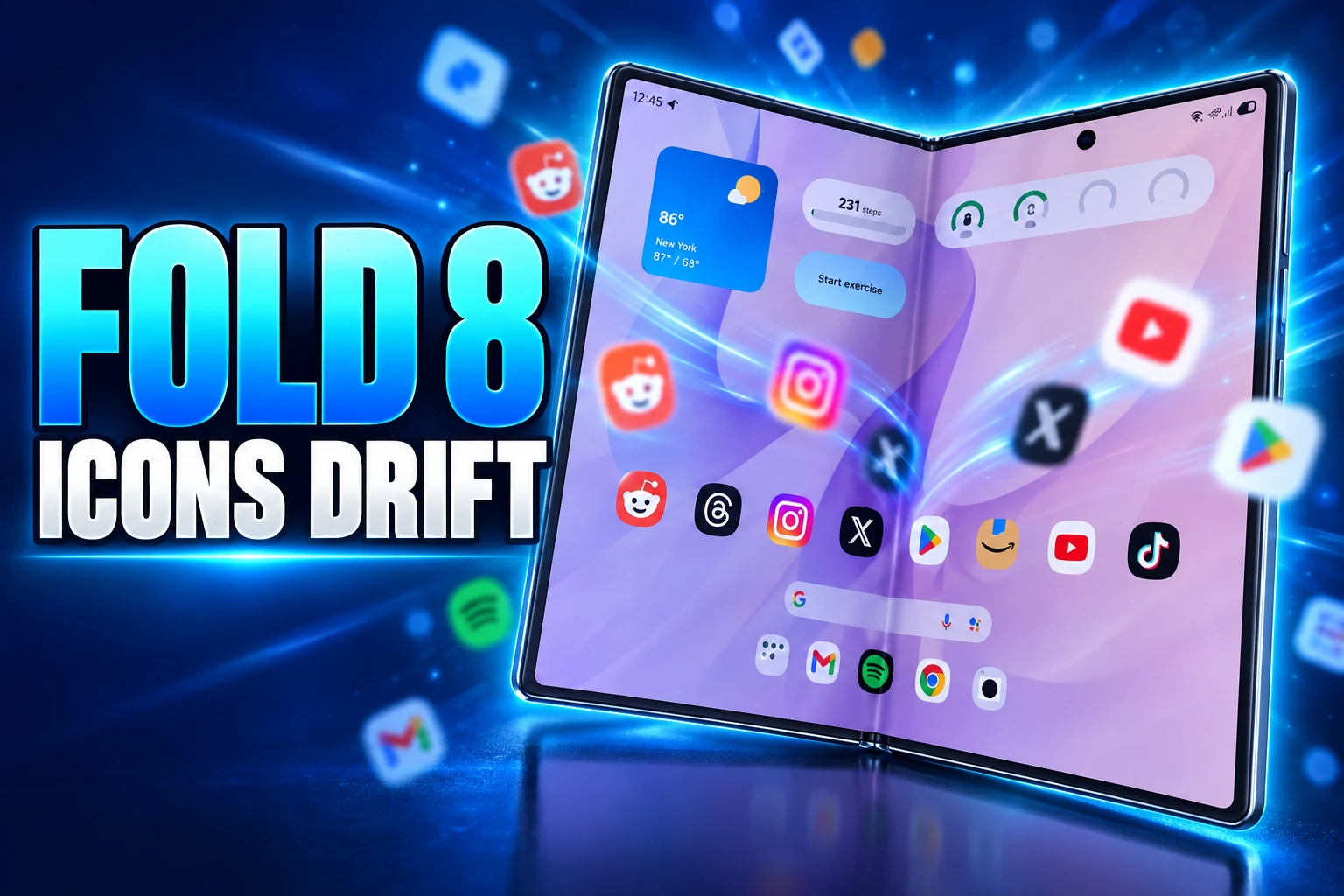
Samsung’s Good Lock team has told Galaxy Z Fold 8 owners to install Home Up 18.0.00.36 after app icons began overlapping, drifting past the grid, and lodging in the hinge gap. The patch is a plugin update, not a One UI system build, and owners still have to put the icons back by hand in Home Screen Edit.
That matters because the Fold 8 is a new shape, not a thinner Fold 7. The extra width is the product. It is also the layer Home Up has been asked to manage.
Icons Are Sliding Into the Hinge Gap
On Samsung’s community forum, Fold 8 owners posted screenshots of home-screen icons stacked on top of each other. Some icons sat outside the layout bounds. One owner said locking the home layout did not hold, and that a tidy grid turned into a mess again after a couple of days.
The app even went into a strange place and won’t move
Galaxy Z Fold 8 owner, Samsung community forum
A second owner described apps sliding between the two panes, where the icon could not be selected or dragged. That is the crease as a software dead zone, not just a line in the glass.
A Good Lock support member confirmed a layout distortion on the Fold 8 and pointed to Home Up 18.0.00.36. The steps are specific: Good Lock, then the Apps tab, then the update icon beside Home Up. After it installs, the misplaced icons can be moved again through Home Screen Edit.
Stock One UI Home is not named in that reply. The people who got an answer are the people already inside Good Lock.
The Fold 8’s 4:3 Canvas Changed the Grid
Samsung unveiled the Fold 8 on July 22, 2026 as a shorter, wider book, and U.S. units went on sale on August 7. The company’s U.S. newsroom sells the pair of 10:16 cover and 4:3 main screens as a content shape: messaging and short video on the cover, films and e-books on the inner panel.
The listed spec sheet for the phone puts a 7.6-inch 2448 by 1848 inner panel at a 4:3 ratio, about 404 ppi, with a 5.5-inch cover at 1248 by 1972 and 428 ppi. Both panels run 1 to 120 Hz. Peak brightness is listed at 3,000 nits. The open body is 161.4 by 123.9 by 4.5 mm. Folded, it is 81.9 by 123.9 by 9.7 mm and 201 g. It runs One UI 9 on Android 17. Colors are Graphite, Cream, Lavender, and Pistachio.
Last year’s Fold 7 used an 8.0-inch inner panel at 1968 by 2184 and opened to 158.4 by 143.2 by 4.2 mm. The Fold 8 is 34.5 mm shorter and 18.2 mm wider when open. That is a different grid to pack, not a small trim.
FOLD 8 VERSUS FOLD 7 INNER CANVAS
| Spec | Galaxy Z Fold 8 | Galaxy Z Fold 7 |
|---|---|---|
| Inner display | 7.6 in, 4:3, 2448 x 1848 | 8.0 in, 1968 x 2184 |
| Cover display | 5.5 in, 10:16, 1248 x 1972 | 6.5 in, taller cover |
| Unfolded body | 161.4 x 123.9 x 4.5 mm | 158.4 x 143.2 x 4.2 mm |
| Weight | 201 g | Not used here |
The cover is also a new problem for icon math. Guides written in August found the cover still defaults to four app columns, even though this is the widest Galaxy book Samsung has sold. Home Up is the switch that raises that cover grid to 5 or 6 columns. Reviewers using the inner panel put the same module’s rows and columns on a 4 to 7 range. Without it, the 4:3 canvas wastes space on empty columns.
Home Up Is How Owners Use the Extra Width
Good Lock is free Samsung software from the Galaxy Store. Home Up is the module that rebuilds One UI Home: grid size, folder styles, the app drawer, the foldable taskbar, and DIY Home, which lets icons sit off the snap grid, overlap, rotate, and resize.
Samsung’s own newsroom walkthrough of the DIY Home Screen in Home Up presents that free placement as the point of the tool. On a foldable, that freedom has to survive a fold, an unfold, and a cover that does not match the inner aspect ratio.
One UI still ships Cover screen mirroring on by default. With mirroring on, the left half of the open inner home screen maps to the first cover page, and the right half maps to a second cover page, even if that page does not exist yet. Owners who want a single cover page cannot put anything on the right half of the inner canvas. Turning mirroring off gives each face its own layout. Many day-one Fold 8 setup videos tell people to do that, then open Home Up.
So the “optional” module is the path most power users take to make the new shape usable. A layout bug in that path is a Fold 8 bug in practice, even when the fix never lands as firmware.
Owners who dropped the custom home layer and went back to stock One UI Home have described the wandering icons settling. The four-column default is ugly on a 4:3 panel. It also appears to be the stabler grid.
Samsung Already Patched DIY Home Once in August
This is not the first Home Up layout miss on the Fold 8. A late-summer build already claimed to fix DIY placement, and owners were still filing inner-screen complaints the next day.
HOME UP LAYOUT FIXES ON THE FOLD 8
- July 22, 2026: Samsung unveils the Fold 8 with the 4:3 inner canvas and 10:16 cover.
- August 7, 2026: U.S. general availability begins.
- August 13, 2026: Home Up 18.0.00.32 ships with one listed change, “Fix DIY Home Screen Layout Position Errors,” on One UI 9 devices including the Fold 8.
- August 14, 2026: A Fold 8 owner reports folders and widgets “pushed off the display” on the inner screen. Good Lock support says the fault shows up while DIY Home is in use and that a fix is coming.
- September 4, 2026: Home Up 18.0.00.36 appears first in South Korea.
- September 15, 2026: Good Lock support tells Fold 8 owners the layout distortion is resolved in 18.0.00.36 and to rearrange icons in Home Screen Edit.
The August 13 note and the August 14 forum posts sit one day apart. A build that promised DIY position fixes did not stop inner-screen icons from being shoved off the glass. The September point release is the second pass at the same class of bug.
The 18.0.00.36 Notes Skip the Crease
The public changelog that traveled with 18.0.00.36 lists three items. It fixed recent-app info missing from the integrated Edge panel. It fixed an intermittent error where DIY home-screen items were not displayed. It fixed the activation condition for the Favorites blur option.
None of those lines says icons overlapping, icons past the border, or icons trapped between panes. Support is using the DIY-items fix as the answer to the crease complaints. The written notes never name the hinge.
NavStar 9.0.00.16 went out in the same window with foldable and tablet UI work, including navigation-bar spacing. That is a separate module. The icon mess is still a Home Up problem.
South Korea got 18.0.00.36 first, with other countries due in the following days. By September 15 the Good Lock team was already telling Fold 8 owners to tap Update, so the build is no longer a Korea-only rumor. Good Lock modules also do not always ride along with a firmware update. After a big One UI drop, Home Up can sit stale until someone opens Good Lock and pulls it by hand.
How Do You Install the Home Up Fix?
The support path is short. It only works if Good Lock and Home Up are already on the phone. If they are not, this bug thread is not your bug.
UPDATE HOME UP, THEN MOVE THE ICONS
- Find the module: Open Good Lock, go to the Apps tab, and look for Home Up.
- Install 18.0.00.36: Tap the update icon to the right of Home Up, or use Galaxy Store, Menu, Updates, then Update all.
- Confirm the build: The support reply names Home Up 18.0.00.36, not a One UI build number.
- Edit by hand: Open Home Screen Edit and drag the misplaced icons off the crease and off each other. The patch does not restack the grid for you.
- If DIY is on: The August complaints were tied to DIY Home. If icons still jump after a couple of days, turn DIY off and lock the layout again.
Home Up remains the tool that unlocks five or six cover columns and a denser inner grid. Turning it off to dodge the bug means going back to four columns on a panel Samsung designed to be wide. That is the trade the patch is supposed to end.
Wide Fold Sales Outran the Launcher Software
The shape is selling. Samsung said combined U.S. purchases of the Fold 8 and Fold 8 Ultra were running 30% ahead of the Fold 7, and that those two book models made up 80% of current Galaxy Z purchases in the country. Counterpoint Research, looking at the first two weeks after launch, put global sales of the two books 8% above the Fold 7’s first two weeks. Associate director Sujeong Lim estimated the Fold 8 itself was about 57% of Z8 series sales in that window, on the compact 4:3 pitch.
Samsung also said more than three times as many Flip owners were moving up to a Fold as did a year earlier. In Europe it put combined Fold 8 and Fold 8 Ultra sales 50% above the Fold 7, after pre-orders for the Fold 8, Fold 8 Ultra, and Flip 8 ran 20% above the prior generation.
THE WIDE FOLD’S EARLY SALES SPLIT
- U.S. combined lift: Samsung put Fold 8 plus Fold 8 Ultra purchases 30% ahead of the Fold 7.
- U.S. mix: The two book models were 80% of current Galaxy Z purchases, leaving the Flip with 20%.
- First two weeks: Counterpoint put the two books 8% above the Fold 7’s open, with the Fold 8 at 57% of series sales.
- Flip step-up: More than three times as many Flip owners moved to a Fold as did for the Fold 7.
Those figures are why a Home Up glitch is not a niche forum squabble. A lot of new Fold 8 owners were told, in setup videos and tips posts, to install Good Lock on day one so the cover stops looking sparse. The same module is what Samsung is now using to pull icons out of the hinge.
Install 18.0.00.36, then open Home Screen Edit and drag every icon off the crease. The 4:3 panel is doing what Samsung built it to do. The grid software is still catching up.

Ford Cuts 2027 F-150 Raptor Prices by Stripping Gear

Samsung’s Home Up Patch Catches the Fold 8 Icon Drift

X Sells Cashtag Trade Traffic to Five U.S. Brokers

Pete Alonso’s 300th Homer Turns Citi Field on the Mets

Staffline Temps Keep the Pilgrim’s Enniskillen Line Moving

The Orchard Bug Forced Zcash to Open an Empty Pool

The $5.99 Game That Won Steam’s 2026 Summer Sale

Don Lee Joins Hemsworth as Extraction 3 Starts Shooting

YouTube Shorts Retires Dislikes and Swaps Likes for Hearts

NEURA Robotics Is Spending Its $1.4B on a Machine Stack
-
 NEWS4 months ago
The Orchard Bug Forced Zcash to Open an Empty Pool
-
 GAMING4 months ago
The $5.99 Game That Won Steam’s 2026 Summer Sale
-
 ENTERTAINMENT6 months ago
Don Lee Joins Hemsworth as Extraction 3 Starts Shooting
-
 NEWS4 months ago
YouTube Shorts Retires Dislikes and Swaps Likes for Hearts
-
 NEWS4 months ago
NEURA Robotics Is Spending Its $1.4B on a Machine Stack
-

 AUTO6 months ago
Kawasaki Bets the New Z1100 Against Its Own Supercharger
-

 BUSINESS5 months ago
Norway’s Export Bank Backs Nscale’s $790 Million Narvik Loan
-

 GAMING4 months ago
Game of Thrones Dragonfire Follows Boston’s Conquest Playbook