
NEWS
Microsoft Fixes Windows 11 KB5089549 EFI Partition Failure
Microsoft fixed the Windows 11 KB5089549 install failure that stalled at 35 percent with error 0x800f0922 on PCs short on EFI System Partition space.

Microsoft has fixed the bug that kept its Windows 11 KB5089549 security update from installing on PCs with cramped boot partitions, where the install stalled near 35 percent and then rolled back with error 0x800f0922. The repair shipped inside the KB5089573 preview update on May 26 and reaches every supported device through the June 9 Patch Tuesday release. Affected users who take either update need no manual workaround.
It is the second time in roughly two years that a too-small Windows system partition has blocked a routine security patch, and the disk layout behind it sits on millions of machines that left the factory years ago.
The Update That Stalled at 35 Percent
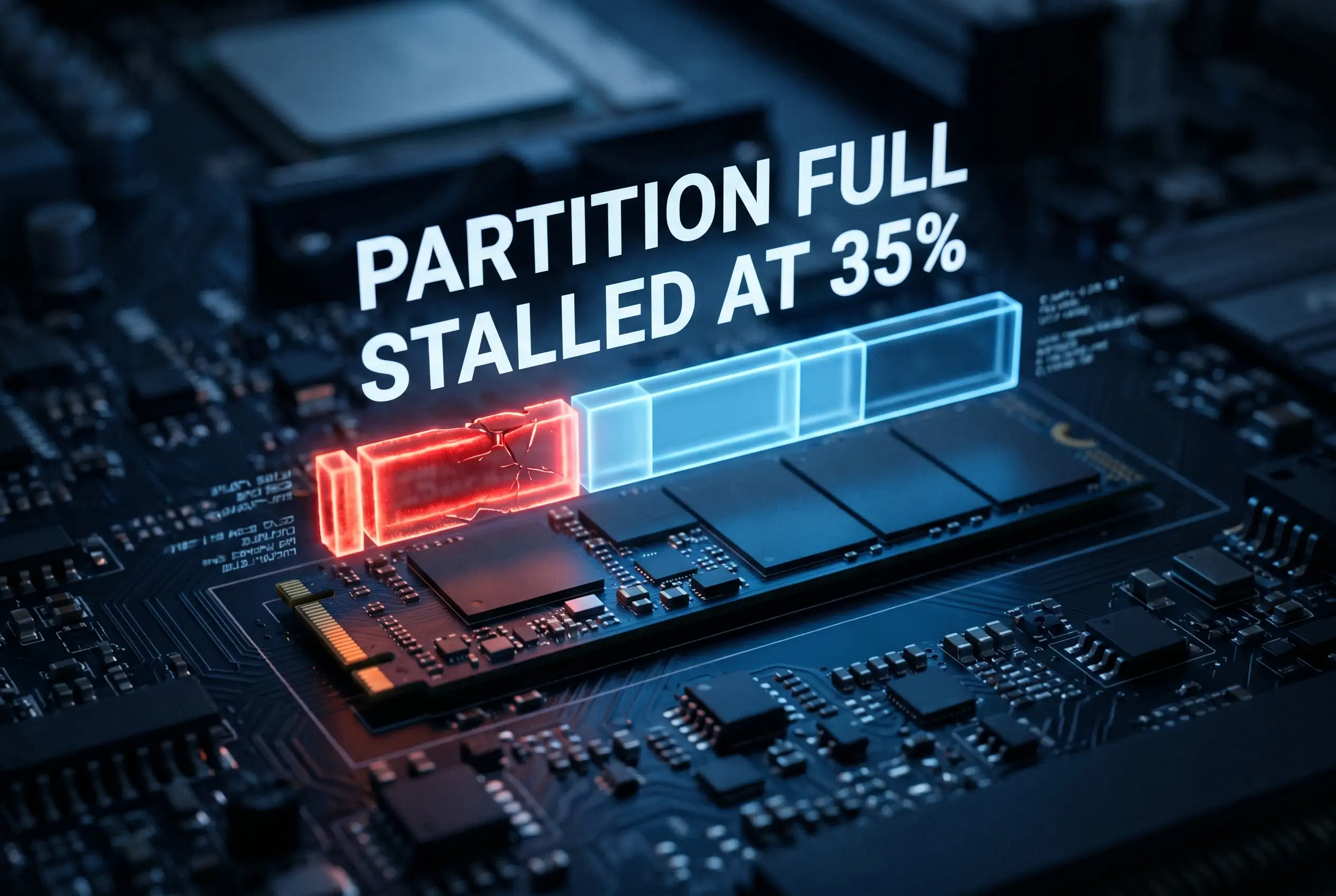
KB5089549 went out on May 12 as the May cumulative for Windows 11 versions 24H2 and 25H2. On most PCs it installed cleanly. On a slice of them it began normally, then failed during the reboot phase at around 35 to 36 percent and reverted the machine to its previous state.
Owners of those PCs saw the same screen: “Something didn’t go as planned. Undoing changes.” The install logs told the fuller story, with entries reading “SpaceCheck” and “ServicingBootFiles failed.” Both point at one thing, free room on the disk.
The shortage sat on the EFI System Partition (ESP, the small firmware partition that holds the boot files a UEFI computer reads to start Windows). Microsoft narrowed the fault to devices with 10MB or less free on that partition, confirmed it in mid-May, and pushed a temporary Known Issue Rollback while it built the proper fix. That fix arrived in KB5089573, the optional preview cumulative carrying 30 changes that also introduced a new Low Latency Profile that lets the CPU sprint for demanding tasks. You can verify the build details in Microsoft’s release notes for the May 12 KB5089549 update, which list OS builds 26200.8457 and 26100.8457.
Why a 100MB Partition Runs Out of Room
The ESP was never meant to be a busy place. It stores the bootloader and a handful of firmware files, so for years a small slice of disk did the job. The trouble is that the file shuffling during a feature-level servicing step needs working room, and a partition running on fumes has none to give.
Here is the size mismatch at the centre of it. Microsoft’s own hardware guidance puts the floor higher than what many systems ever got.
- 10MB or less of free ESP space is what triggered the rollback.
- 200MB is the minimum ESP size Microsoft lists for standard 512-byte drives, with 260MB or more recommended and 300MB for 4K native disks.
- 100MB is the partition a great many older PCs actually shipped with, a layout Microsoft itself calls a very common OEM configuration.
Anyone can check the numbers against Microsoft’s UEFI and GPT partition sizing guidance. A machine built to the old 100MB pattern, with a few years of firmware and boot files already parked on it, can sit right at the edge. One more servicing operation tips it over. That same squeeze has already been blocking the 24H2-to-25H2 feature upgrade on 100MB partitions, so the May patch failure is a smaller version of a problem Microsoft has been wrestling with for months.
Windows Hit This Same Wall in 2024
If the shape of this feels familiar, it should. In January 2024, Microsoft shipped KB5034441, a fix for a flaw that let attackers bypass BitLocker encryption through the Windows Recovery Environment (WinRE, the rescue mode that loads when Windows can’t start). The patch failed to install on huge numbers of PCs, throwing error 0x80070643.
The cause then was the same in spirit. The recovery partition, often around 500MB, was too small to take the updated recovery image, which needed roughly 250MB of free space to stage. Microsoft’s answer at the time was a multi-step manual resize that asked everyday users to run diskpart commands and shrink their main volume, a process well beyond most people. The two episodes line up closely.
| Detail | KB5089549 (2026) | KB5034441 (2024) |
|---|---|---|
| Released | May 12, 2026 | January 9, 2024 |
| Partition at fault | EFI System Partition | Windows Recovery (WinRE) |
| Error shown | 0x800f0922 | 0x80070643 |
| Space problem | 10MB or less free | about 250MB needed to stage |
| How it got fixed | Automatic, via KB5089573 | Manual partition resize |
The difference that matters to users is the cleanup. Two years ago the burden landed on the person at the keyboard. This time Microsoft adjusted how the update pads and uses the partition, so the fix arrives in the patch itself. Same wall, gentler landing.
How to Install the Fix or Wait It Out
For most people the practical advice is short. Do nothing unusual, and let Windows Update handle it. The fix is baked into the June rollout, and the earlier optional update is there for anyone who can’t wait.
For Home and Unmanaged PCs
If your May update kept failing, you have two clean routes. Grab the preview now or sit tight for Patch Tuesday.
- Open Settings, then Windows Update, then Advanced options, then Optional updates, and install KB5089573 or later.
- Or wait for the June 9 cumulative, which carries the same fix and installs through normal Windows Update.
- If you skip both, the Known Issue Rollback applies on its own to consumer and unmanaged devices; a restart helps it take effect faster.
During the worst of it, Microsoft also offered a registry workaround that set an EspPaddingPercent value to zero to skip the padding step. With a real fix now shipping, that hand edit is no longer worth the risk for ordinary users.
For IT-Managed Fleets
Administrators don’t get the automatic consumer rollback. They can deploy the fix through the same updates, or apply Microsoft’s Known Issue Rollback policy by hand using the Group Policy method for deploying a Known Issue Rollback. For fleets still on 100MB partitions, the deeper job remains, because the next space-hungry servicing step will find the same shortage.
A Rough Stretch for Windows Updates This Year
This is one entry on a longer list for 2026. In April, security updates broke third-party backup tools that leaned on a vulnerable driver, and Microsoft later patched a Windows Autopatch fault that pushed admin-restricted driver updates to some managed devices in the European Union.
The timing of the partition bug carries an extra sting. KB5089549 is part of the groundwork for a hard deadline: the Secure Boot certificates first issued in 2011 begin expiring in June 2026, and devices that miss the certificate refresh may lose the ability to verify trusted boot software. Microsoft has spelled out the stakes in its guidance on Secure Boot certificate expiration and CA updates. An update that some PCs couldn’t install, during the run-up to a security cutoff, is not a comfortable look.
The fix ships to everyone on June 9. The 100MB partitions that caused the stall will still be there afterward, waiting for the next update that asks them for room they don’t have.
Frequently Asked Questions
Will KB5089549 install on its own now?
Yes. Once you install KB5089573 or the June 9 Patch Tuesday update, the padding fix lets the May security content install without stalling. Consumer and unmanaged PCs also receive an automatic Known Issue Rollback that resolves the failure without any action.
How do I check my EFI System Partition free space?
Open an elevated Command Prompt, run diskpart, then list the disk and select the EFI volume to see its size and free space. The partition is small by design, often 100MB, and free space near 10MB is the danger zone that caused the install to roll back.
What does error 0x800f0922 mean here?
In this case it signals a servicing step that could not complete, traced to insufficient free space on the boot partition rather than a corrupted update. The install logs flagged it with “SpaceCheck” and “ServicingBootFiles failed” entries before reverting the system.
Do I still need the registry workaround?
No. The EspPaddingPercent registry edit was a stopgap Microsoft offered before the permanent fix existed. With KB5089573 and the June cumulative carrying the repair, the manual change is unnecessary and best avoided on home PCs.
Should I resize my EFI partition?
Not for this specific bug, since the fix handles it. But a 100MB partition can still block bigger jobs, such as the 24H2-to-25H2 feature upgrade. If you keep hitting space-related update errors, enlarging the partition to at least Microsoft’s 200MB minimum is the durable fix, ideally with help if you’re not comfortable editing partitions.


Galaxy Ring’s FDA Sleep Apnea Clearance Faces a Familiar Wait

kausable’s €12 Million Seed Joins a Quiet Bet Against AI Scaling

Bitcoin ETFs Shed $225 Million as Treasury’s Biggest Buyers Retreat

telli Raises $15 Million Seed to Rival Billion-Dollar AI Giants

PageMind Raises €1.2 Million to Crack AI Shopping Search

Hackers Hijack Robinhood CEO’s X to Push Fake Memecoin

Apple’s Trade Secrets Suit Against OpenAI Is Europe’s Problem Too

Adobe’s Patch Leaves WhatsApp’s Own Security Gap Untouched

Reddit and Publishers Weigh Blocking Google Over AI Traffic Losses

CuspAI’s $2.6 Billion Bet Echoes AI Drug Discovery’s Playbook

CLARITY Act Final Text Expected This Weekend as 60-Vote Hurdle Looms

Fed Minutes Cite AI Demand as Inflation Risk, Put a 2026 Hike Back on the Map

Kalshi Loses Major NY Prediction Markets Ruling to Judge Torres

Marker AI Writing Startup Lands $13M Seed Led by Index Ventures

Dota 2 Esports World Cup 2026: Spirit Defends $2M Title In Paris

Meta’s Muse Spark 1.1 Beats Rivals on Price, Trails on Coding

CS2 Premier Season 5 Lands With Cache and a C4 Damage Rework

Trump Calls Iran ‘Islamic Republic of Japan’ as Ceasefire Ends

ARC Intelligence Closes €4M Seed Round in Roughly a Week

Finto Picks Munich Over Silicon Valley After YC, Raises $3.4M
-
 FINANCE2 months ago
Zcash Patched a Double-Spend Bug as ZEC Climbed 5%
-
 ENTERTAINMENT2 months ago
Steam Summer Sale 2026 Locks In June 25 to July 9 Dates
-
 NEWS2 months ago
Meta Adds AI Replies to Threads, But Users Can’t Block It
-
 FINANCE3 weeks ago
CLARITY Act Final Text Expected This Weekend as 60-Vote Hurdle Looms
-
 ENTERTAINMENT2 months ago
‘Widow’s Bay’ Review: Apple TV’s Sleeper Horror-Comedy Earns Its Fog
-
 NEWS7 months ago
FolderFresh Review: This Free Tool Automates Windows File Organizing
-
 NEWS4 months ago
U.S. Navy Deploys Solar-Powered Lightfish Drone to Patrol Oceans
-
 FINANCE2 weeks ago
Fed Minutes Cite AI Demand as Inflation Risk, Put a 2026 Hike Back on the Map