
NEWS
Edge Drop’s Mouse-Driven Clipboard Trick Comes With a Privacy Trade-Off
Edge Drop, a new mouse-driven Windows 11 clipboard manager, polls the clipboard every 600 milliseconds and borrows a name Microsoft is retiring in Edge.

A developer known online as AdiArtist released a mouse-driven clipboard manager for Windows 11 this month. Its name, Edge Drop, already belongs to a Microsoft feature the company is quietly burying. Version 0.1.0 arrived on July 9, 2026 as the project’s only public release so far, free to download from its own website and GitHub.
The friction goes beyond a name clash. Edge Drop earns its convenience by watching everything a user copies, every 600 milliseconds, day and night. That is the kind of persistent access security teams flag before new software touches a work laptop.
Edge Drop Turns a Screen Edge Into a Clipboard Shelf
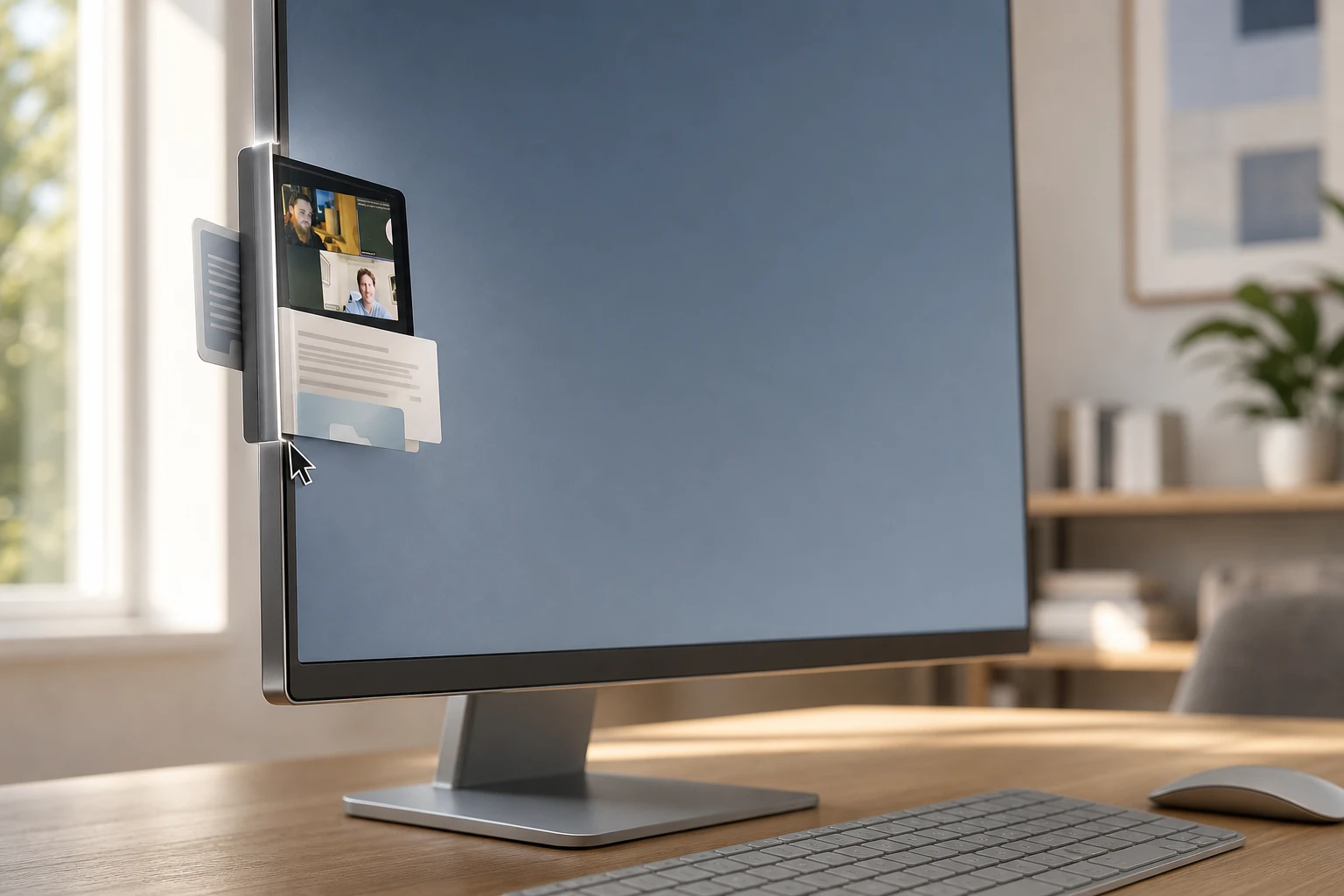
Edge Drop sits invisibly along the left edge of the display until summoned. A hover of the mouse, or a tap of Alt+C, slides the panel out. Copy a screenshot, a code snippet, or a batch of files, and each item lands automatically inside the shelf, ready to be dragged straight into whatever window is open.
The project’s own GitHub repository describing the build frames the pitch bluntly: “Every clipboard manager on the market breaks your flow.” The repo credits the code to a user named Deepender25, apparently the same person operating under the AdiArtist handle used in the original Reddit post. Built as an Electron app with a React interface, the tool splits its work across three isolated processes and checks copied images with a fast hashing method instead of re-encoding each one, according to the repository’s own technical notes.
Edge Drop also supports stacking, grouping related files or images together so they can be gathered once and pasted elsewhere as a set. It cannot yet mix content types inside a single stack, so a stack of images and a stack of text stay separate. The official Edge Drop product page describes it simply as a free, open-source clipboard manager built around dragging items straight into other apps.
| Attribute | Edge Drop | Windows 11 Clipboard History |
|---|---|---|
| Activation | Hover left screen edge or Alt+C | Win+V |
| Content supported | Text, images, various file types | Text, HTML, bitmap images |
| Organization | Same-type stacking, drag and drop | Pin favorites, 25-item history |
| Cross-device sync | Not offered | Yes, via Microsoft account |
| Item size limit | Not yet documented | 4 MB per item |
| Distribution | Free, website and GitHub only | Built into the operating system |
| Maturity | Version 0.1.0, released July 9, 2026 | Shipped since Windows 10’s October 2018 Update |
Microsoft’s own clipboard history, reachable with Win+V, keeps up to twenty five entries and caps individual items at four megabytes, according to Microsoft’s clipboard support documentation. It supports pinning, keyboard navigation, and sync across devices signed into the same Microsoft account. Edge Drop skips the keyboard almost entirely and leans on the mouse instead.
Who’s Watching Everything You Copy?
Edge Drop’s shelf only feels effortless because it is always listening. The app polls the operating system’s clipboard every 600 milliseconds and keeps captured material in local application storage, a pace confirmed both by its GitHub documentation and by early testers.
That constant polling is exactly why one detailed community writeup urged testing Edge Drop in a disposable Windows 11 profile before putting it anywhere near a production machine, given it has had a single public release and no independent security review. The concern is not that the app is malicious. It is that nobody outside its solo developer has vetted how it behaves around sensitive data yet.
The code does try to protect some of that data. According to its own repository, Edge Drop honors several Windows clipboard exclusion flags, including settings meant to keep monitoring tools away from sensitive content, and it recognizes concealed clipboard formats used by 1Password, Bitwarden, and KeePass. Those protections only work, though, when the source app actually sets the right flag, and plain text copied through the standard clipboard can still land in Edge Drop’s view.
- ExcludeClipboardContentFromMonitorProcessing – tells clipboard-watching apps to skip a copied item entirely
- ClipboardViewerIgnore – a legacy flag some apps still set to opt out of viewers
- CanIncludeInClipboardHistory – controls whether an item is allowed into any history list
- CanUploadToCloudClipboard – separately governs whether an item can sync to the cloud
Edge Drop is not distributed through the Microsoft Store, so it skips the baseline vetting that store-listed apps go through. It is downloaded directly from a website or a GitHub releases page instead, which is standard for early open-source tools but still means users are trusting a single, unaudited developer with a feed of their copy-paste activity.
The Name Belongs to a Feature Microsoft Is Killing
Microsoft has run its own Edge Drop inside the Edge browser’s sidebar for years, a tool for sending files, photos, and notes between a person’s own devices. That feature is now being switched off. Testers running Edge Canary see an in-app notice stating, “Drop is being retired,” with shared files redirected to OneDrive and any text notes requiring a separate download first.
Microsoft’s legal team may want a word about that title.
That line comes from Sean Endicott, a News Writer at Windows Central who covers Windows 11 and the broader Microsoft ecosystem, reviewing the new clipboard app under its current name. His larger point stands regardless of who owns the trademark: an indie tool borrowing a name still active inside Microsoft’s own product lineup is picking a fight it does not need.
Microsoft has not explained exactly why the original Edge Drop is disappearing, but the timing lines up with a broader clearout. Windows Central’s reporting on the browser feature’s retirement ties it to Microsoft wanting the same sidebar space for Copilot, its AI assistant. Writer Leo Varela first spotted the retirement notice and posted screenshots to X in mid-June. Around the same period, Windows Latest documented Edge 149’s rollout, which began June 4, 2026 and already stripped out the Sidebar and Collections features that came before Drop on the chopping block.
That does not guarantee Microsoft will chase down a small open-source app over a shared name. Companies protect trademarks unevenly, and a project at version 0.1.0 with a handful of testers is a low priority. But the developer’s own materials already warn users that a rebrand, touching the app, its website, or its GitHub repository, could land in a future release.
An Old Script for Windows Utilities
Windows had no native clipboard history at all until the Windows 10 October 2018 Update introduced it, years after independent tools like Ditto and ClipboardFusion had already built loyal followings by adding persistent storage, search, and syncing that the stock clipboard lacked. Once Microsoft shipped its own version, some of those third-party tools lost their reason to exist. Others survived by pushing further, adding features Microsoft still had not matched.
Microsoft kept building on top of its own foundation afterward, too. PowerToys, the company’s open-source utility suite, later added an Advanced Paste module that layers paste transformations and format conversion onto the same clipboard history Windows 11 ships with today. It is the same cycle playing out again: an independent developer identifies a rough edge, ships a fix, and either gets absorbed into the platform’s roadmap or gets left racing a much bigger company’s release schedule.
Microsoft’s willingness to rework built-in Windows 11 features under user pressure is not new, either. The company recently stripped advertising out of Windows 11’s search experience after years of complaints, proof that the built-in tools Edge Drop is trying to complement do sometimes change in response to exactly the kind of feedback an indie alternative represents.
Where Edge Drop Stands Right Now
Even Microsoft’s own signed updates have stumbled recently. The company recently had to block a Windows 11 update on certain Dell PCs after it caused shutdown problems, a reminder that even vetted, first-party software carries risk. An unsigned, single-developer clipboard tool at version 0.1.0 deserves at least that much caution.
- What we know: Edge Drop is free, open source, built on Electron, and its only public release so far is version 0.1.0 from July 9, 2026, distributed solely through its website and GitHub.
- What we know: It polls the clipboard every 600 milliseconds and already recognizes exclusion flags meant to shield password manager content.
- What’s unconfirmed: Whether Microsoft will formally push for a rename, or simply let a niche project run under a retired feature’s name.
- What’s unconfirmed: When cross-type stacking, or any move toward Microsoft Store distribution and outside security review, might arrive.
For now, Edge Drop is a side project worth watching rather than a tool most people need to install today. Its pitch, a visual, mouse-first shelf for creative and developer workflows, fills a real gap. Whether that gap gets filled long enough to matter is still an open question the version number alone cannot answer.
Frequently Asked Questions
Is Edge Drop safe to install on a work computer?
Treat it as untested rather than unsafe. Because it is not distributed through the Microsoft Store, security guidance circulating among early testers recommends checking Task Manager’s Startup apps list and the Windows Startup folder after installing it, to confirm whether it launches automatically at sign-in before deciding whether it belongs on a managed device.
Does Edge Drop replace the Windows 11 clipboard?
No. Edge Drop and Win+V’s clipboard history run side by side and track content independently, so clearing one does not clear the other. Testers have been advised to compare what each tool captures after copying the same text, image, or file to see whether anything appears in one history but not the other.
Will Edge Drop have to change its name?
Possibly. The developer’s own release notes already flag a future rebrand as a real possibility, potentially affecting the app itself, its website, or its GitHub repository, precisely because Microsoft still runs a browser feature called Edge Drop today even as that feature heads toward retirement.
What file types can Edge Drop store right now?
Text, images, and a range of file types can go into the shelf and be dragged back out into other apps. The one current limit is mixed-type stacking. A single stack cannot yet combine, say, images with text, though the developer has flagged broader file-type support as a future goal.
How much does Edge Drop cost?
It is free. The official product page and GitHub releases page both distribute version 0.1.0 at no cost, with no Microsoft Store listing and no paid tier mentioned anywhere in the current build.


Nvidia Buys Hugging Face, the Platform That Turned It Down

OpenAI Names GPT-6 Astra AGI, Then Locks It Down

Relay Q Bets a $150 Puck Can Beat Dictation Apps

Accel Backs Atira to Automate Industrial Sales Engineering

Beyerdynamic Hides a Spare Battery in the Aventho Y

Lummis Pushes the CLARITY Act to Export Wyoming’s Crypto Banks

AI Exposure Turns a Cloud Beat Into a Selloff

Citadel’s XRP ETF Filing Looks Like Dealer Inventory

Revolut’s OCC Nod Starts an 18-Month US Bank Clock

British Business Bank’s Zinc Fund Will Mint 80 Startups

Walter’s TWG Insists No Fraud as Insurer Probes Force Cleanup

30-Year Yield Hits 5.32% Highest Since 2007 as Debt Supply Locks In Costs

PCE Stays at 3.7% as Gas and Tariffs Outrun Coming Revisions

Astute’s $1.2M bet makes B2B creator deals feed AI discovery

Strategy Parks $1.59B Cash While Bitcoin Stack Stays Flat

SpaceX Stock Rebound Tests Real Demand Before Huge Unlock

The 20% Savings Ideal Meets a 2.7% Reality Check

Monzo chair Gary Hoffman exits after board revolt fallout

Amber’s €7M locks Mittelstand knowledge inside Europe

AI data centers win as RAM kits jump nearly 500 percent
-
 FINANCE3 months ago
Zcash Patched a Double-Spend Bug as ZEC Climbed 5%
-
 ENTERTAINMENT3 months ago
Steam Summer Sale 2026 Locks In June 25 to July 9 Dates
-

 FINANCE2 months ago
CLARITY Act Final Text Expected This Weekend as 60-Vote Hurdle Looms
-
 NEWS4 months ago
Meta Adds AI Replies to Threads, But Users Can’t Block It
-

 NEWS3 months ago
YouTube Shorts is testing a heart in place of the thumbs-up
-

 NEWS1 month ago
Senators Force Apple Off Chinese Memory as Big Three Cash In
-

 NEWS3 months ago
NEURA Robotics’ $1.4B Series C Redraws Europe’s Physical AI Bet
-
 ENTERTAINMENT5 months ago
Extraction 3 Is Officially Coming to Netflix in 2027