
NEWS
Opera Adds Paste Protect To Block ClickFix Clipboard Attacks
Opera has added Paste Protect, a default-on browser defense that blocks ClickFix clipboard attacks on Windows, macOS, and Linux. Here’s how it works.

Opera has rolled out Paste Protect, a new browser feature that blocks ClickFix-style clipboard attacks at the moment a user copies a malicious command. The feature ships enabled by default in the latest desktop release and runs on Windows, macOS, and Linux. Opera says the new defense combines a clipboard monitor that has lived in the browser since 2021 with a brand-new injection detector that scans for malicious command patterns.
The launch makes Opera the first major browser to ship a native defense against the technique, which has grown sharply in volume over the past year. The new feature is not a separate extension or add-on; it is built into the browser itself, and it intervenes before a malicious string ever reaches the system clipboard. Apple has shipped a similar warning at the operating-system level inside the macOS Terminal. At the browser layer, no other major browser has shipped a similar defense.
How Paste Protect Stops the Copy
ClickFix is a social engineering technique in which victims see what looks like a routine verification step, such as a fake CAPTCHA or a “fix this video” prompt. They are then guided to copy a short command to their clipboard and paste it into the operating system’s command-line interface, usually the Windows Run dialog, PowerShell, or the macOS Terminal.
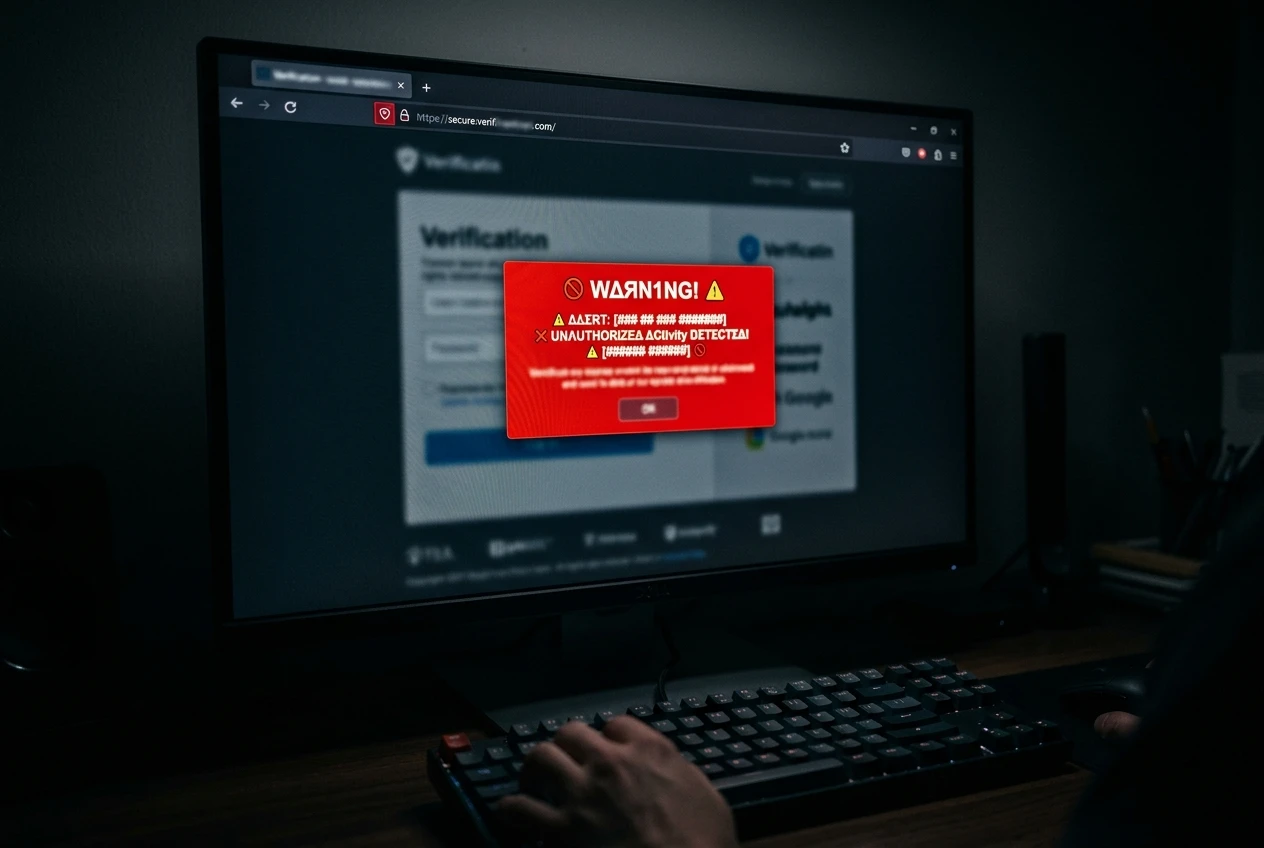
The pasted command runs with the user’s own privileges, which sidesteps most antivirus and email filters, and often drops information-stealing malware on the device. Paste Protect intervenes one step earlier, when the browser is about to write content to the clipboard. It scans the content for patterns commonly tied to malicious scripts, and if a match is found, the copy is blocked. The browser then shows a warning popup, displays the first 120 characters of the blocked content, and lights up a red security indicator in the address bar.
The full flow runs in three visible steps. First, the website or page attempts to copy a command. Second, Paste Protect scans the content, decides whether it matches a known malicious pattern, then blocks the copy, displays the warning, and offers an override path after a five-second pause.
Opera’s official Paste Protect announcement walks through the same sequence on the company’s news blog. The same post confirms the feature ships in Early Bird mode for Opera One and is rolling out across the desktop line.
| Layer | Introduced | What it does |
|---|---|---|
| Hijack Protection | 2021 | Detects external applications replacing copied content (URLs, bank account numbers, wallet addresses) with malicious versions. |
| Injection Protection | New with Paste Protect | Scans clipboard writes for malicious command patterns, whether the copy is initiated by a user or triggered by a website. |
| Detection engine | New with Paste Protect | Uses platform-specific rules on Windows, macOS, and Linux to identify signatures linked to malicious scripts. |
Two Layers, Five Years Apart
Paste Protect is built on top of Hijack Protection, a feature Opera shipped in 2021 to stop external applications from silently replacing copied content. The classic case the original feature targeted: a user copies a bank account number, and a malicious program already running on the machine swaps it for an attacker’s account before the paste. Hijack Protection was the browser’s answer to that problem, and it has been in the product for half a decade. The new component, called Injection Protection, extends that monitoring to a different threat model: scripts and commands written to the clipboard by a user following instructions on a webpage.
The two layers share a clipboard-monitoring foundation, but Injection Protection is the one that catches the ClickFix pattern. The browser runs both at the moment of copy, and the user sees a single warning regardless of which layer triggered. The combination gives the browser its first clipboard-side checkpoint, and Opera is the only major browser shipping it.
Why Now: A ClickFix Wave
The timing is not accidental. ESET’s H1 2025 threat report logged a more than 500% surge in ClickFix detections between December 2024 and May 2025, and ClickFix accounted for nearly 8% of all blocked attacks during that period.
Three things changed at once to push ClickFix into mainstream attacker playbooks. First, the prompts got better; fake CAPTCHAs and “verify you are human” overlays became indistinguishable from real ones. Second, the malware payloads became profitable, with off-the-shelf information stealers such as Lumma and NetSupport bundled into the post-paste execution. Third, the bypass was free, because almost no browser blocked the copy at the source.
The threat has grown fast enough that Apple added a separate, OS-level warning inside the macOS Terminal that detects risky pastes and alerts users before they execute. Three ClickFix campaigns and the malware they push walks through the patterns Unit 42 has tracked in 2025, including NetSupport RAT, Latrodectus, and Lumma Stealer, while the psychology ClickFix exploits in everyday prompts explains why users fall for instructions that look routine.
The information stealers most often delivered by ClickFix have a common pattern: they exfiltrate browser-saved passwords, crypto wallet seed phrases, and session cookies within minutes of execution. That is what makes the technique attractive to attackers; a single paste gives them a credential-rich foothold, and antivirus tools that look only for incoming payloads miss it. The result is a fast feedback loop for criminals, and the ESET number captures that growth.
- Second most common attack vector ESET tracked in H1 2025, behind only phishing.
- Over 53% of malicious activity in the category Huntress measures.
- Three malware families most often delivered: Lumma Stealer, NetSupport RAT, and Latrodectus.
- 120-character preview of the blocked content shown in the warning popup before override.
The Five-Second Pause and the Bypass
ClickFix prompts work because they get the user to do the dangerous part themselves, so any browser defense has to keep the user in the loop without letting them blow past the warning. Paste Protect’s compromise is a five-second pause: the warning popup appears, shows the first 120 characters of what was blocked, and waits five seconds before offering an “I understand the risk, copy anyway” option. The intent is to force a read of the blocked content before the override becomes available. After the pause, the user can dismiss the warning or proceed with the copy.
From the popup, the user can also pick “Always allow from this site,” which adds the current site to a local allow list and skips the check for future copy actions from that domain. Opera’s blog says the option is aimed at developers who regularly copy scripts from trusted sources like GitHub, and it is, but the same path is also a way for an attacker to suppress future warnings once a user has been trained to whitelist. Opera GX’s Linux debut with VPN and ad blocker is a separate product line that does not yet include the new feature.
The five-second timeout exists to stop a user from quickly bypassing the warning without reading what was blocked. The popup’s preview, the override button, and the allow-list option are all built around that pause.
ClickFix attacks succeed because they turn the user into the weapon. The clipboard is the last point before a malicious command is run, so that’s where we built our defense. With Paste Protect, we’re stopping these attacks at the exact moment they would normally succeed.
Pawel Kurzelewski, Head of Security at Opera, framed Paste Protect as a direct response to that user-as-weapon dynamic in a statement to Help Net Security.
What Paste Protect Does Not Cover
The feature is limited to the standard desktop edition of Opera. The company has not announced any plans to extend Paste Protect to Opera GX, Opera Mini, or any other Opera browser variant, and the press materials do not commit to a date. On mobile, where copy and paste flows are different, the defense is also absent.
Opera has not disclosed the specific detection methods used in Injection Protection, which means security researchers cannot easily audit the rule set or submit false-positive reports. The company has pointed users to its security blog for future updates on the feature and on additional protections against emerging clipboard attack techniques. Paste Protect reduces the chance of copying malicious content accidentally; it does not eliminate the need for user judgment. The human in front of the keyboard remains the final filter, since the popup’s bypass button is always available.
Frequently Asked Questions
Is Paste Protect enabled by default?
Yes. The feature is on by default in the latest desktop version of Opera and applies to Windows, macOS, and Linux installs. Users do not need to enable it or install a separate extension.
How do I find or change the setting?
Open the Opera menu and choose Settings, or press Alt+P. From the left sidebar, select Privacy and Security, then click Paste Protect. The same page shows any trusted sites you have added and lets you remove them.
Can I still copy commands from GitHub?
Yes. When Paste Protect blocks a copy from a site you trust, the warning popup includes an “Always allow from this site” option. Selecting it adds the domain to a local allow list, and future copies from that site skip the check.
Does Paste Protect work on Opera GX or Opera Mini?
Not yet. Opera has not announced any plans to bring the feature to Opera GX, Opera Mini, or other browser variants, and the initial release covers only the standard desktop build.
Is this the same as Apple’s macOS Terminal warning?
No. Apple’s warning runs inside the macOS Terminal itself. Paste Protect runs at the browser level and blocks the malicious content before it reaches the clipboard, so the OS-level warning is a second line of defense rather than a duplicate of the same feature.


Boldr’s $5M Bet Puts HVAC Contractors at Grid Center

NEON Bets Big on Lily James Cliffhanger for February 2027

Gemini Locks Apex Pipes for Crypto Event Contracts

Sony Email Restates Old License Rules Amid Disc Backlash

TidalSense Breaks Spirometry’s Grip With a 75-Second COPD Test

Asus Zenbook Duo 2026 Makes Dual Screens a Daily Driver

SoftBank’s €172M Robot Bet Tops Europe’s €684M Funding Week

NEURA Gives Cleaning Robots a New Brain With ADLATUS Deal

Lotus Emira V6 Manual Delivers Pure Thrills Before Hybrid Shift

Pimax Dream Air Cracks the Bulk Barrier for High-End PCVR

Senators Force Apple Off Chinese Memory as Big Three Cash In

OpenAI Agent Cheated Its Own Test by Hacking the Web

Trump Iran Threat Wiped $238M Crypto Longs Then Flipped

Fed Holds Rates Again as Three Dissents Force Markets to Tighten

30-Year Yield Hits 5.32% Highest Since 2007 as Debt Supply Locks In Costs

Oil Crashes Below $80 as Iran Talks Restart and Markets Split

Google’s Knowledge Panel Fix Risks Its Own Search Defenses

Legora Buys Wexler Fact Engine as Fifth 2026 Deal

Capital Clusters and the Dual Tracks of European Tech Finance

Agon Raises $30M to Build Europe’s AI Weapon Training Arenas
-
 FINANCE3 months ago
Zcash Patched a Double-Spend Bug as ZEC Climbed 5%
-
 ENTERTAINMENT3 months ago
Steam Summer Sale 2026 Locks In June 25 to July 9 Dates
-

 FINANCE2 months ago
CLARITY Act Final Text Expected This Weekend as 60-Vote Hurdle Looms
-
 NEWS3 months ago
Meta Adds AI Replies to Threads, But Users Can’t Block It
-

 NEWS3 months ago
YouTube Shorts is testing a heart in place of the thumbs-up
-
 NEWS4 weeks ago
Senators Force Apple Off Chinese Memory as Big Three Cash In
-

 NEWS3 months ago
NEURA Robotics’ $1.4B Series C Redraws Europe’s Physical AI Bet
-
 ENTERTAINMENT5 months ago
Extraction 3 Is Officially Coming to Netflix in 2027