
NEWS
NVIDIA Control Panel Retires as App Becomes the GPU Hub

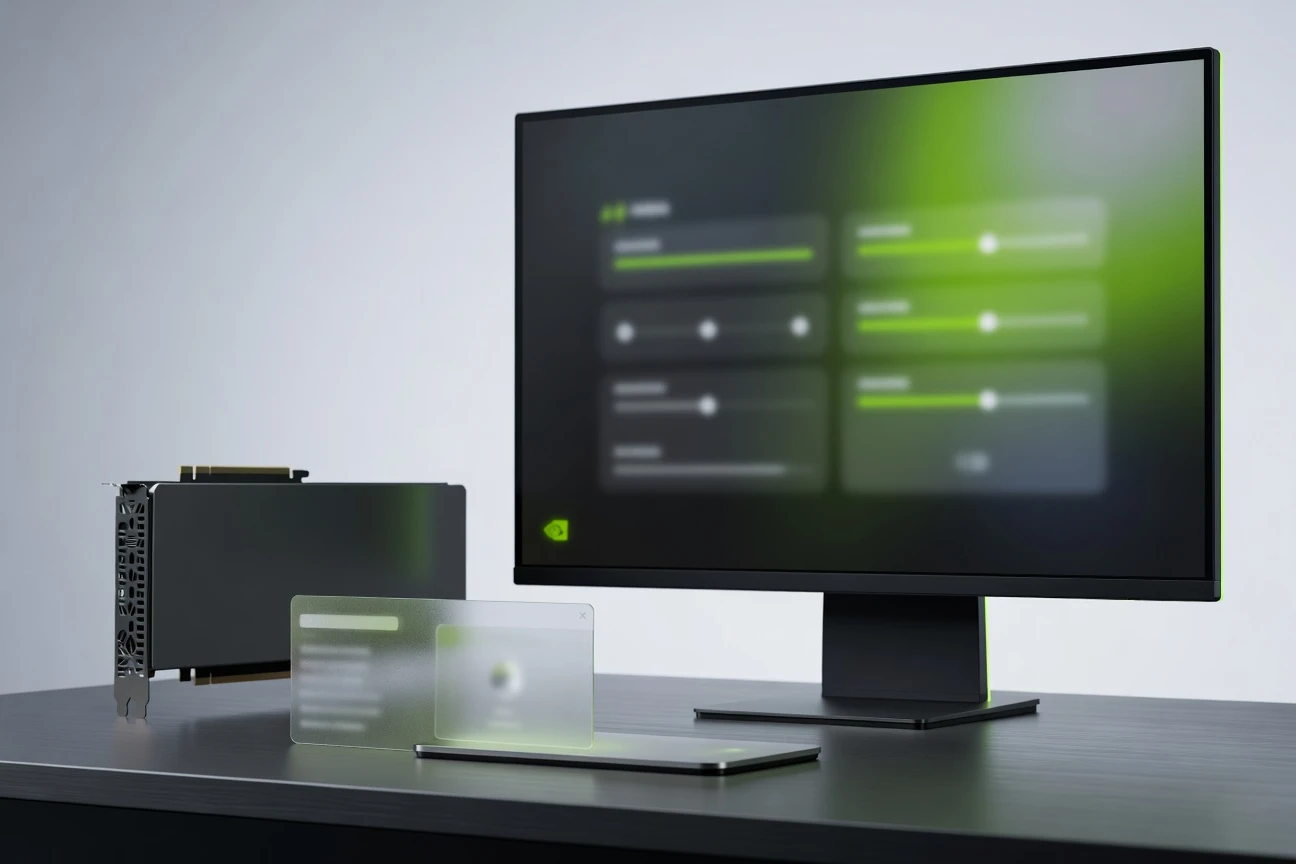
The NVIDIA Control Panel retirement is official for GeForce Game Ready and Studio driver users: NVIDIA, the graphics chipmaker, says all actively supported Control Panel features for GeForce users have moved into the NVIDIA app, while existing installs stay unless a clean driver installation removes them. NVIDIA RTX PRO users keep support until professional features are migrated.
The surprise is less the death of a 20-year utility than the way it dies. Gamers get a faster, broader hub for drivers, displays and in-game tools, but anyone who relied on the old panel as a stable side door should check settings before the next clean install.
A Retirement That Leaves the Door Unlocked
NVIDIA confirmed the change in its May 26 GeForce driver announcement, tucking the software news below a Game Ready driver for 007 First Light and other titles. The driver page says the classic Control Panel is officially retiring for Game Ready and Studio Drivers after two decades, with no more features, fixes or other changes for the old utility.
That wording matters. This is not an uninstall order. Existing installations can remain on a Windows PC, and NVIDIA says users who still need the utility can download it again from Microsoft Store. But the maintenance line has been drawn: one settings hub now owns the job, and the old panel is living on borrowed support.
- 20 years is the service life NVIDIA gives for the classic Control Panel in its latest driver note.
- Clean installs are the key trigger, since NVIDIA says existing installs remain unless a user performs one.
- RTX PRO users get a slower changeover, with professional features still waiting for migration.
The Two-Year Hand-Off
The retirement landed after a long public hand-off, not a sudden software cut. NVIDIA first described the new client as a step to modernize and unify the Control Panel, GeForce Experience and RTX Experience when it published its February 2024 public beta notes.
- February 22, 2024: The public beta arrived alongside GeForce Game Ready driver 551.61 WHQL, bringing driver updates, game settings, overlay tools and new RTX features into one client.
- November 12, 2024: NVIDIA marked the 1.0 release in its official release tour for the unified client, saying it installed in half the time of GeForce Experience and had a user interface 50 percent more responsive.
- Later updates: Display settings, RTX video controls, driver rollback, G-SYNC controls and multi-monitor work started filling gaps that kept power users tied to the older utility.
- May 26, 2026: Driver 610.47 WHQL made the status explicit: all actively supported GeForce features had been transitioned.
The arc says something about modern PC software. NVIDIA waited until the replacement had absorbed enough of the old muscle memory before calling the race. The Control Panel became legacy only after the new client could handle both casual driver updates and the obsessive tweaks that made the old panel sticky.
Where the Old Settings Land
For most GeForce users, the practical question is simple: where did the familiar switches go? NVIDIA says Graphics > Program Settings replaces the old 3D Settings > Manage 3D Settings page, while display options now live in the System tab. The current GPU settings client also folds in driver downloads, DLSS controls, capture tools and other NVIDIA software.
| Old Job | Classic Location | New Location | User Most Affected |
|---|---|---|---|
| Per-game driver overrides | 3D Settings, Manage 3D Settings | Graphics, Program Settings | Players setting frame caps, antialiasing or power behavior |
| Display setup | Display branch in the Control Panel | System, Displays | Multi-monitor users and anyone tuning refresh rate |
| Legacy 3D options | Older driver profile pages | Driver Settings, Show Legacy Settings | Retro players using anisotropic filtering or older antialiasing modes |
| Driver updates and recording | GeForce Experience | Drivers and NVIDIA Overlay | Users who previously split settings across two apps |
The new arrangement is cleaner, though not identical. A Control Panel veteran who knew every branch in the tree will need a few minutes of translation. The payoff is fewer separate NVIDIA utilities on a Windows install and less bouncing between driver updater, overlay and graphics settings.
Why Holdouts Still Have a Case
The old panel lasted because it served people who do not treat graphics settings as decoration. It gave direct access to driver-level behavior, and for years it was the place to force a stubborn game into line when in-game menus were too basic.
Deep Learning Super Sampling (DLSS, NVIDIA’s machine-learning rendering technology for improving frame rate and image quality) changed part of that equation. Newer features such as DLSS overrides, Smooth Motion and driver-visible overlay stats belong more naturally in a modern hub than in a Windows XP era tree menu. A global DLSS and legacy 3D settings update showed how NVIDIA is pulling both old and new controls into the same Graphics panel.
- Retro gamers still care about anisotropic filtering, antialiasing and PhysX options that can improve older titles.
- Multi-monitor players care about Surround, refresh rate and display behavior because racing, flight and sim setups can break on small changes.
- Low-maintenance PC owners care because a familiar old tool felt safer than a broader client with rewards, recording and app discovery.
That tension is not unique to graphics drivers. Windows itself has spent years moving old Control Panel surfaces into Settings, a pattern Thunder Tiger Europe Media covered in its Windows 11 Control Panel to Settings migration. The NVIDIA move fits the same software logic: keep the old path until the new one can carry enough traffic, then stop repairing the old one.
Clean Installs Change the Risk
The sharpest edge is the clean driver install. NVIDIA says existing Control Panel installs will remain unless users perform one, which means many PCs will keep the icon for a while. A custom driver refresh that wipes prior components is different; clean install is the removal trigger.
Anyone who depends on a specific color setup, custom resolution, frame-rate cap or per-title override should take inventory before using that option. The better move is boring: open the old panel, note the settings that matter, then confirm the same controls exist in the new client before removing driver components. Screenshots are enough for most users.
If the old utility disappears and a user still needs it, the Microsoft Store listing for the legacy utility remains the fallback. Microsoft Store, Microsoft’s Windows app marketplace, has distributed the app for years on systems using newer driver packaging. The difference now is support status, not immediate availability.
RTX PRO Keeps the Old Route
The most important caveat sits outside the gaming headline. NVIDIA RTX PRO workstation users are not being pushed through the same door at the same speed. NVIDIA says the classic utility will continue to be supported for those users until professional features move across.
That split is sensible. A workstation graphics control path can affect certified applications, display pipelines and production workflows where a small software change becomes expensive. GeForce users can absorb a settings shuffle around a driver update; a studio or engineering machine often needs a longer runway.
The consumer message is still clear. For GeForce Game Ready and Studio drivers, the old control surface has reached maintenance zero. The new client is where future work goes, from display controls to DLSS overrides to overlay stats.
If the next clean install leaves the old icon behind, the decision has already been made.


Veridue Raises $4 Million to Speed Energy Deal Diligence

Healey Adds a £150m Rung for Northern Scale-Ups

Ten Deals Took Most of Europe’s August Tech Money

Holmes Hired Fielder to Film Her Last Days

Molten Bets £100m of Plc Cash on Late-Stage Tech

Garlinghouse Cited Dutch Gold, and London Got the Bars

byFounders Bets $4.3 Million on Fluencify After $2M ARR

Alpha Gang Puts A-List Stars on a Zellner Wager

Angel Bets a Recut PG-13 Chase on Ritchson and Wilson

Flex IT and T1A Combine to Own Corporate Device Supply

Walter’s TWG Insists No Fraud as Insurer Probes Force Cleanup

30-Year Yield Hits 5.32% Highest Since 2007 as Debt Supply Locks In Costs

PCE Stays at 3.7% as Gas and Tariffs Outrun Coming Revisions

Evernorth S-4 Clears Path for Active XRP Treasury on Nasdaq

Astute’s $1.2M bet makes B2B creator deals feed AI discovery

Strategy Parks $1.59B Cash While Bitcoin Stack Stays Flat

Instinct Hits $2.5 Billion as AI Agent Access Sparks Trust Fights

Oracle’s 2.8 GW Bloom Deal Exposes the AI Power Bypass

CLARITY Act Cloture Opens a Door Ethics Still Blocks

Amber’s €7M locks Mittelstand knowledge inside Europe
-
 FINANCE3 months ago
Zcash Patched a Double-Spend Bug as ZEC Climbed 5%
-
 ENTERTAINMENT3 months ago
Steam Summer Sale 2026 Locks In June 25 to July 9 Dates
-

 FINANCE2 months ago
CLARITY Act Final Text Expected This Weekend as 60-Vote Hurdle Looms
-
 NEWS4 months ago
Meta Adds AI Replies to Threads, But Users Can’t Block It
-
 ENTERTAINMENT5 months ago
Extraction 3 Is Officially Coming to Netflix in 2027
-

 NEWS3 months ago
YouTube Shorts is testing a heart in place of the thumbs-up
-
 NEWS1 month ago
Senators Force Apple Off Chinese Memory as Big Three Cash In
-

 NEWS3 months ago
NEURA Robotics’ $1.4B Series C Redraws Europe’s Physical AI Bet