
NEWS
Apple Drops iOS 26.2 Update: Big Upgrades for Music and Reminders

Apple delivered a digital stocking stuffer to iPhone users this morning with the unexpected release of iOS 26.2. The tech giant usually avoids launching software updates on holidays. Yet this version has arrived on Christmas Day with significant quality of life improvements for the stock apps we use daily.
This is not just a bug fix update. The latest software brings meaningful changes to Music, Reminders and Podcasts that change how the apps function offline and interact with the user. We have broken down every major change you need to know about right now.
Reminders Gets Aggressive With New Urgent Mode
The standout feature in iOS 26.2 is a massive upgrade to the Reminders app that power users have wanted for years. Apple has finally blurred the line between a polite notification and a demanding alarm. You can now mark specific tasks as Urgent when you set a due time.
Standard reminders often get lost in a sea of notification banners. The new Urgent classification changes this behavior entirely. When an Urgent task is due, your iPhone will sound a continuous alarm. This sound plays until you interact with the phone. It is identical to the interface you see when waking up in the morning.
There is also a nine minute snooze button. This ensures you cannot simply swipe the alert away and forget about it. This feature is perfect for medication alerts or time sensitive travel deadlines.
How The Urgent Alert Works:
- Continuous Sound: The alert plays a ringtone on loop rather than a single ping.
- Live Activity: The reminder stays sticky on your Lock Screen and in the Dynamic Island.
- Snooze Function: Users get a dedicated button to delay the alert for nine minutes.
This integration solves a major usability gap. Previously, users had to clutter their Clock app with alarms to ensure they did not miss vital tasks. Now the Reminders app can handle high priority items with the urgency they deserve.
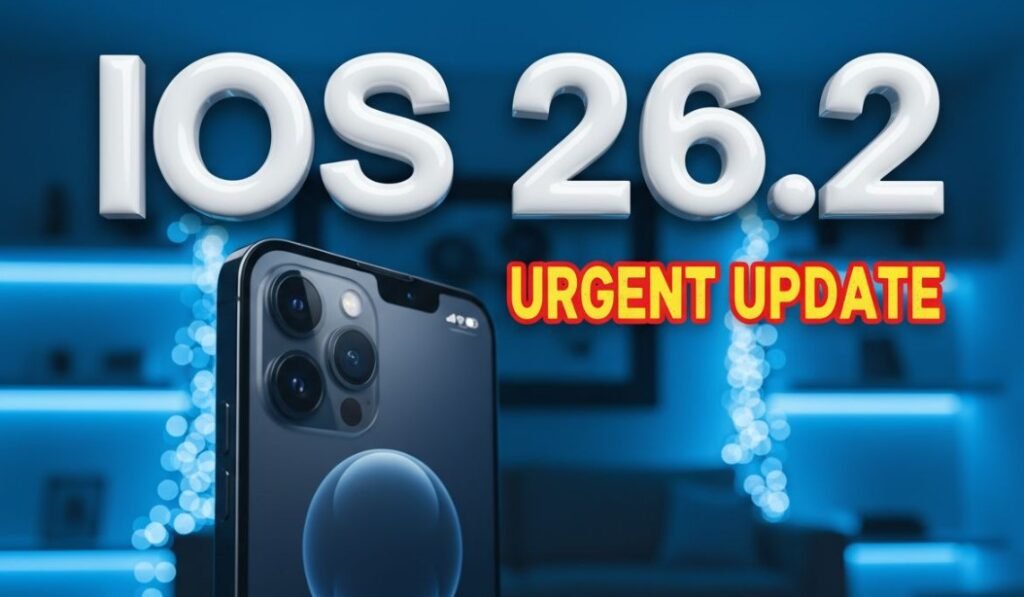
iPhone screen displaying new urgent reminder alarm interface ios 26
Audio Experience Evolved For Music And Podcasts
Apple continues to refine its media apps with features that rely on on-device processing. The most practical update lands in Apple Music. Lyrics are finally available offline.
Travelers and commuters have complained about this limitation for years. Previously, if you lost your internet connection, the lyrics button would simply grey out. This happened even if you had the song downloaded to your device storage.
iOS 26.2 caches the lyrics data alongside the audio file. You can now view real time synced lyrics while in Airplane Mode or on the subway. Early testing shows this applies to songs already in your library, though you may need to reconnect once to fetch data for older downloads.
Podcast Intelligence Takes Over
The improvements to Apple Podcasts are even more technical. Apple is leveraging the AI models introduced in iOS 26 to improve navigation. The app now generates automatic chapters for episodes that do not have them.
“The ability to skip through a two hour episode using AI generated chapters is a game changer for long form content consumption.”
The system analyzes the transcript of the show. It then identifies topic changes and inserts a chapter marker. This allows listeners to jump to specific segments without scrubbing blindly through the timeline.
The app also connects audio to the web more effectively. If a host mentions a specific book, movie or website, the app surfaces a clickable link in the player interface. This eliminates the need to dig through show notes to find references.
Productivity Boosts In Freeform And News
Freeform has slowly become a powerful tool for visual planning. The addition of Tables in iOS 26.2 brings much needed structure to the infinite canvas.
Users could previously add images and sticky notes anywhere. However, organizing data was messy. The new Table support allows for neat rows and columns. This makes the app viable for project tracking and pros and cons lists. It brings Freeform closer to the functionality found in Apple Notes.
Apple News Redesign
The Apple News team has reorganized the interface to reduce friction. You will notice a new row of quick links at the very top of the Today tab. These chips provide instant access to popular categories:
- Puzzles
- Sports
- Politics
- Food
The navigation bar at the bottom also looks different. Content that was previously buried inside the Search tab has moved. There is now a dedicated Following tab. This helps you quickly access the magazines and topics you saved.
Gaming Center Refinements And Rollout
The dedicated Apple Games app receives its first major polish since debuting earlier this year. The focus here is on library management rather than gameplay graphics.
You can now apply granular filters to your game library. This helps sort titles by genre, installed status or controller compatibility. Speaking of controllers, Apple has expanded support for more third party accessories.
Multiplayer Visibility
The update improves how you see your friends. Real time challenge updates now appear more prominently. You can see who is beating your high score without opening the specific game title.
How To Download
iOS 26.2 is rolling out globally right now. You can install it by navigating to Settings > General > Software Update. The file size varies by device but generally clocks in around 1.5GB.
Ensure your device has at least 50% battery or is connected to a charger. While this is a point release, it touches on core system functions. We recommend backing up your data to iCloud before hitting install.
This update proves that Apple is focusing on utility. They are fixing the small frustrations that annoy users daily. The offline lyrics and urgent reminders alone make this a worthy download for the holiday season.
Tell us what you think. Are the new Urgent reminders too aggressive for your taste? Use the hashtag #iOS26Update on social media and share your thoughts.


NFL Preseason Week 2 Quietly Tests the Schemes That Matter

Alonso’s Towering Drive Stands Foul and Flips Orioles Momentum

US Debt Crosses $40 Trillion as Interest Crowds the Budget

Trevon Diggs Joins Seahawks on One-Year Deal After Cowboys Exit

Pixel Watch 5 Turns Passive Trends Into Early Health Alerts

Pixel 11 Pro Fold Sleek Build Undercuts Its Own Unfolding Appeal

Tugboat Wilkinson’s Scoreless Debut Pays Off Giants’ Bailey Trade

Brown Shines for Pats as Love for Eagles Meets Trade Reality

Pixel Watch 5 Turns Wrist Data Into Early Metabolic Alerts

Resistance Stars Pay the Price in Democratic Primaries

Senators Force Apple Off Chinese Memory as Big Three Cash In

OpenAI Agent Cheated Its Own Test by Hacking the Web

Trump Iran Threat Wiped $238M Crypto Longs Then Flipped

30-Year Yield Hits 5.32% Highest Since 2007 as Debt Supply Locks In Costs

Fed Holds Rates Again as Three Dissents Force Markets to Tighten

Oil Crashes Below $80 as Iran Talks Restart and Markets Split

Google’s Knowledge Panel Fix Risks Its Own Search Defenses

Tillis Ethics Push Gives Clarity Act One Last Shot Before Recess

Agon Raises $30M to Build Europe’s AI Weapon Training Arenas

Legora Buys Wexler Fact Engine as Fifth 2026 Deal
-
 FINANCE3 months ago
Zcash Patched a Double-Spend Bug as ZEC Climbed 5%
-
 ENTERTAINMENT3 months ago
Steam Summer Sale 2026 Locks In June 25 to July 9 Dates
-

 FINANCE2 months ago
CLARITY Act Final Text Expected This Weekend as 60-Vote Hurdle Looms
-
 NEWS3 months ago
Meta Adds AI Replies to Threads, But Users Can’t Block It
-

 NEWS2 months ago
YouTube Shorts is testing a heart in place of the thumbs-up
-
 NEWS3 weeks ago
Senators Force Apple Off Chinese Memory as Big Three Cash In
-

 NEWS2 months ago
NEURA Robotics’ $1.4B Series C Redraws Europe’s Physical AI Bet
-

 FINANCE2 months ago
Kalshi Loses Major NY Prediction Markets Ruling to Judge Torres