
NEWS
Google Messages Brings Back a Faster SIM Switcher

Google Messages is finally restoring a faster way to switch SIM cards while texting, more than a year after it buried the feature behind a string of taps. The latest beta build of the app adds a dedicated Switch SIM button to a floating menu inside the compose field, putting line-switching back within reach of dual-SIM users who fire off messages from two numbers on a single phone.
There is a catch. The new button does not flip you straight from one line to the other. It drops you onto the same SIM picker Google had moved the controls to, so the daily annoyance is reduced rather than erased.
What the Latest Beta Adds to the Compose Field
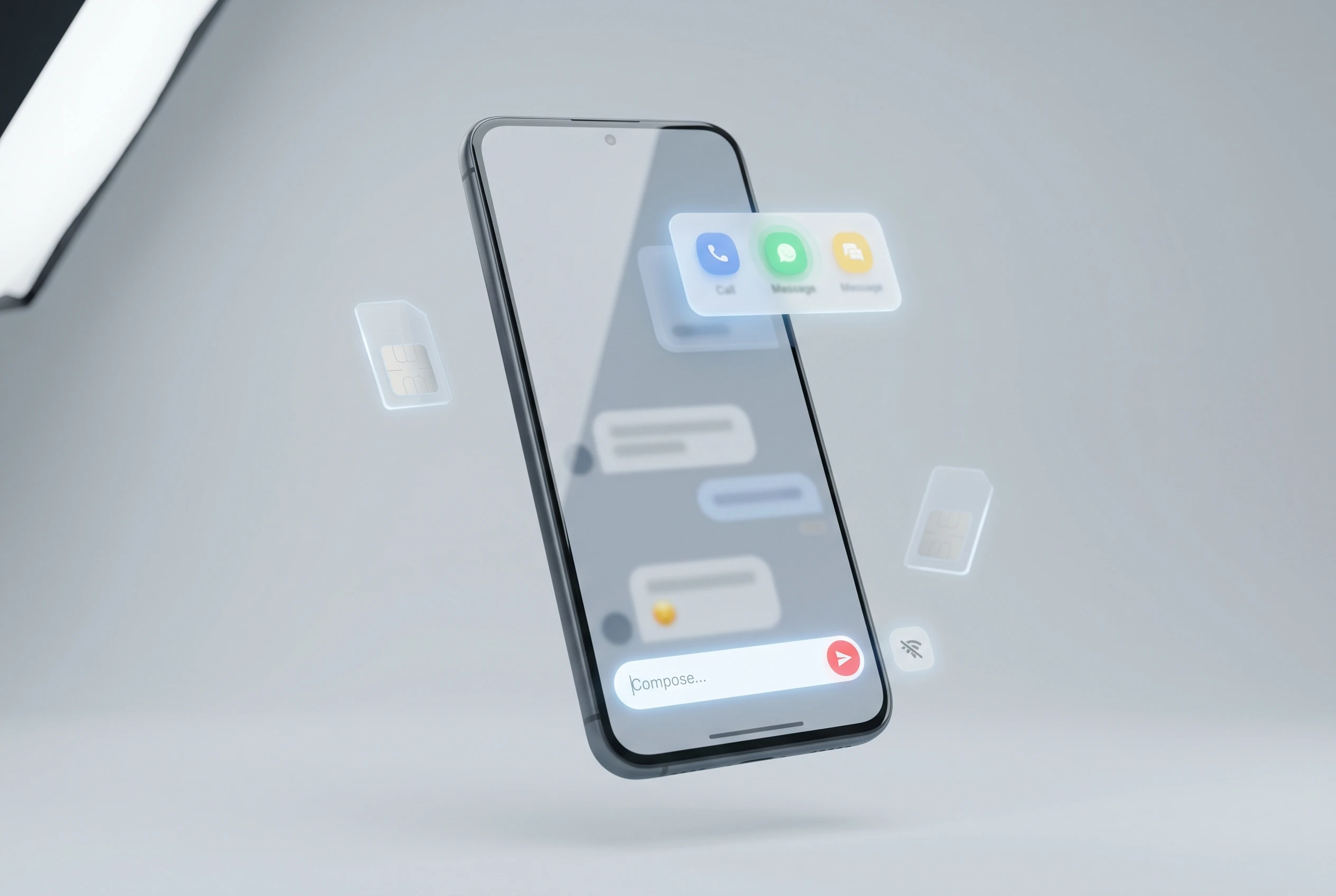
The change was spotted by Android blog PiunikaWeb in the newest test version of the app. Tap and hold inside the empty message box and a small pop-up now slides up with three entries: AI Writing, Autofill, and the new line-switching option. It sits exactly where your thumb already rests when you start a text.
A second tweak goes further toward solving the underlying confusion. The compose bar used to read a flat “Text message” prompt no matter which line you were on. In the beta, it now spells out your active carrier’s name beside the prompt, so a Safaricom user sees the network labelled before typing a single character.
Put together, the beta surfaces three things a dual-SIM texter actually wants at the moment of sending:
- A quick-access entry to the line picker, without leaving the conversation first
- The active carrier’s name printed in the compose bar, so the current line is visible at a glance
- The same menu position as the app’s writing tools, keeping the controls in one familiar spot
The feature first appeared in limited testing in late 2025 and is now reaching a wider pool of testers. It remains confined to the beta channel for now, which means most people on the Google Messages listing on Google Play will not see it in the stable release just yet.
How Google Turned One Tap Into Four
The frustration this update answers was self-inflicted. In an earlier redesign, Google pulled the small SIM icon out of the compose box. That icon had let people toggle between SIM 1 and SIM 2 with a single tap right before hitting send.
Once the icon was gone, the only way to change lines for a text turned into a detour. Here is the path users were left with:
- Open the contact’s profile details page from inside the chat
- Find and tap the SIM switch option on that screen
- Choose the line you want to send from
- Press back to return to the conversation, then type and send
For anyone who switches lines several times a day, that is a real tax on a basic task. Complaints piled up on Google’s own support forum, where posters made clear they liked the old single-tap design and saw no reason for the swap. Some flagged a sharper worry than mere clicks: on a phone that mixes a personal number with a work line, an extra step makes it easier to fire a message from the wrong account, which is awkward when the recipient is a client. Google never gave a public reason for hiding the control, and the documentation on Google’s Messages help center for dual-SIM setup still walks users through the longer route.
Why the Shortcut Isn’t the Old Toggle Back
This is where the win comes with an asterisk. The new button is a shortcut to the same SIM picker, not a revival of the instant toggle. Tapping it does not silently flip your active line. It opens the picker on the profile page, you select the SIM you want, and a back press returns you to the chat.
So the four-step slog becomes a tighter loop, but it is still a loop. You are choosing from a menu rather than flicking a switch, and you still bounce off the conversation screen and back. For users who remember the old icon, that distinction matters.
The carrier-name label in the compose bar may end up doing the heavier lifting. The single most common dual-SIM complaint was never really about speed; it was about sending from the wrong number by accident. Printing the live line in plain text at the point of composing tackles that head-on, even on days when nobody touches the line picker at all.
Why Dual-SIM Users Feel This Friction Most
To Google’s single-SIM majority, none of this registers. For the people it does touch, the numbers are not small. By one industry estimate in the global dual-SIM smartphone market report, a clear majority of active handsets shipped with dual-SIM support, and adoption is heavily skewed by region.
Where you live shapes how much a buried SIM switcher stings. Markets where carrying two lines is the norm felt the redesign far more than markets where it is a niche habit.
| Region | Dual-SIM penetration | Main driver |
|---|---|---|
| Asia-Pacific | Largest share of the global market | China and India alone count hundreds of millions of dual-SIM users |
| Latin America and Africa | Over 80% of new shipments | Cheaper per-network rates and patchy coverage |
| North America and Europe | Roughly 35% to 40% | Business travel and work-personal separation |
That last row explains why the loudest English-language complaints came from professionals. In Western markets, a second line usually means a work number, and getting it wrong has consequences beyond embarrassment. The behaviour Google made harder was the exact behaviour these users perform most.
A Familiar Rhythm in Google Messages Updates
The walk-back follows a now-predictable pattern. Google ships a UI change, lets it land, watches the reaction, then quietly tests a correction in beta before any wide rollout. The SIM switcher is the latest example, and it tracks how recent additions have arrived, including the way live location sharing reached Android users in Google Messages after a long beta soak.
The stakes are higher than they once were because the app is no longer a sideshow. Google has pushed Messages to the center of Android texting as carriers and rivals retreat, a shift underlined by Samsung’s plan to shut down its own Messages app this July and steer users toward Google’s client. More default users means small UI calls reach a very large audience.
There are now more than one billion monthly active users with RCS enabled in Google Messages.
That milestone, announced by Google in its one billion RCS user announcement, is the reason a buried icon turns into a forum revolt rather than a footnote. Rich Communication Services (RCS, the modern texting standard that adds read receipts, typing indicators, and high-quality media to plain SMS) carries that traffic, and every interface tweak ripples across a base measured in the billions. When the audience is that big, even a half-fix to a four-tap chore is worth shipping. The full toggle, the one users actually asked for, is the version still missing.
Frequently Asked Questions
How Do You Switch SIMs in the Google Messages Beta?
Tap and hold inside the empty message box to open the floating menu, choose the line-switching option, pick the SIM you want on the picker that appears, then press back to return to your conversation and send. It is a shortcut to the picker rather than an instant one-tap flip.
Is the Feature Available in the Stable Version of the App?
Not yet. It is rolling out within the beta channel to a widening group of testers, after first being seen in limited testing in late 2025. There is no confirmed date for the stable release.
Why Did Google Remove the SIM Switcher From the Compose Box?
Google has not given a public explanation. The control was dropped during a UI redesign, and the company never stated a reason despite repeated complaints on its own support forum.
Does the Compose Bar Now Show Which Line Is Active?
Yes, in the beta. The text prompt now displays your active carrier’s name instead of the generic “Text message” label, so you can see the current line before you start typing.
Do You Need a Dual-SIM Phone for This to Matter?
Yes. The line picker and carrier label only do anything if your handset has two active SIMs or an eSIM plus a physical SIM. Single-SIM users will not notice the change at all.


Dolly Parton’s $450 Million Fortune Keeps Working After Her Death

SpaceX’s $60B Cursor Buy Immediately Costs It OpenAI Models

Rays Forever Home Wins County Vote as College and Taxpayers Carry the Load

Apple TV Hits $14.99 as Sports and Hits Bill Comes Due

Swift Telescopes Restart as Orbit Drop Accelerates

Oracle’s 2.8 GW Bloom Deal Exposes the AI Power Bypass

Galaxy S26 Beta 7 Ports Fold 8 AI as Stable Nears

Walmart Pays $50 Million to Close Federal Opioid Pharmacy Case

Space Mirror Demo Revives 1993 Russian Night-Light Test

Measles Death Dispute Deepens Distrust in Pennsylvania Outbreak

Trump Iran Threat Wiped $238M Crypto Longs Then Flipped

30-Year Yield Hits 5.32% Highest Since 2007 as Debt Supply Locks In Costs

Oil Crashes Below $80 as Iran Talks Restart and Markets Split

Strategy Parks $1.59B Cash While Bitcoin Stack Stays Flat

Astute’s $1.2M bet makes B2B creator deals feed AI discovery

SpaceX Stock Rebound Tests Real Demand Before Huge Unlock

BlackRock Turns Cash Empire Into Stablecoin Reserve Rails

The 20% Savings Ideal Meets a 2.7% Reality Check

Amber’s €7M locks Mittelstand knowledge inside Europe

Walter’s TWG Insists No Fraud as Insurer Probes Force Cleanup
-
 FINANCE3 months ago
Zcash Patched a Double-Spend Bug as ZEC Climbed 5%
-
 ENTERTAINMENT3 months ago
Steam Summer Sale 2026 Locks In June 25 to July 9 Dates
-

 FINANCE2 months ago
CLARITY Act Final Text Expected This Weekend as 60-Vote Hurdle Looms
-
 NEWS4 months ago
Meta Adds AI Replies to Threads, But Users Can’t Block It
-

 NEWS3 months ago
YouTube Shorts is testing a heart in place of the thumbs-up
-

 NEWS1 month ago
Senators Force Apple Off Chinese Memory as Big Three Cash In
-

 NEWS3 months ago
NEURA Robotics’ $1.4B Series C Redraws Europe’s Physical AI Bet
-
 ENTERTAINMENT5 months ago
Extraction 3 Is Officially Coming to Netflix in 2027