
NEWS
YouTube’s AI Custom Feed Hands You a Leash, Not the Wheel

YouTube’s new AI custom feed lets you type a plain-language prompt and build a personalised video feed that you can pin to the top of your homepage. The feature reached signed-in users in the United States on May 27, refreshing constantly with new clips that match a request as loose as a mood or as precise as a niche hobby.
Google is selling this as handing you the controls of discovery. The fine print adds conditions: you get one feed at a time, it expires after 30 days of neglect, and it will not switch on at all unless you let YouTube keep logging what you watch and search.
How YouTube’s Custom Feed Works
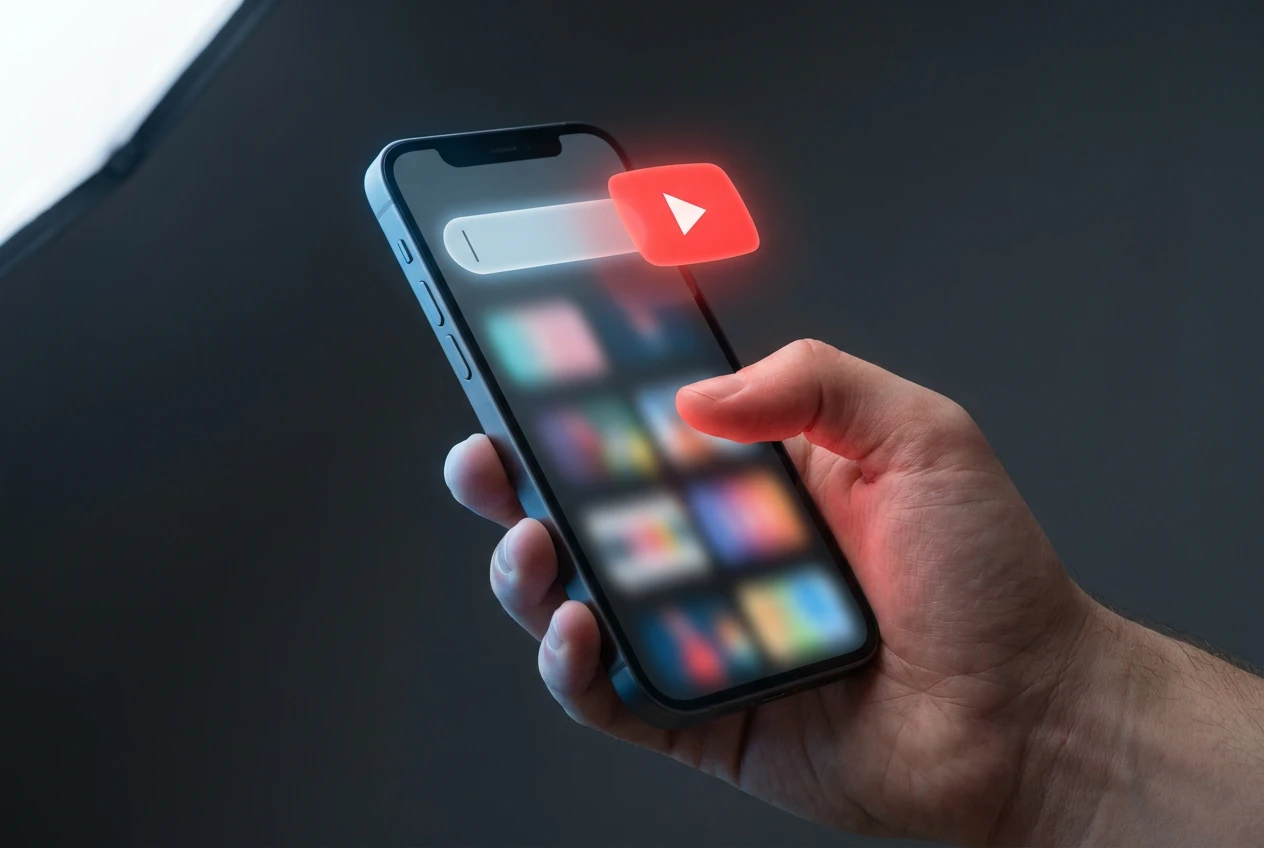
The feature shows up as a chip at the top of the Home tab labelled “Your custom feed”, sitting next to the usual Home button. Tap it and YouTube opens a text box that reads “Tell us in your own words”, along with a row of suggested prompts you can pick instead of typing.
The prompts can be as vague or as specific as you like. Google’s own examples are “give me something different beyond my usual feed” and “help me unwind after work with guided meditations under 10 minutes”. Once the feed looks right, you pin it to the top of your homepage, where it keeps pulling in fresh clips rather than freezing on one static list.
Changing direction is quick. You can rewrite the prompt whenever you want to shift the mood, and you can flip between the custom feed and the standard one by clicking Home in the side panel. If a feed misses the mark, there is a feedback option to tell YouTube what went wrong.
Getting in is not automatic. The rollout is an experiment, so even an eligible account may not see the chip yet. To qualify right now, you need to meet every item on Google’s custom feed help documentation checklist:
- A signed-in YouTube account, on either the mobile app or desktop
- Location in the United States
- Device language set to English
- Watch and search history both switched on in account settings
- An account picked for the rollout, with criteria Google has not explained
Why “You’re in Control” Only Goes So Far
Google frames the custom feed as a way to shape your own discovery, and the marketing language leans on words like control and freedom. The design wraps firm limits around how much of that shaping is yours.
Start with quantity. You can keep only one custom feed at a time, so there is no parallel feed for workout mornings and another for late-night documentaries. A new theme means overwriting the prompt you already wrote. The prompt itself expires after 30 days, with the clock resetting each time you open the feed, so a month away from it wipes the slate clean and forces you to start again.
Then there is the entry fee. The feed refuses to load unless you keep feeding YouTube the viewing data it already uses to rank everything else. Control, in other words, is offered on the condition that you surrender more of the signals the recommendation system runs on.
Custom Feed, Home Feed, and Ask YouTube Compared
The custom feed is one of three discovery surfaces YouTube now runs side by side, and they are easy to mix up. The standard Home feed is the algorithmic default that needs no input. The custom feed takes a written brief and rebuilds Home around it. The conversational Ask YouTube search experiment, which the company showed off among its Google I/O product announcements in May, answers full questions with a curated set of clips.
That last one is a separate trial with its own rules. Ask YouTube is limited to Premium members aged 18 and over in America, runs in English on desktop through youtube.com/new, and leans on Google’s Gemini model. The experiment is scheduled to run until June 8.
| Surface | How you steer it | Who can use it | Lifespan |
|---|---|---|---|
| Home feed | Passive, learns from viewing | Everyone | Permanent |
| Custom feed | A text prompt you write | Signed-in US users in the rollout | Refreshes live, expires if unused for a month |
| Ask YouTube | A question, with follow-ups | Premium members 18 and over | Trial until June 8 |
What the Feed Means for Creators
For the people who upload, the obvious worry is whether a feed built around one viewer’s prompt cuts them out of the discovery they depend on. YouTube’s early answer is that nothing about the payout changes.
This feature behaves like the Home feed. If a viewer discovers and watches a video through their custom feed, it contributes to the creator’s watch time and monetisation as usual.
That statement came from YouTube as it explained how the surface fits its existing rules. The company added that it is “continuing to closely monitor the feature’s impact on views, watch time, and revenue”, a line that reads as caution rather than confidence.
The deeper shift is what a prompt gives away. A viewer who types “help me unwind after work” hands YouTube an explicit, written statement of intent, far cleaner than the guesswork the algorithm pieces together from clicks and dwell time. Watches inside the custom feed flow straight back into the standard profile, nudging regular Home recommendations toward the same topics.
For creators that pulls in two directions. A channel that matches a popular prompt could surface to viewers who never searched for it. A channel that sits outside those stated moods could quietly lose the incidental impressions the broad algorithm used to scatter around.
The History You Switch On to Use It
The requirement that gets the least attention is the one that matters most for privacy. The custom feed simply will not appear unless both your watch history and your search history are turned on.
Those are the same logs that power targeted recommendations and, downstream, ad profiling. Plenty of privacy-minded users keep them switched off on purpose, and the custom feed asks those people to reverse that choice for the sake of a pinned shelf of videos.
It also lands in a year when YouTube has pushed automated systems across the platform, from automatic AI-content labels to likeness-detection tools, all of which depend on more signal rather than less. None of this is buried, since Google spells out the history rule on its help pages, but it reframes a feature pitched as personal freedom into a fairly standard data-for-features trade, the kind that powers most of the modern web.
When Europe Might Get the Custom Feed
For now the answer is a flat no. The rollout covers signed-in accounts inside America with English set as the device language, Google has named no date for any wider release, and the feature only graduated from a small test it began running late last year.
Europe carries extra friction. The European Union’s Digital Services Act (DSA, the bloc’s rulebook for large online platforms) already forces YouTube to offer a recommendation feed not based on profiling, and the General Data Protection Regulation (GDPR, Europe’s privacy law) sets a high bar for the kind of mandatory history tracking this feed leans on. If YouTube ships the custom feed here, it will almost certainly arrive wrapped in consent screens and history controls; if those frictions blunt it too far, European viewers may keep waiting while the American version matures.
Frequently Asked Questions
Is the YouTube Custom Feed Free to Use?
Yes. The custom feed does not require a YouTube Premium subscription, which sets it apart from the Ask YouTube search trial that is locked to paying members. You only need a free signed-in account that meets the rollout’s region, language, and history conditions.
How Do I Create a Custom Feed on YouTube?
Open the YouTube Home tab and tap the “Your custom feed” chip at the top of the page. Type a request in the “Tell us in your own words” box or choose one of the suggested prompts, then pin the result to your homepage so it keeps refreshing.
How Long Does a YouTube Custom Feed Last?
A feed and its prompt stay active for 30 days, but the timer resets every time you open the feed. If you go a full month without visiting it, both the prompt and the feed disappear and you have to set them up again from scratch.
Can I Have More Than One Custom Feed at Once?
No. YouTube allows just one custom feed per account at any time. To change the focus you overwrite the existing prompt, which replaces the current feed rather than adding a second one alongside it.
Do I Need Watch History Turned On to Use It?
Yes. Both your YouTube watch history and your search history must be enabled, or the custom feed chip will not appear at all. Accounts that keep those settings switched off for privacy reasons cannot access the feature until they turn them back on.
Is the YouTube Custom Feed Available in Europe?
Not yet. The feature is limited to users in the United States with their device language set to English, and Google has given no timeline for a European launch. Any rollout there would likely need extra consent and recommendation controls to satisfy the bloc’s platform and privacy rules.


Dolly Parton’s $450 Million Fortune Keeps Working After Her Death

SpaceX’s $60B Cursor Buy Immediately Costs It OpenAI Models

Rays Forever Home Wins County Vote as College and Taxpayers Carry the Load

Apple TV Hits $14.99 as Sports and Hits Bill Comes Due

Swift Telescopes Restart as Orbit Drop Accelerates

Oracle’s 2.8 GW Bloom Deal Exposes the AI Power Bypass

Galaxy S26 Beta 7 Ports Fold 8 AI as Stable Nears

Walmart Pays $50 Million to Close Federal Opioid Pharmacy Case

Space Mirror Demo Revives 1993 Russian Night-Light Test

Measles Death Dispute Deepens Distrust in Pennsylvania Outbreak

Trump Iran Threat Wiped $238M Crypto Longs Then Flipped

30-Year Yield Hits 5.32% Highest Since 2007 as Debt Supply Locks In Costs

Oil Crashes Below $80 as Iran Talks Restart and Markets Split

Strategy Parks $1.59B Cash While Bitcoin Stack Stays Flat

Astute’s $1.2M bet makes B2B creator deals feed AI discovery

SpaceX Stock Rebound Tests Real Demand Before Huge Unlock

BlackRock Turns Cash Empire Into Stablecoin Reserve Rails

The 20% Savings Ideal Meets a 2.7% Reality Check

Walter’s TWG Insists No Fraud as Insurer Probes Force Cleanup

Amber’s €7M locks Mittelstand knowledge inside Europe
-
 FINANCE3 months ago
Zcash Patched a Double-Spend Bug as ZEC Climbed 5%
-
 ENTERTAINMENT3 months ago
Steam Summer Sale 2026 Locks In June 25 to July 9 Dates
-

 FINANCE2 months ago
CLARITY Act Final Text Expected This Weekend as 60-Vote Hurdle Looms
-
 NEWS4 months ago
Meta Adds AI Replies to Threads, But Users Can’t Block It
-

 NEWS3 months ago
YouTube Shorts is testing a heart in place of the thumbs-up
-

 NEWS1 month ago
Senators Force Apple Off Chinese Memory as Big Three Cash In
-

 NEWS3 months ago
NEURA Robotics’ $1.4B Series C Redraws Europe’s Physical AI Bet
-
 ENTERTAINMENT5 months ago
Extraction 3 Is Officially Coming to Netflix in 2027