
NEWS
Edge Opens Apple Account Door After Google to Chase Dual-Device Users
Microsoft Edge Beta lists Apple account sign-in as a controlled rollout after Canary flags, letting Windows-iPhone users sync without a Microsoft account.

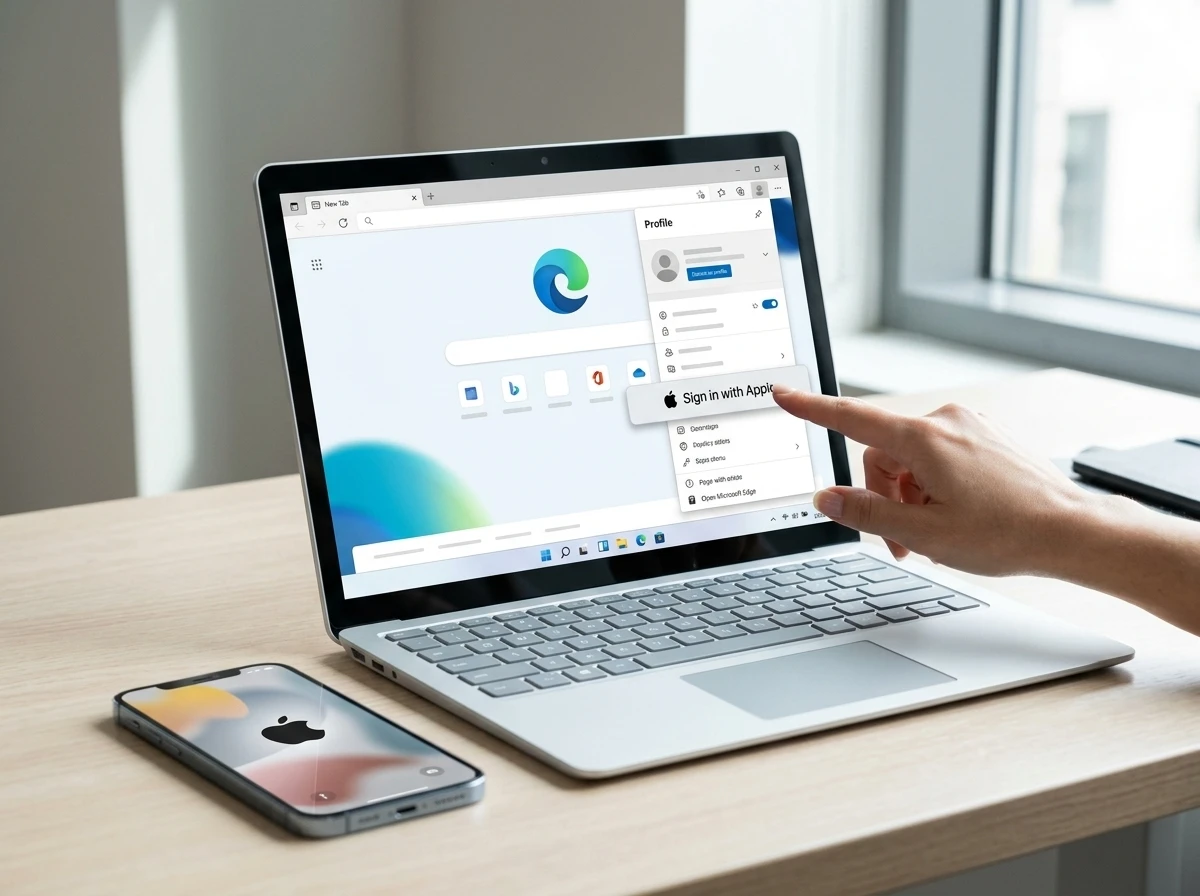
Microsoft Edge Beta 152 now lists Apple account sign-in as a controlled rollout for Windows and macOS, after flags appeared in the latest Canary builds. Users can sync bookmarks, history and other data with an existing Apple Account instead of a Microsoft one.
The change follows Google account support that reached stable Edge 150 in early July. It targets the large group of people who pair a Windows PC with an iPhone.
Taken together, the two logins mark a clear break from the older model in which a Microsoft account was the only route to full sync. Edge is opening its profile system to the identity providers people already use every day.
Flags Surface First, Then Official Notes Confirm
Tracker Leopeva64 spotted two new flags in Edge Canary version 153 on August 10. One turns on Apple sign-in for profiles. The other places an Apple button on the profile menu flyout, matching the Google option already present.
- #edge-swag-m1-apple, Allows Apple sign-in to Edge profile (Mac, Windows)
- #edge-enable-apple-sign-in-button-on-flyout, Shows an Apple sign-in button on the profile menu; requires the first flag
Microsoft’s own Edge Beta 152 release notes list the feature under version 152.0.4191.10 from August 6. The text states users can sign in with an Apple account from the profile menu and sign-in screen. It is a controlled rollout, so not every Beta user sees it yet. Admins manage it with the same policy that covers Google.
gHacks first framed the Canary discovery for a wider audience on August 12. MacRumors and 9to5Mac added the Beta notes detail the same day. Microsoft has not issued a separate consumer blog post.
The gap between the Beta notes date and the Canary flag sighting is small. Notes on August 6, flags observed on August 10, wider coverage on August 12. That pace suggests the work was already far along when the notes went public, even if the buttons had not reached every channel yet.
A follow-up caution from the same tracker account still applies: listing a feature in Beta notes does not always mean the bits have landed in Canary on the same day. Early documentation can run ahead of the builds users actually receive.
Google Opened the Door, Apple Follows Fast
Edge 150 began rolling out Google account sign-in on July 2 for Windows and macOS. That too used a controlled feature flag and the NonMicrosoftAccountSignInEnabled policy. Within weeks the Apple path appeared in notes and flags.
Microsoft once required its own account for full sync. The company has reversed course. Non-Microsoft logins now sit alongside Microsoft accounts as first-class options when the features are enabled.
| Account type | First stable/Beta appearance | Platforms noted | Admin control |
|---|---|---|---|
| Microsoft account | Original Edge | All | Always available |
| Google account | Edge 150 stable (July 2026) | Windows, macOS | NonMicrosoftAccountSignInEnabled |
| Apple account | Edge 152 Beta controlled (August 2026) | Windows, macOS | Same policy |
The sequence shows intent. Microsoft is removing friction for anyone who already lives inside Google or Apple identity systems.
Google arrived first in stable. Apple followed in Beta only weeks later. Both share platforms, both share the same admin policy, and both appear as peer choices next to the Microsoft account rather than as secondary workarounds. The table makes the pattern plain: one original identity, then two outside identities added in quick succession under a single control.
That speed also signals priority. A company that treats non-Microsoft sign-in as a minor experiment would not ship a second provider so soon after the first. Edge is building a short list of major identity systems people already trust.
What the Sign-In Enables
Signing in with Apple creates an Edge profile tied to that identity. Bookmarks, browsing history, passwords and other syncable data can then move between devices where Edge is installed and signed in with the same Apple Account. Edge still does not require any account for basic browsing.
The practical win is clear for mixed setups. A Windows 11 desktop user who also carries an iPhone can keep Safari and Apple Password data in one identity while running Edge on the PC. No new Microsoft account is needed. Import paths already exist for Google data; Apple sign-in extends the same logic.
- Profile binding: Edge profile linked to the Apple Account
- Syncable items: bookmarks, browsing history, passwords, other supported data
- Device scope: any machine running Edge and signed in with the same account
- Basic browsing: still works with no account at all
Canary flags remain experimental. Features can vanish or change before stable. Beta’s controlled label means gradual exposure. Full stable timing is unstated.
Users who only want a local browser lose nothing. The account path is optional. The value appears only when someone wants the same bookmarks and passwords on more than one PC or Mac without creating yet another login.
Windows Plus iPhone Households Are the Real Audience
Desktop Edge holds roughly desktop browser share near 11 percent worldwide in recent StatCounter figures, far behind Chrome’s 70 percent range. Safari leads on Apple hardware. The crossover population is large: millions of knowledge workers and consumers run Windows at the desk and iPhone in the pocket.
Those users already juggle two ecosystems. They keep Apple for mobile continuity and Windows for software breadth. Edge’s new login removes one more reason to open Chrome solely for Google sync or Safari solely for Apple sync. The browser becomes a neutral bridge.
- Desktop Edge share: approximately 11 percent
- Chrome desktop: around 70 percent
- Primary dual target: Windows PC + iPhone owners
- Enterprise angle: same policy governs both Google and Apple paths
Mac users of Edge remain a smaller slice, and forum reaction on MacRumors was skeptical. The volume opportunity sits on Windows machines paired with iPhones.
Share figures alone do not close the gap with Chrome. They do show why Microsoft is fishing in the dual-device pool. An 11 percent browser that becomes the easy default for Windows-plus-iPhone households can grow without winning Mac-only users first. The Apple button is aimed at the larger desk-and-pocket split, not at converting dedicated Safari loyalists on Mac.
The Long Retreat From Mobile Made This Necessary
After Windows Phone ended, Microsoft shifted to putting its services on Android and iOS. It bought Wunderlist and SwiftKey, pushed Outlook and OneDrive hard, and accepted that most phones would never run its OS. Some of those apps now trail native competitors on features and polish.
- 2010s: Windows Phone push fails to gain critical mass
- Post-exit: Microsoft apps and services move to rival mobile platforms
- July 2026: Edge 150 adds Google account sign-in
- August 2026: Edge 152 Beta adds Apple account path
Supporting foreign accounts inside Edge is the logical next step. The company is no longer trying to pull everyone into a single Microsoft identity. It is trying to keep people inside Edge even when their identity lives elsewhere. That is a quieter but sharper strategy shift than any single flag.
Each step in the timeline abandons a little more of the old closed loop. First the mobile OS goal ends. Then the services move onto rival phones. Then the desktop browser stops insisting on a Microsoft login for sync. Google and Apple sign-in are not isolated experiments; they finish a multi-year turn toward meeting users where they already are.
Admins Still Hold the Off Switch
Enterprise and school deployments keep full control. The NonMicrosoftAccountSignInEnabled policy control covers both Google and Apple. Enable or leave unset and the buttons appear when the feature reaches the device. Disable it and the entry points disappear regardless of flags.
Supported on Windows and macOS from Edge 150 onward. Android and iOS Edge do not yet list the same non-Microsoft sign-in. Per-profile settings do not apply; the policy is machine or user level.
In Edge Canary for desktop there are a couple of new flags to enable support for signing in with an Apple account. Microsoft added support for Google accounts some time ago and has now added support for Apple accounts.
Leopeva64 posted that summary with screenshots on August 10; the post drew more than a thousand views and several bookmarks among browser watchers. A follow-up note from the same account cautioned that Microsoft sometimes lists features in Beta notes before the bits even reach Canary, so early notes are not guarantees of immediate availability.
For IT teams the single-policy design is the practical detail. One setting governs both outside providers. There is no separate Apple toggle to track, and no need to revisit Google rules when Apple reaches a given build. Disable once and both buttons stay gone; leave the policy alone and each provider appears as its controlled rollout arrives.
Mobile Edge remains outside this model for now. Desktop Windows and macOS gain the choice; Android and iOS builds do not yet advertise the same non-Microsoft path. Organizations that manage mixed fleets will want to watch whether that gap closes later.
How an Apple Profile Moves Data Between Devices
The mechanism is straightforward once the buttons appear. A user picks Apple on the profile menu or sign-in screen, completes the account flow, and Edge creates a profile bound to that identity. From then on, supported data can follow the account to any other Windows or macOS machine running Edge with the same sign-in.
Nothing in the current notes forces that path. Browsing without an account continues as before. The Apple option only matters when someone wants continuity across devices and already holds an Apple Account for phones, passwords, or other services.
Import tools already handle Google data for people who start from Chrome. Apple sign-in covers the matching case for people whose bookmarks and credentials live under Apple. In both paths the goal is the same: arrive in Edge without opening a fresh Microsoft account first.
Experimental flags in Canary can still disappear. Beta’s controlled rollout can pause or narrow. Until the feature reaches stable for a given device, the profile menu may simply omit the button. Patience remains part of the process for anyone outside the early rings.
Why the Rollout Order Favors Dual Ecosystems
Google support hit stable first. Apple support entered Beta next under the same policy and on the same desktop platforms. That order matches where the larger mixed audiences already sit: Chrome-and-Windows habits on one side, iPhone-and-Windows habits on the other.
Microsoft gains a retained browser surface either way. A user who stays in Edge keeps seeing Copilot, shopping tools and future services inside that window instead of switching away for sync alone. The identity can remain Google or Apple; the shell stays Edge.
Forum skepticism on MacRumors fits the smaller Mac Edge audience. The stronger demand case is the Windows desktop paired with an iPhone, where Safari and Apple passwords already define the mobile half of daily life. Giving that group an Apple button on the PC removes a concrete reason to keep a second desktop browser only for sync.
Stable timing is still unstated. The controlled label on Beta 152 means exposure grows only as Microsoft widens the gate. Canary testers who enable both flags can try the flow now. Everyone else watches the profile menu until the same controls reach their channel.
Edge Keeps Adding Convenience While Privacy Questions Linger
Other recent Edge experiments show the same pattern of user-facing convenience. The Edge Drop clipboard manager privacy trade-off offered quick sharing across devices at the cost of clearer data paths. Apple and Google sign-in follow the convenience side of that ledger.
For ordinary dual-device owners the calculation is simple. One less account to create, one less password to manage, and bookmarks that can travel. For Microsoft the calculation is growth: every Windows user who stays in Edge instead of switching to Chrome is a retained surface for Copilot, shopping tools and future services.
Stable arrival still depends on the controlled rollout completing without major issues. Canary testers can flip the flags today. Everyone else waits for the buttons to appear in their profile menu.
Privacy-minded users will still weigh what an outside identity means for profile data paths, just as they did with Edge Drop. Convenience and clarity do not always move together. The product direction, though, is consistent: lower the cost of staying in Edge when the user’s real account lives at Google or Apple.
The dual-device majority just got one more reason to treat Edge as a practical default rather than a Microsoft-only choice.


Entravel Raises $7.5M as Travel Booking Leaves Travel Sites

MSCA Partnerships Quietly Rebuild Europe’s Industry Talent Pipeline

EU Fund Takes Equity Stake as Lovable Hits $13.3bn

AOC Laughs Off Woke 1 as Hollywood Counts the Losses

Aptoide Lands in Google Play as Managed Rival After Epic Ruling

Eva Green and Samuel L. Jackson Scheme in Just Play Dead Trailer

Edge Opens Apple Account Door After Google to Chase Dual-Device Users

DJI Pocket 4P Wins on Dynamic Range Where It Ships

GTA 6 Preorders Skew to the $100 Ultimate Edition

Accel’s $800M Europe Fund Speeds Up Early AI Rounds

Senators Force Apple Off Chinese Memory as Big Three Cash In

Trump Iran Threat Wiped $238M Crypto Longs Then Flipped

OpenAI Agent Cheated Its Own Test by Hacking the Web

CLARITY Act Odds Crash as Democrats Reject DOJ Ethics Plan

Anthropic’s Hard Questions Ad Backfires Into an Anti-AI Warning

Oil Crashes Below $80 as Iran Talks Restart and Markets Split

Gemini Spark’s Big Workspace Upgrade Leaves Europe Waiting Again

Revolut Hits $115 Billion While Storonsky’s Stake Keeps Growing

Snapseed’s RAW Update Fixes Android, Leaves iPhone Waiting

Monumental Raises $32M as Robot Bricklayers Face Their Toughest Test Yet
-
 FINANCE2 months ago
Zcash Patched a Double-Spend Bug as ZEC Climbed 5%
-
 ENTERTAINMENT2 months ago
Steam Summer Sale 2026 Locks In June 25 to July 9 Dates
-

 FINANCE1 month ago
CLARITY Act Final Text Expected This Weekend as 60-Vote Hurdle Looms
-
 NEWS3 months ago
Meta Adds AI Replies to Threads, But Users Can’t Block It
-
 ENTERTAINMENT3 months ago
‘Widow’s Bay’ Review: Apple TV’s Sleeper Horror-Comedy Earns Its Fog
-

 NEWS2 months ago
NEURA Robotics’ $1.4B Series C Redraws Europe’s Physical AI Bet
-

 FINANCE1 month ago
Kalshi Loses Major NY Prediction Markets Ruling to Judge Torres
-

 NEWS2 months ago
YouTube Shorts is testing a heart in place of the thumbs-up