
NEWS
Windows 11 Adds a Real Taskbar Resize Setting in Build 26300.8758
Microsoft’s new Windows 11 Taskbar Size setting in Experimental Build 26300.8758 lets users shrink bar height and icons together, part of the K2 quality push.

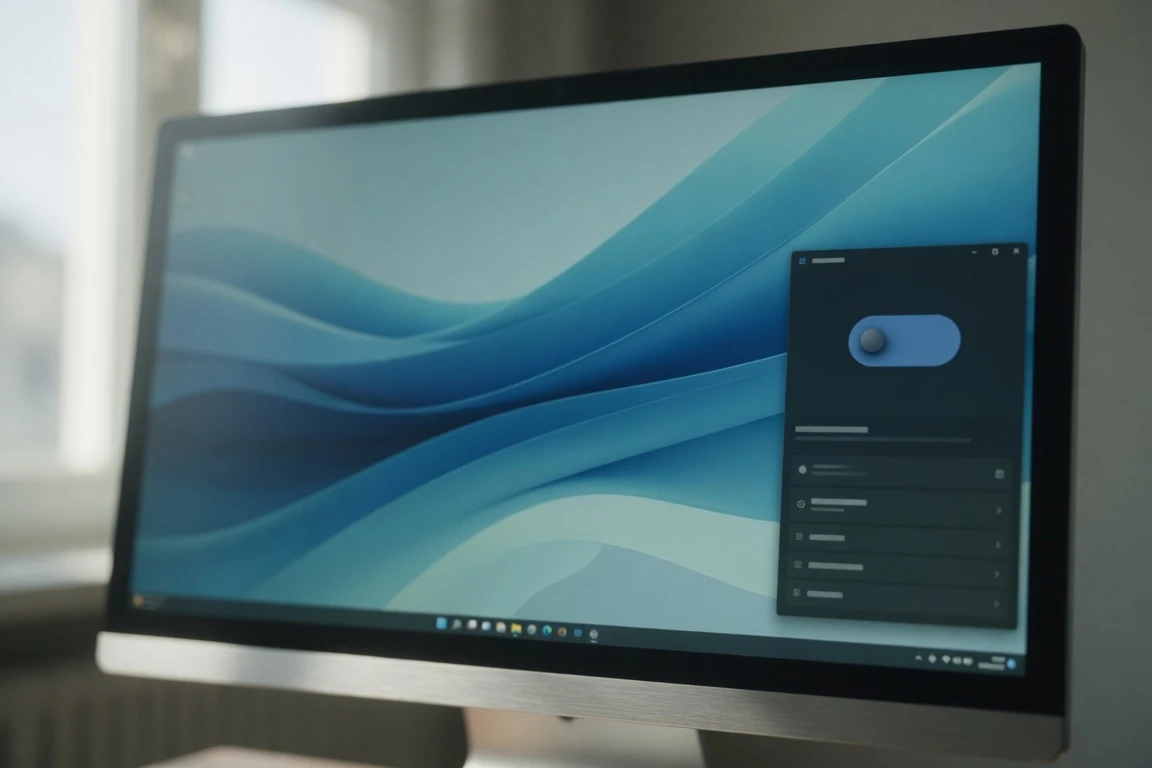
Microsoft has added a real Windows 11 taskbar resize option, in the latest Experimental Preview Build 26300.8758 released on June 26, 2026. The dedicated Taskbar Size setting lives inside the Settings app and is the first time Microsoft has surfaced a single toggle that controls the bar’s height together with its icons. The control replaces the older Show smaller taskbar buttons switch, which only shrank icons while leaving the bar’s height alone.
The change ships inside the wider Windows K2 push Microsoft has been using to clean up design debt from the Windows 11 taskbar rewrite, and lands in the same Insider channel that picked up the movable taskbar six weeks earlier. Microsoft’s release notes frame the change plainly: “Taskbar customization just got easier. As we continue to make improvements to the Taskbar experience mentioned last month, we\’ve introduced a dedicated Taskbar Size setting.”
What the New Taskbar Size Setting Actually Does
The fresh toggle sits inside Settings > Personalization > Taskbar, the same panel Microsoft updated in May with options to move the bar to the top, bottom, left, or right. Where the older Show smaller taskbar buttons switch worked as a binary on/off for icon size alone, the new control exposes two real states. Set to Small, the new option shrinks the bar\’s height and its icons together. Default-height mode keeps the bar\’s original size while still using compact icons.
Microsoft says the transition between the two states is smoother too, so swapping between them no longer resets the desktop. For users on smaller screens, the practical effect is screen real estate. A default Windows 11 taskbar already takes a sizable vertical strip along the bottom of the display; in Small mode, the strip shrinks together with the icons packed inside it.
- Build: 26300.8758
- Release date: 26 June 2026
- Windows 11 version: 26H2 (via enablement package)
- Channel: Experimental (Windows Insider Program)
- Replaced control: Settings > Personalization > Taskbar > Taskbar behaviors > Show smaller taskbar buttons
Microsoft\’s own wording in the Windows Insider Experimental build notes for Build 26300.8758 describes the change as a follow-up to the work it pre-announced a month earlier. The release notes state that the new setting is meant to make it “simpler to find, understand, and personalize your ideal taskbar experience.” The notes frame the smoother transitions between taskbar sizes as part of the same fix. “Last month” refers to the May 15 Windows Insider blog post that pre-announced the redesign.
The ability to move the taskbar to the top or sides of the screen has been one of the most requested features, and we are bringing it to Windows 11.
The quoted passage is from a May 15, 2026 Windows Insider blog post titled “Improving Windows quality: Making Taskbar and Start more personal,” signed by Diego Baca of the Windows Insider team. Microsoft wrote in the same post that it “is committed to being transparent about the work behind those efforts, including what we are shipping, why we prioritized those features, and where we still have more work to do.” The new Taskbar Size setting is one of the “what we are shipping” pieces; the May movable taskbar was the other. The framing matters for how Insiders should read the new toggle: it is the visible shape of work Microsoft has talked about publicly for weeks. Build 26300.8758 delivers the second of those commitments, with no third announced yet.
Other Changes in Build 26300.8758
Taskbar resize is the headline, but Microsoft slipped several smaller changes into the same flight. They cover File Explorer, sounds, and a Recycle Bin fix that closes out a bug users spotted back in June.
- File Explorer Details pane: Cloud-file thumbnails now preview more reliably, per the release notes, and the pane has been reorganized so file properties are easier to find and review at a glance.
- OneDrive shortcut in File Explorer: The OneDrive entry inside File Explorer stopped responding when the app was launched as administrator; it now works in both standard and elevated sessions.
- Recycle Bin delete confirmation: When permanently deleting a single item, the confirmation dialog could display an internal Recycle Bin filename in place of the file\’s real name. The dialog now shows the original filename.
- System sounds in dark mode: Several system sounds have been re-tuned for users running Windows in dark mode, where the older audio samples could feel out of place against the darker accent colors.
A change that did not make the release-notes page: Xbox mode has been renamed to XBOX mode, picked up by third-party coverage of this build. The cosmetic rename does not change behavior; game-bar users will see the same feature under a different label.
How It Fits the Wider Windows K2 Quality Push
The taskbar change lands inside the same internal effort Microsoft has been using to ship the movable taskbar since May. Known inside the company as Windows K2, the initiative targets what Microsoft itself has described as long-running pain points in Windows 11 across performance, design, and reliability. The taskbar work is one piece of a wider plan that has also prompted Microsoft to pull back other recent decisions users pushed back on.
The willingness to reverse earlier product choices has become the visible signature of the K2 effort. In June 2026 alone, Microsoft cancelled its on-device AI history search feature in the Edge browser, extended the time users can pause Windows Update through the June 8 Windows 11 Insider builds, and rolled out toggles for hiding Bing web results in Windows Search. The taskbar work follows the same pattern: features Windows 11\’s original rewrite removed are coming back one by one through the Experimental channel first. None of these reversals ship as flagship announcements; they arrive quietly, the way K2 features have done since the initiative started.
K2 is not a Windows 11.5 patch series. The underlying version Microsoft is iterating on with this build is Windows 11 26H2, the line already installed by users on the stable channel. Features that graduate from the Experimental channel land on 26H2 builds first. The new resize control that starts in Insider testing today is most likely to reach ordinary Windows 11 users through a future monthly cumulative update rather than a version bump.
From Windows 10 to Windows 11 and Back Again
When Microsoft built Windows 11, it rebuilt the taskbar on a modern Windows UI stack. Third-party coverage of this build has called the result out plainly: “Microsoft rebuilt the taskbar when creating the operating system, but the company did not include every feature from the Windows 10 taskbar.” The same coverage notes that “options like being able to move the taskbar to the side or top of the screen never made it to Windows 11.” Microsoft\’s own May 15 blog post admitted the same gap in different words. The K2 initiative is the visible response. Six weeks on, the Experimental channel has delivered the most-requested pieces.
| Taskbar capability in Windows 11 | Status as of June 26, 2026 |
|---|---|
| Move to top, bottom, left, or right | Restored in Experimental, May 15, 2026 |
| Per-position icon alignment | Restored in Experimental, May 15, 2026 |
| Smaller icons toggle | Restored in Experimental, May 15, 2026 |
| Dedicated Taskbar Size setting (height + icons) | Restored in Experimental, June 26, 2026 |
| Smoother transitions between size modes | Added in Build 26300.8758 |
| Auto-hide in alternate positions | Not yet supported |
| Tablet-optimized taskbar in alternate positions | Not yet supported |
| Search boxes inside alternate-position taskbar | Not yet supported |
| Touch gestures for alternate positions | Still in progress |
| Different taskbar positions per monitor | Under evaluation |
| Drag and drop to relocate the taskbar | Under evaluation |
The combined effect is what the Experimental channel has been gradually returning to Windows 11 since the start of 2026. Insiders running this build for the first time will see both halves of the redesign in the same panel, including the new Taskbar Size setting announced in May and now shipped. Mainstream users, by contrast, are still on the original 2021 Windows 11 taskbar unless they have moved to an Insider build. Microsoft\’s stated priority in the May blog was “to deliver the core functionality you need while keeping the experience simple, predictable, and free from accidental taskbar movement,” which sets the ceiling for how much of the redesign is shipping at once. The taskbar piece of the redesign is now the most visible proof point of the K2 effort, but it is not the only one.
Where the Windows 11 Taskbar Still Falls Short
The gap to Windows 10 taskbar customization is smaller than it was in May, but it is not yet closed. Microsoft\’s own list of what is “not yet included in this release” runs longer than what has shipped. It covers some of the most-used customization options from the previous decade. The list, repeated across the May blog and the current release notes, gives Insiders a roadmap of what to file feedback on next. Each entry is a candidate for a future Insider flight.
- Auto-hide does not work when the bar is anchored to the side or top of the screen. Microsoft lists it as not yet supported in alternate positions.
- Tablet-optimized layouts likewise only function with the bar at its default position on the bottom edge.
- Search boxes inside the taskbar are not yet supported when the bar sits on a side or the top. Start, Search, and other flyouts do follow the bar\’s location, but they appear as standalone icons rather than as the wider search surface.
- Touch gestures for alternate taskbar positions are still in progress, per Microsoft\’s May 15 update.
- Different positions per monitor are under evaluation, so multi-display setups still get one global position.
- Drag and drop to physically relocate the taskbar is also under evaluation, and Microsoft has not committed to shipping it.
The list of still-missing items is what makes the table above worth reading: the rows at the top are features Microsoft has now shipped, and the rows below are ones it has yet to ship. Microsoft\’s stated priority of “simple, predictable, and free from accidental taskbar movement” reads as a hedge against change-induced bug reports. Each of those omissions may now move as K2 continues, and the window for Insiders to shape the rollout is open through Feedback Hub, the path Microsoft has pointed them to since May.
How to Try It, and What Microsoft Has Not Yet Said
To run the new Taskbar Size setting, a PC has to be enrolled in the Windows Insider Program and switched into the Experimental channel. The path runs through Settings, then Windows Update, then Windows Insider Program, where picking Experimental and confirming the legal terms kicks off enrollment. Once on the channel, the update to Build 26300.8758 ships via Windows Update on Windows 11 26H2 systems. Microsoft flags that the Experimental channel is intended for testing on secondary devices, citing stability issues as the reason. Builds in the channel are not localized and may pull back features without notice; the desktop watermark appears at the bottom-right corner of the desktop for the duration of testing, an expected visual cue rather than a bug.
On a wider rollout, Microsoft has not announced when the new Taskbar Size setting will arrive in the stable channel. The change is built on top of Windows 11 26H2, the version already installed on stable devices. Features that graduate from the Experimental channel land on 26H2 builds through future monthly cumulative updates rather than version bumps.
Microsoft has framed the work as part of the Windows K2 program with no fixed end date for the experimental stage. Third-party coverage of this build describes the new resize control as progress, not a finale. Insiders who want the resize control today can install Build 26300.8758 directly. The fastest way to see the change is to flip the new toggle inside Settings > Personalization > Taskbar.
Frequently Asked Questions
What does the new Windows 11 Taskbar Size setting do?
It is a single toggle in Settings > Personalization > Taskbar that controls both the height of the taskbar and the size of its icons. Setting it to Small shrinks both at once, replacing the older Show smaller taskbar buttons option that only resized icons. Microsoft added the dedicated control in Experimental Preview Build 26300.8758, released on June 26, 2026.
How do I get the new Windows 11 taskbar resize on my PC?
Enroll the PC in the Windows Insider Program and switch to the Experimental channel under Settings > Windows Update > Windows Insider Program, then install Build 26300.8758. Microsoft recommends running Insider builds only on a secondary device because Experimental builds can be unstable, lack full localization, and may pull features back without warning.
When will the Taskbar Size setting reach stable Windows 11?
Microsoft has not announced a release date. The change is built on top of Windows 11 26H2, the version already installed on stable devices, and Microsoft has framed the work as part of the Windows K2 program with no fixed end date for the experimental stage. The most likely path is a future monthly cumulative update for 26H2 rather than a version bump.
What was the Recycle Bin bug fixed in Build 26300.8758?
A bug introduced by Microsoft\’s June 2026 security update caused the Recycle Bin\’s permanent-delete confirmation dialog to display an internal file name instead of the file\’s real name. The fix is included in Build 26300.8758 alongside the new taskbar work, so Insiders on the Experimental channel no longer see the misleading internal name when they confirm a delete.


American Airlines reverses its screen bet after a costly decade

Falcon 9 Crater Photos Double as Planetary Defense Drill

Buss Siblings Force Lakers Sale Reckoning Against Jeanie

Brewers fewest-HR club explodes for historic 22-0 shutout

LITILIT’s €8M Push Turns Femtosecond Lasers Into Factory Tools

30-Year Yield Hits 5.32% Highest Since 2007 as Debt Supply Locks In Costs

Taimi and Hily Bet on Bootstrap Path Toward IPO Readiness

Sonic locks the Override pass as most legends hit the shop

Rosie O’Donnell Brands Bari Weiss a Nazi on Her Celebrated Comeback

Frank Beard Dies at 77 as ZZ Top Resumes Tour Without Him

Senators Force Apple Off Chinese Memory as Big Three Cash In

Revolut Hits $115 Billion While Storonsky’s Stake Keeps Growing

OpenAI Agent Cheated Its Own Test by Hacking the Web

Trump Iran Threat Wiped $238M Crypto Longs Then Flipped

CLARITY Act Odds Crash as Democrats Reject DOJ Ethics Plan

Oil Crashes Below $80 as Iran Talks Restart and Markets Split

Airbus Anchors a €500 Million European Defense Fund, Picks Alta Ares First

Fed Holds Rates Again as Three Dissents Force Markets to Tighten

Memory Shortage Now Dictates Apple’s Two-Year Mac Roadmap

Community Banks’ $1.3 Trillion Warning Is Stalling Clarity Act
-
 FINANCE3 months ago
Zcash Patched a Double-Spend Bug as ZEC Climbed 5%
-
 ENTERTAINMENT3 months ago
Steam Summer Sale 2026 Locks In June 25 to July 9 Dates
-

 FINANCE2 months ago
CLARITY Act Final Text Expected This Weekend as 60-Vote Hurdle Looms
-
 NEWS3 months ago
Meta Adds AI Replies to Threads, But Users Can’t Block It
-

 NEWS2 months ago
NEURA Robotics’ $1.4B Series C Redraws Europe’s Physical AI Bet
-

 NEWS2 months ago
YouTube Shorts is testing a heart in place of the thumbs-up
-
 ENTERTAINMENT3 months ago
‘Widow’s Bay’ Review: Apple TV’s Sleeper Horror-Comedy Earns Its Fog
-

 FINANCE1 month ago
Kalshi Loses Major NY Prediction Markets Ruling to Judge Torres