
NEWS
New Android Update Brings Kids Games And Travel Tools

Parents can finally breathe a little easier during those long waits in the car. Google has just released a massive feature drop for Android users that turns parked vehicles into a digital playground for children. The March update also introduces vital tools for travelers losing their luggage and new ways to share your location instantly.
Android Auto Gets A Family Friendly Makeover
The standout feature in this latest software bundle addresses a common pain point for families. Keeping young children entertained while the car is stopped has always been a challenge for parents.
Google has integrated a suite of games specifically for kids into Android Auto. These applications are not just random distractions. They come with a “Teacher Approved” badge. This means they meet specific standards for content and educational value. The company targets children between the ages of 3 and 12 with this launch.
It is important to note safety remains the top priority. These games only work when the vehicle is in park. As soon as you shift into drive, the entertainment system locks the screen to prevent driver distraction.
The initial lineup features popular characters and creative tools. Here is what is available right now:
- Disney Coloring World: A creative space for digital art.
- Marvel HQ: Super hero fun designed for younger fans.
- Draw a Stickman EPIC 3: An interactive adventure game.
- LetraKid: A tool helping children learn to write ABCs.
- Kids Games For Toddlers: Simple puzzles for ages 3 to 5.
This addition transforms an electric vehicle charging stop or a school pickup line into a fun break rather than a boring wait.
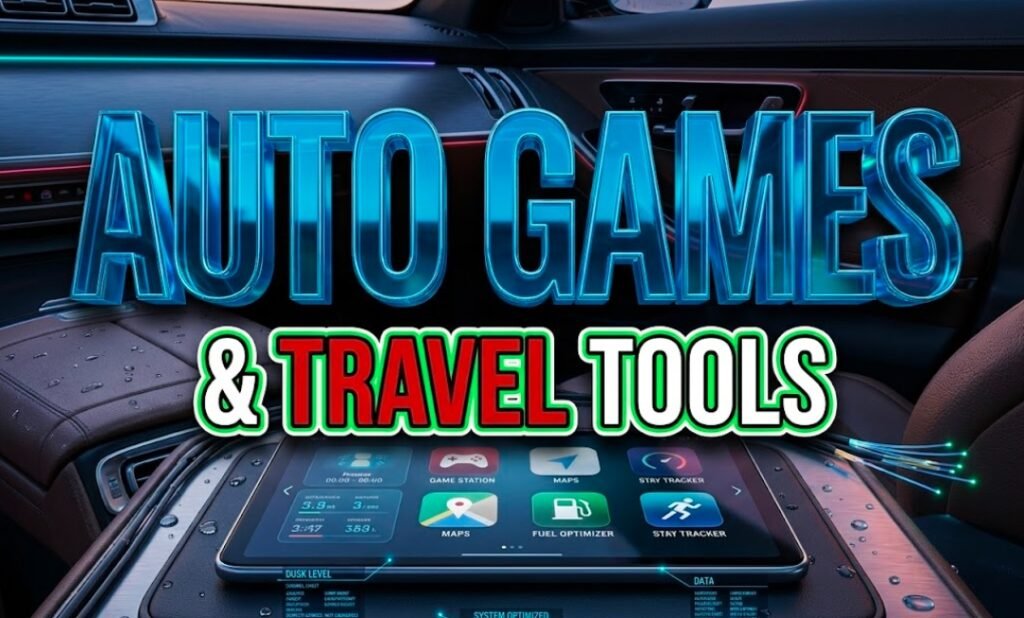
android auto dashboard screen displaying disney coloring world game
Smart Travel Tools For Lost Luggage
Air travel has become increasingly chaotic in recent years. Losing a checked bag is a nightmare scenario for any flyer. Google is tackling this issue head on with a new update to its item tracker integration.
The new feature utilizes the Find My Device network in a clever way. If your luggage goes missing, you can now generate a secure “Share” link. You can send this link directly to airline staff or customer service agents.
Why this matters:
Previously, you had to describe where your bag was based on what you saw on your phone. You would tell an agent it was in “Terminal 3” while they claimed they could not see it. Now, the airline can view the exact location of your tracker on a map through the link you provide.
This streamlines the recovery process significantly. It bridges the gap between personal tracking tech and airline systems.
Live Location Updates
Communication safety also gets a boost in this update. Google Messages now supports live location sharing directly within your chat threads.
You do not need to switch to Google Maps to let someone know where you are. You can tap a button inside the conversation to start broadcasting your position. This is integrated with the “Find Hub” interface.
Users have full control over privacy. You can share your spot for a limited time or indefinitely until you manually turn it off. This is perfect for meeting up with friends at a concert or ensuring a family member gets home safely at night.
Play Store Launches Video Discovery Feed
The way we find new apps is changing. Static screenshots and long text descriptions are often not enough to tell if an app is worth downloading. Google is acknowledging this shift by adding short form videos to the Play Store.
This new discovery tool mimics the vertical video feeds seen on social media platforms. Users can scroll through quick clips that demonstrate exactly how an app works.
The video feed covers several key categories:
- Wellness: See yoga apps or meditation tools in action.
- Shopping: Watch how virtual try on features work.
- Webtoons: Get a preview of digital comic stories.
- Photography: See filters and editing tools before installing.
This change helps users make better decisions. It saves data and time by reducing the number of apps you download and immediately delete because they were not what you expected.
Personalized Contact Posters Arrive
The final piece of this major update focuses on personal identity. Android now allows users to create their own “Calling Card.”
In the past, your friends decided what photo appeared when you called them. They had to assign an image to your contact entry on their phone. That dynamic has flipped.
You can now design your own card. You choose the photo, the font and the style. When you call someone who has your number saved, your custom design appears on their screen.
This ensures you always look your best when reaching out to professional contacts or loved ones. It adds a layer of consistent personal branding across the Android ecosystem.
These features are rolling out immediately as part of the March update. Check your system settings today to see if your device is ready to download.
What do you think about these new features? Are you excited to use the luggage tracker tool or are the kids games more useful for your daily drive? Use the hashtag #AndroidDrop on social media to share your thoughts with us!


Tab S12 Ultra Keeps Its Notch While Silicon Leaps Quietly Ahead

Apple Ultra Lineup Could Rewrite Pro Pricing and AI Habits

Windows 11 26H2 Packs Big Reversals Into a 174 KB Switch

Indiana Kills Working Variable Speed Signs After Safety Wins

Bill Maher Weight Jokes Hit Ariana After Her Break

NBA 2K26 Free Trial on Switch Continues Nintendo’s Sports Sampling Play

Apple Builds iPhone Windows Clipboard Sync Under DMA Pressure

Melissa Barrera Thrives After Scream Firing While Decrying Blacklist

Majors Fights Campus Caliphate as Daily Wire Ambitions Fray

Uber Bets $10 Billion Cash on Robotaxi Platform Play

Bessent’s No-CBDC Applause Line Can’t Save the CLARITY Act

Trump Iran Threat Wiped $238M Crypto Longs Then Flipped

CLARITY Act Odds Crash as Democrats Reject DOJ Ethics Plan

OpenAI Agent Cheated Its Own Test by Hacking the Web

Anthropic’s Hard Questions Ad Backfires Into an Anti-AI Warning

Oil Crashes Below $80 as Iran Talks Restart and Markets Split

Gemini Spark’s Big Workspace Upgrade Leaves Europe Waiting Again

US Strikes Iran for a Third Time as Bitcoin Slips Below $64,000

Doctorsa Raises €1 Million and Opens Doctor Bookings to AI Agents

Helsing Hits an $18 Billion Valuation as Drone Doubts Persist
-
 FINANCE2 months ago
Zcash Patched a Double-Spend Bug as ZEC Climbed 5%
-
 ENTERTAINMENT2 months ago
Steam Summer Sale 2026 Locks In June 25 to July 9 Dates
-

 FINANCE1 month ago
CLARITY Act Final Text Expected This Weekend as 60-Vote Hurdle Looms
-
 NEWS3 months ago
Meta Adds AI Replies to Threads, But Users Can’t Block It
-
 ENTERTAINMENT3 months ago
‘Widow’s Bay’ Review: Apple TV’s Sleeper Horror-Comedy Earns Its Fog
-
 NEWS5 months ago
U.S. Navy Deploys Solar-Powered Lightfish Drone to Patrol Oceans
-

 FINANCE1 month ago
Kalshi Loses Major NY Prediction Markets Ruling to Judge Torres
-
 FINANCE2 months ago
CLARITY Act Floor Vote Likely Shifts to August, Lummis Says