
NEWS
Windows 11 26H2 Packs Big Reversals Into a 174 KB Switch
The 2026 Windows 11 update is a 174 KB enablement package restoring the movable taskbar and local search while defaulting cloud recovery for managed PCs.

Windows 11 version 26H2 is set to ship around October 2026 as a 174 KB enablement package that flips features already sitting on 24H2 and 25H2 PCs. The update restores a movable taskbar Microsoft removed at Windows 11 launch in 2021, prioritizes local search results, and turns cloud recovery defaults on for eligible managed devices outside the EU.
That tiny package size is the story. What used to require multi-gigabyte OS swaps now finishes after one reboot because 24H2, 25H2 and 26H2 share the Germanium code base.
The 174 KB Package That Resets the Clock
Microsoft confirmed the shared servicing model in its June IT Pro guidance. Devices already on 24H2 or 25H2 receive small enablement package instead of a full OS replacement. The install behaves like a monthly cumulative update.
Windows Latest reported the package weighs 174 KB once recent cumulatives have staged the dormant code. A full jump from an older branch such as 23H2 still pulls roughly 6.5 GB. The difference is three-thousandths of one percent.
- 174 KB enablement package for 24H2/25H2 systems
- One restart typical completion time measured in minutes
- Germanium shared branch with identical security and quality updates
- Support reset to 24 months Home/Pro or 36 months Enterprise/Education
Features arrive continuously through monthly updates and simply get switched on. The version number mainly restarts the support clock. Organizations can treat the move like any other quality release and keep existing compatibility validation.
Because the dormant code is already present, the enablement step does not rewrite the OS image or replace core binaries. It flips feature flags and updates the displayed version string. That is why the install path matches a cumulative update rather than a feature upgrade.
The same platform approach already powered the 25H2 step. This shared Germanium platform with 25H2 keeps the pattern intact for another year.
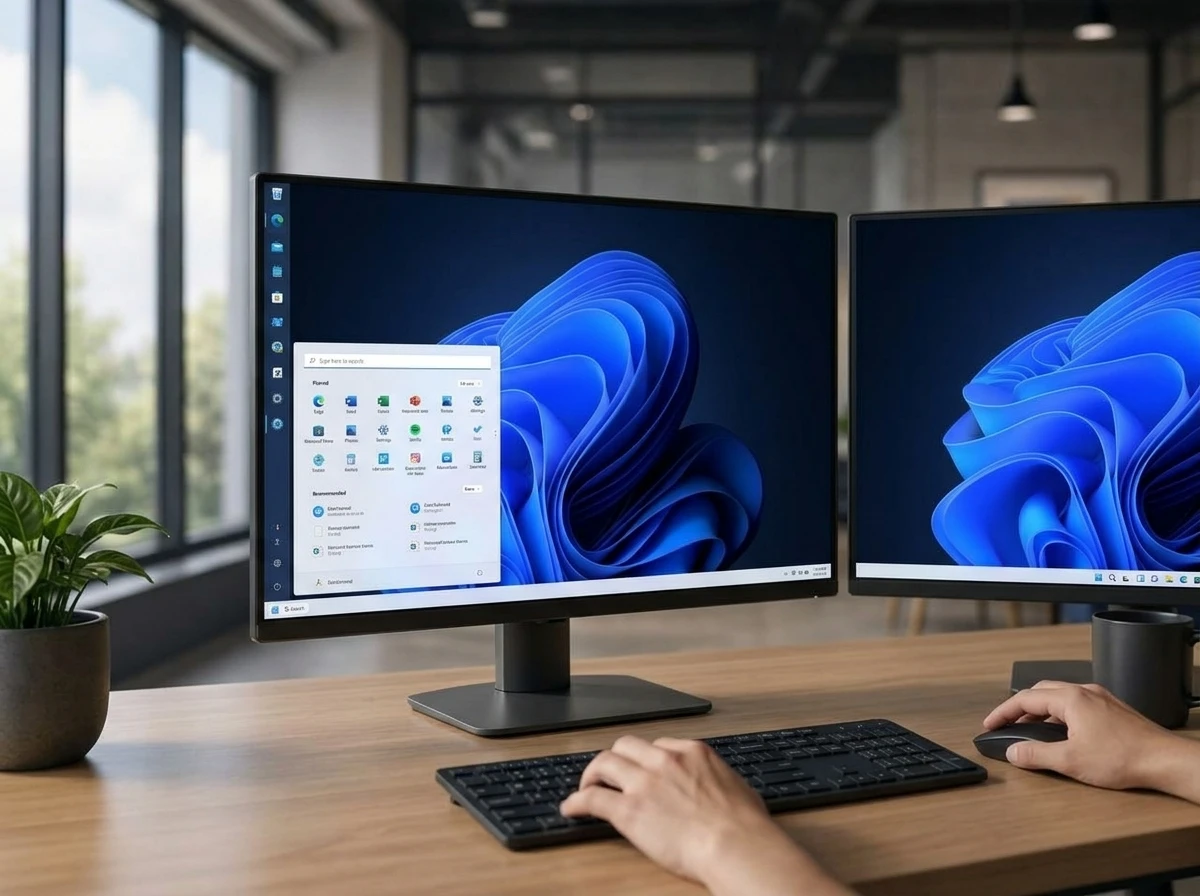
Taskbar Returns to Any Screen Edge
The most visible change for everyday users is the taskbar. It can sit on the top, bottom, left or right edge again. A smaller layout with reduced icon sizes is also available.
Windows 10 and earlier allowed free placement. Windows 11 locked the bar to the bottom when the shell was redesigned in 2021. Users complained for years. Third-party tools filled the gap. Now the native option is coming back.
- 2021 Windows 11 launch locks the taskbar to the bottom edge
- Years following users adopt third-party tools to restore free placement
- 2026 Microsoft tests native edge placement in Experimental channel builds
- October 2026 26H2 enablement package turns the option on for mainstream devices
The interface adapts. Place the taskbar at the top and the Start menu plus search panel open downward. Side placements shift the related flyouts accordingly. Microsoft has been testing the behavior in Experimental channel builds throughout 2026.
Power users who keep multiple monitors or prefer vertical bars will notice the difference immediately. The change also arrives with Start menu size presets and toggles that hide or show the Pinned, Recent and All apps sections. A privacy toggle can hide account details during screen sharing.
For deeper context on the restoration path see our earlier details on the movable taskbar return.
Search Finally Behaves Like Local Search
Windows Search is being reworked to favor apps, settings and local files over web and Microsoft Store results. The layout cleans up. A dedicated switch turns web results off completely.
That local-only mode matters more to developers, admins and power users than any visual polish. Predictable results without web suggestions or Store promotions reduce noise. Microsoft is also testing Ask Copilot as a parallel AI option inside the same surface.
The shift continues a longer cleanup. An earlier Windows 11 Search overhaul that dropped ads already removed one major complaint. The 26H2 controls push the experience further toward utility.
Results still surface when web content is useful, but the default ranking and the off switch put the user back in charge. Local hits rise first. Web and Store content stay available when they help, yet they no longer crowd the list by default.
Admins who script or document search behavior gain a clearer baseline. The off switch removes a variable that used to change result order without warning. That predictability is the practical gain for technical users.
Cloud Recovery Defaults Hit Managed Devices
The enterprise side of 26H2 is quieter and more consequential. Windows settings backup and restore (formerly Windows Backup for Organizations) turns on by default for eligible Microsoft Entra devices outside the EU Digital Markets Act region.
Those systems automatically save configuration settings and the Microsoft Store app list. After a reset, reimage or hardware swap the device can return to a familiar state. Personal files stay on OneDrive folder backup. Actual restore still needs separate admin setup; the change only expands what gets backed up by default.
Two related recovery tools mature at the same time.
| Feature | Default in 26H2 | Scope |
|---|---|---|
| Settings backup (Backup for Organizations) | On | Eligible Entra managed, non-EU DMA |
| Point-in-time restore | On for managed with space | Enterprise/Education and managed Pro; 200 GB+ OS volume preferred |
| Cloud Rebuild | Available | WinRE or elevated; downloads OS + drivers from Windows Update |
Point-in-time restore defaults and configuration capture full system state (OS, apps, settings, local files) roughly every 24 hours and retain them up to 72 hours within a 2 percent disk limit. Unmanaged Home and Pro devices already defaulted to On; managed systems flip with 26H2.
Cloud rebuild full OS reinstall from Windows Update can run even when Windows will not boot. It pulls a clean image plus device drivers, then hands managed machines back to Autopilot, Intune and Backup for Organizations during OOBE. Local data is wiped; cloud-stored content is not.
Together the three tools cut downtime for fleets that previously relied on custom images or USB media. Settings backup restores the configuration layer. Point-in-time restore reaches further when a recent snapshot exists. Cloud Rebuild covers the case where the OS itself will not start.
The EU DMA carve-out keeps European managed fleets on the prior opt-in model for settings backup. Outside that region the default expands coverage without a separate policy push. Admins still control restore, yet the capture side no longer waits for manual enablement.
Copilot Slips Deeper Into Explorer and Security Tightens
Copilot moves beyond a separate sidebar. It appears inside Search and gains a dockable side panel in File Explorer for file finding and folder navigation. The integration turns everyday file work into an AI-assisted surface.
Other quality-of-life items include a modernized optional Run dialog with a classic toggle for IT pros who prefer the old box. Windows Security adds Administrator Protection that swaps the usual UAC prompt for Windows Hello authentication on elevated tasks.
Most of these land through cumulative updates on 24H2 and 25H2 long before the 26H2 label appears. The enablement package simply unifies the version number.
- Dockable Copilot panel in File Explorer
- Optional modern Run dialog with classic fallback
- Administrator Protection via Windows Hello
- Start menu section toggles and account privacy hide
Hardware requirements stay identical. Any PC that runs 24H2 or 25H2 can take 26H2. The sole exception is Arm devices on the separate 26H1 Bromine release built for newer Snapdragon X2-class chips. Those skip 26H2 and target 27H2 in 2027.
Because the features ride monthly cumulatives first, the 26H2 stamp mainly aligns branding and support dates. Devices that already received the underlying updates see little new binary change on enablement day. The label still matters for inventory and lifecycle tracking.
Support Windows Stretch Into 2028 and 2029
Installing 26H2 resets the support timer. Home and Pro editions receive 24 months. Enterprise, Education and related editions receive 36 months. New deployments therefore stay supported into 2028 or 2029 depending on edition and release month.
| Edition group | Support length after 26H2 | Typical end window |
|---|---|---|
| Home and Pro | 24 months | Into 2028 |
| Enterprise, Education and related | 36 months | Into 2029 |
Rollout follows the recent pattern of late September or October general availability after Experimental and Release Preview testing. Many features already reach devices via monthly updates, so the official day is less of a cliff and more of a version stamp.
IT teams can pilot through existing Autopatch, Intune or WSUS rings. Compatibility risk stays low because the underlying code base does not change. Only the newly enabled features need focused validation.
The EU DMA carve-out on default backup leaves European managed fleets on the prior opt-in model for now. Everywhere else the defaults tighten the recovery posture automatically.
Shared Germanium Keeps the Upgrade Path Quiet
The Germanium branch is the mechanism behind the small package. 24H2, 25H2 and 26H2 draw from the same code base, so security and quality updates stay identical across those versions. The enablement package does not need to deliver a new platform. It only activates features already staged by earlier cumulatives.
That design changes how organizations plan. A move from 24H2 or 25H2 to 26H2 looks like another quality release rather than a branch jump. Compatibility validation already performed against the shared platform continues to apply. Teams focus testing on the newly switched features instead of revalidating the entire stack.
Older branches still pay the full cost. A device on 23H2 must pull roughly 6.5 GB to reach the Germanium line. Once there, later version steps shrink to the 174 KB enablement size. The first jump onto the shared branch remains the heavy lift. After that, annual labels become light switches.
Arm devices on the separate 26H1 Bromine release sit outside this path. Those systems, built for newer Snapdragon X2-class chips, skip 26H2 and target 27H2 in 2027. x86 and standard Arm machines already on 24H2 or 25H2 follow the Germanium enablement model without that detour.
Recovery Defaults Narrow the Gap After Failure
The three recovery pieces work as layers rather than rivals. Settings backup captures configuration and the Store app list so a rebuilt device can regain familiar policies and apps. Point-in-time restore reaches further when disk space allows, holding full system state for a short window. Cloud Rebuild covers the hard case where Windows will not boot at all.
- Settings backup restores configuration after reset, reimage or hardware swap
- Point-in-time restore holds OS, apps, settings and local files for up to 72 hours
- Cloud Rebuild pulls a clean image and drivers when the OS is unbootable
Personal files remain outside the settings path and continue to rely on OneDrive folder backup. Cloud Rebuild wipes local data by design. Cloud-stored content returns through the usual sign-in and sync flow once Autopilot, Intune and Backup for Organizations finish during OOBE.
For managed fleets outside the EU DMA region, the default shift means capture starts without a separate enablement policy. Restore still needs admin setup. The net effect is fewer devices that arrive at a recovery event with nothing saved. Downtime drops for organizations that once depended only on custom images or USB media.
Five years after the taskbar was locked down, the same company that removed the option is shipping it back inside a package smaller than most screenshots. The annual Windows update has become a quiet switch and a support milestone. Users get familiar controls again. Managed fleets get stronger recovery by default. The code was already there waiting.


Tab S12 Ultra Keeps Its Notch While Silicon Leaps Quietly Ahead

Apple Ultra Lineup Could Rewrite Pro Pricing and AI Habits

Windows 11 26H2 Packs Big Reversals Into a 174 KB Switch

Indiana Kills Working Variable Speed Signs After Safety Wins

Bill Maher Weight Jokes Hit Ariana After Her Break

NBA 2K26 Free Trial on Switch Continues Nintendo’s Sports Sampling Play

Apple Builds iPhone Windows Clipboard Sync Under DMA Pressure

Melissa Barrera Thrives After Scream Firing While Decrying Blacklist

Majors Fights Campus Caliphate as Daily Wire Ambitions Fray

Uber Bets $10 Billion Cash on Robotaxi Platform Play

Meta’s Muse Spark 1.1 Beats Rivals on Price, Trails on Coding

Bessent’s No-CBDC Applause Line Can’t Save the CLARITY Act

Trump Iran Threat Wiped $238M Crypto Longs Then Flipped

Nintendo’s Switch 2 Battery Fix for Europe Comes With a Catch

CLARITY Act Odds Crash as Democrats Reject DOJ Ethics Plan

Audi’s 2026 S5 Bets That Restraint Beats the Horsepower Wars

OpenAI Agent Cheated Its Own Test by Hacking the Web

Jeff Daniels’ Reagan Role Extends Angel Studios’ Trump Critic Pattern

Oil Crashes Below $80 as Iran Talks Restart and Markets Split

Anthropic’s Hard Questions Ad Backfires Into an Anti-AI Warning
-
 FINANCE2 months ago
Zcash Patched a Double-Spend Bug as ZEC Climbed 5%
-
 ENTERTAINMENT2 months ago
Steam Summer Sale 2026 Locks In June 25 to July 9 Dates
-

 FINANCE1 month ago
CLARITY Act Final Text Expected This Weekend as 60-Vote Hurdle Looms
-
 NEWS3 months ago
Meta Adds AI Replies to Threads, But Users Can’t Block It
-
 NEWS5 months ago
U.S. Navy Deploys Solar-Powered Lightfish Drone to Patrol Oceans
-
 ENTERTAINMENT3 months ago
‘Widow’s Bay’ Review: Apple TV’s Sleeper Horror-Comedy Earns Its Fog
-
 FINANCE2 months ago
CLARITY Act Floor Vote Likely Shifts to August, Lummis Says
-

 FINANCE1 month ago
Kalshi Loses Major NY Prediction Markets Ruling to Judge Torres